

Abandoned object detection
A bag left behind? We notice. Abandoned object detection flags unattended bags and packages the moment they separate from their carrier and stay unclaimed past a configurable dwell time.
- Bags or packages separated from the person who was carrying them
- Objects remaining unclaimed past a configurable dwell-time…
- Unattended items in lobbies, entrances, and public waiting areas
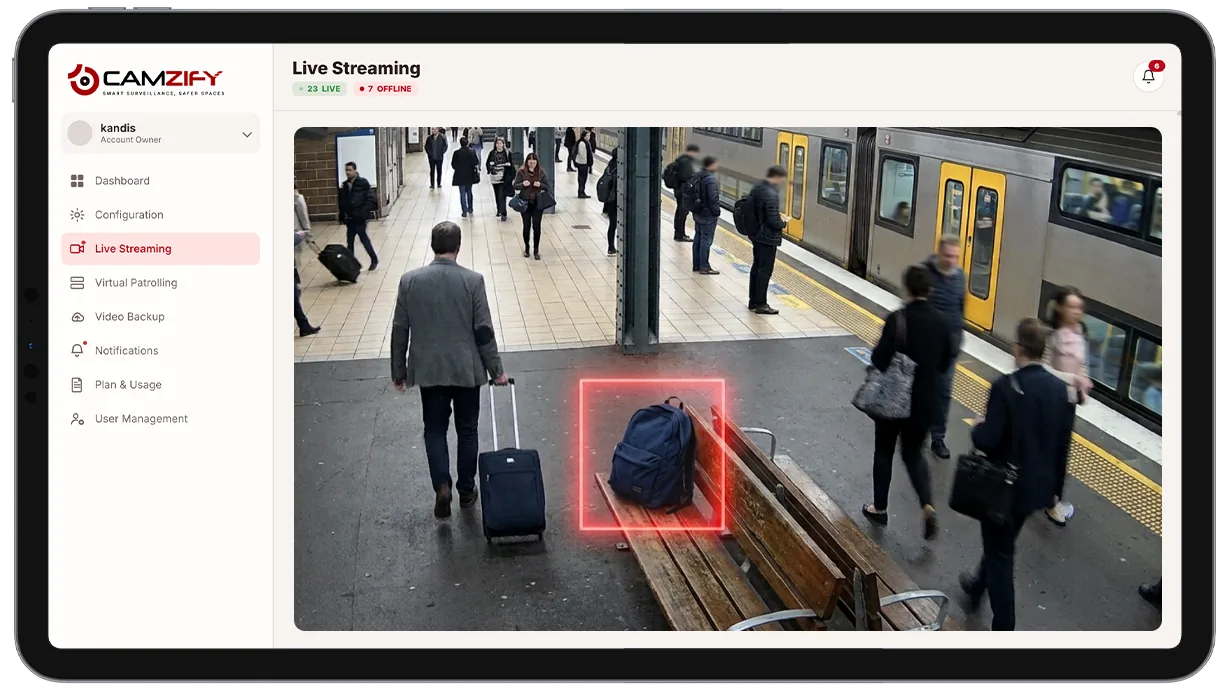
This capability detects and alerts on:
- • Bags or packages separated from the person who was carrying them
- • Objects remaining unclaimed past a configurable dwell-time threshold
- • Unattended items in lobbies, entrances, and public waiting areas
- • Objects left in transit hubs, stations, or other high-traffic public areas
- • Repeated abandonment activity at the same location over time
- • A timestamped clip showing exactly when and where the item was left
Why abandoned object detection matters
An unattended bag in a busy lobby, station, or waiting area is a genuine security concern, but it's also easy to miss. Guards watching a floor in person can't track every bag in a crowded space continuously, and a package that's been sitting alone for several minutes doesn't stand out visually unless someone is specifically looking for it.
The legacy fallback is a staff member or bystander noticing and reporting it, or a security operator spotting it while reviewing footage after the fact across dozens of camera feeds. Both depend on someone happening to pay attention to the right frame at the right time, which does not scale as the number of cameras and the size of the space grows.
Continuous AI monitoring solves this by tracking the association between a person and what they're carrying automatically, the moment it starts a dwell timer as soon as separation happens. The alert fires when the object crosses the configured threshold, no one has to have been watching that exact spot for it to be caught.
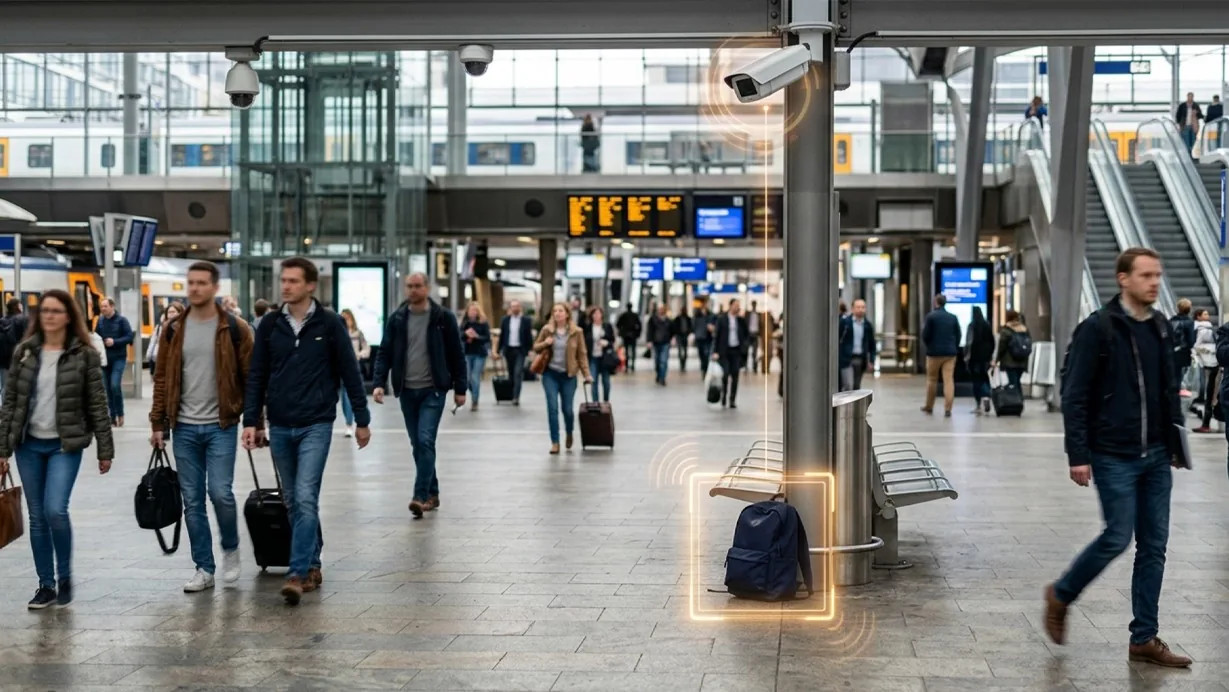
How it works
Associating an object with its carrier
Built on multi-object tracking, the model associates carried objects with the person holding them, maintaining that link frame over frame as they move through the scene.
The dwell timer
When an object separates and its carrier moves away, a dwell timer starts on the object. If it remains stationary and unclaimed past the configured threshold, an alert fires with the object's location, a clip of the moment it was left, and the elapsed dwell time.
Alert delivery
Alerts route through the platform's notification system for the assigned guard to investigate.
Configuration
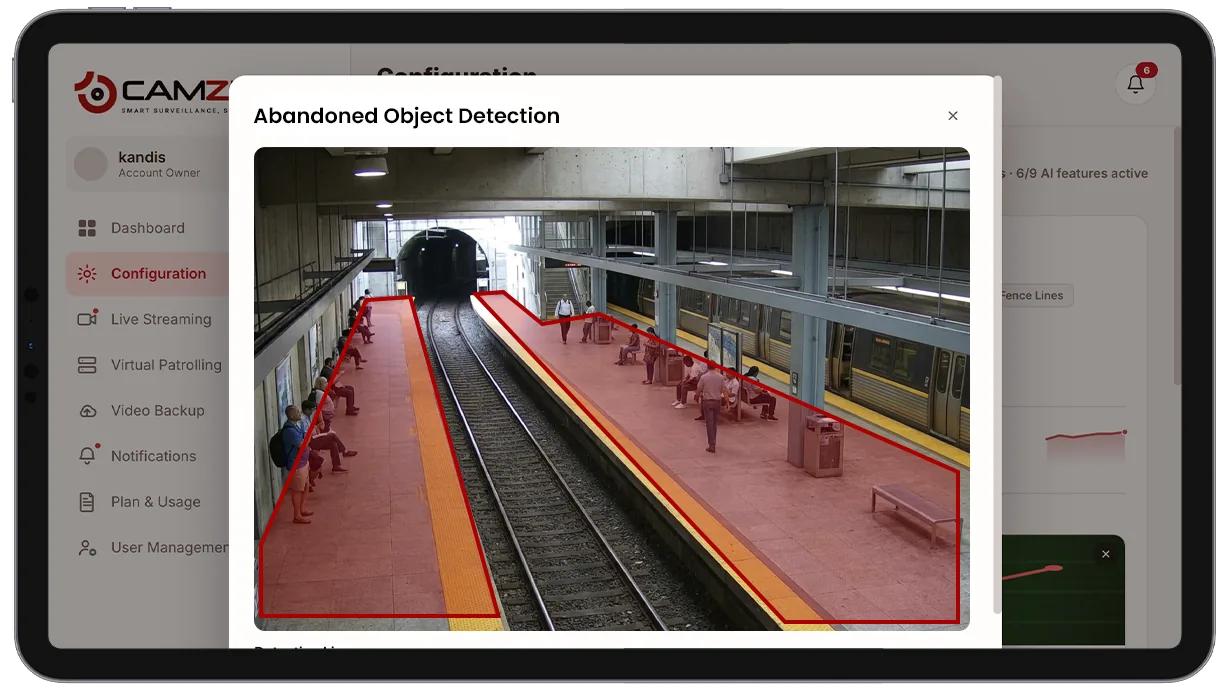
Abandoned object detection is enabled per camera or zone. Configurable options include:
- • Dwell-time threshold before an alert fires
- • Object types monitored, e.g. bags, boxes, packages
- • Zone-specific thresholds, e.g. shorter in high-security areas
- • Notification window per camera: notifications only in the hours you set
- • Per-camera instance licensing
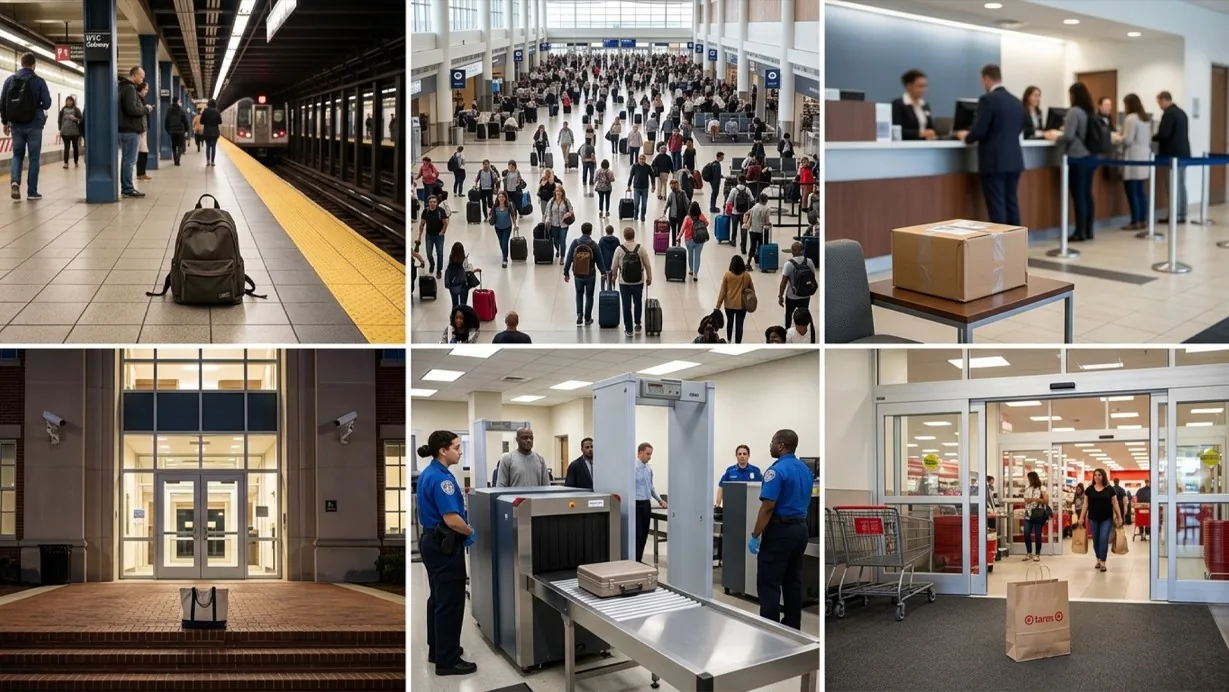
Common scenarios
- • A transit station platform where an unattended bag sits past the dwell threshold
- • An airport or event venue lobby with high foot traffic and many bags in transit
- • A bank lobby where a package left near a teller line triggers immediate review
- • A campus building entrance monitored for unattended items after hours
- • A government building checkpoint with a short dwell threshold for heightened security
- • A retail store where an abandoned shopping bag sits unclaimed near an exit
In a patrol round
During a virtual patrol round, an unresolved abandoned object at a monitored location contributes to the compliance assessment at that camera stop and is logged alongside the checklist results in the patrol report.
Industries using this
Related detections
Frequently asked questions
Ready to patrol your site 24/7?
Book a 15-minute demo and see a live patrol run on your own cameras.