

AI security for multiple sites
Multi-site operators face security challenges that cameras alone cannot solve and manned guards cannot cover consistently. Camzify's virtual patrolling system runs automated AI patrol rounds on your existing cameras — checking every point, flagging failures, and notifying the right person.
- Inconsistent patrol coverage across locations run by…
- No centralized visibility into which sites had checks…
- Camera outages at remote sites going unnoticed for days
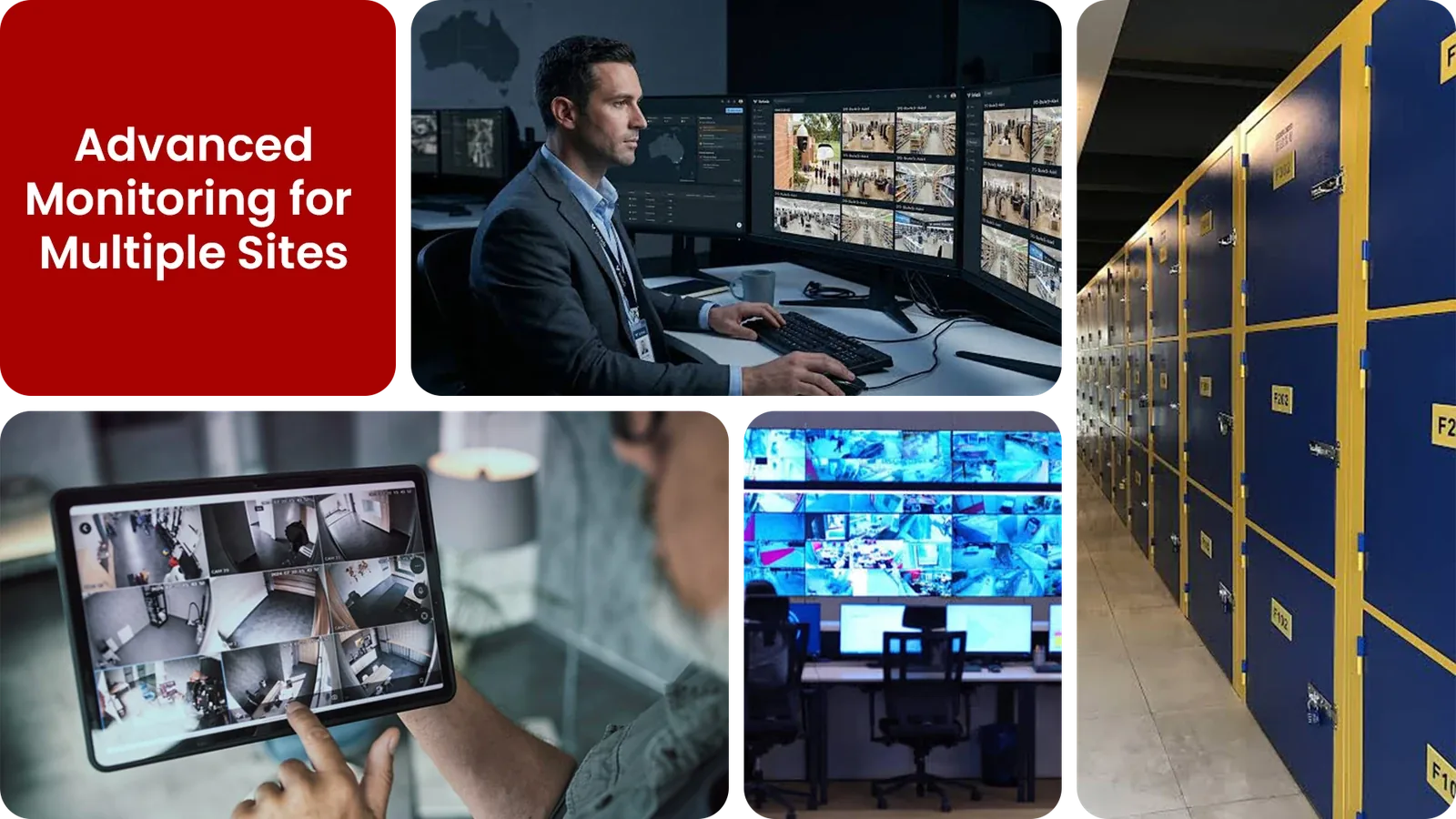
Common multi-site security gaps Camzify closes:
- • Inconsistent patrol coverage across locations run by different local teams
- • No centralized visibility into which sites had checks completed overnight
- • Camera outages at remote sites going unnoticed for days
- • Alert routing that doesn't reach the right contact for each location
- • No standardized audit trail across the portfolio
- • Difficulty scaling guarding coverage as new sites are added
Why multi-site operations need continuous AI monitoring
Running security across many locations usually means stitching together separate guarding contracts, inconsistent camera systems, and local teams who each handle checks their own way. What counts as a completed patrol at one site may be a quick glance at another.
A regional security manager reviewing that patchwork after the fact has no easy way to tell which sites are actually being checked consistently and which are relying on assumption. A camera going offline at a remote location can go unnoticed for days if no one is specifically watching for it.
Continuous AI monitoring standardizes the patrol itself, the same scheduled checks, the same reporting format, and the same alert routing logic applied across every site from one dashboard, so gaps show up immediately instead of being discovered during an incident review.
Three questions multiple sites security teams ask
"Are all 50 locations secure right now?"
Camzify answers this with Zone Intrusion Detection and automated patrol verification.
"Which sites had patrol failures last night?"
Camzify answers this with Camera Tampering Detection and automated patrol verification.
"Can one team manage security across all branches?"
Camzify answers this with Motion Detection and automated patrol verification.
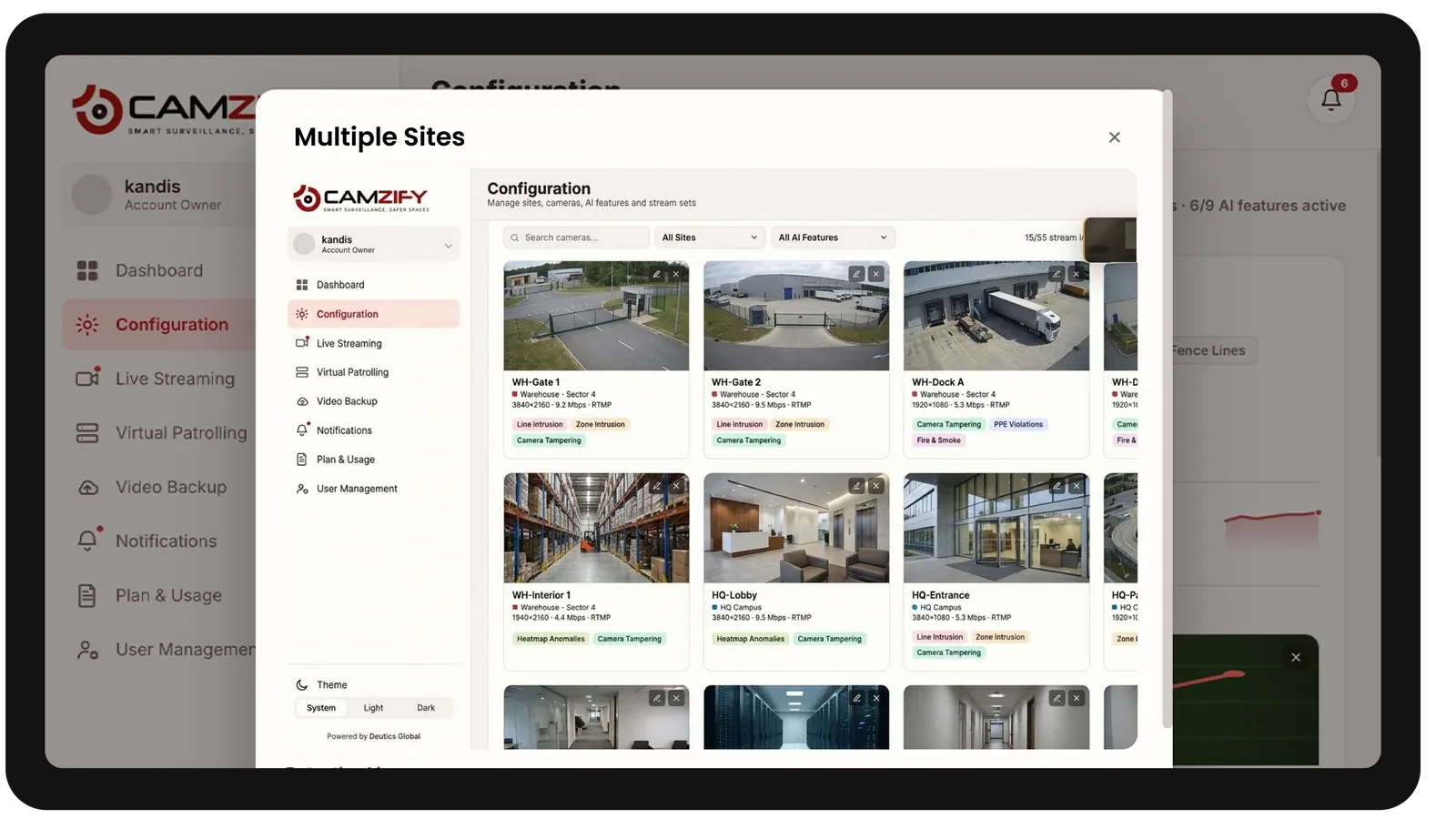
How Camzify works for multiple sites
Building the patrol route
A patrol sequence is set up once per site, ordering every camera stop for that location into a route that runs on a configurable schedule, with every site's routes visible from the same central dashboard.
Checking each stop
At each stop, the AI checks the defined conditions for that camera using Zone Intrusion Detection and Motion Detection — is the area clear, is the boundary intact, is the camera unobstructed — using the same logic regardless of which site the camera belongs to.
Routing the alert
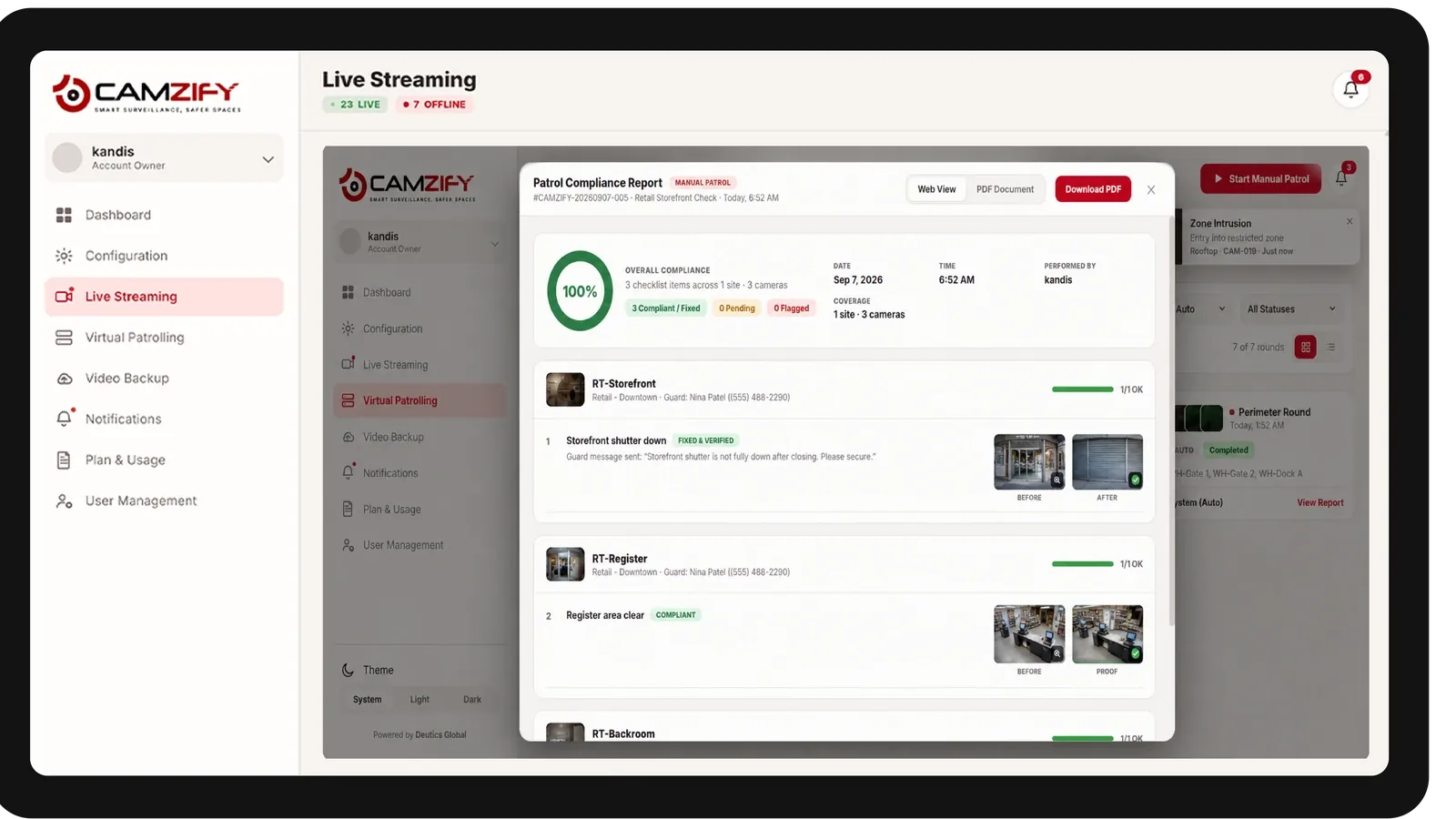
A failed check creates an actionable alert with a snapshot and timestamp, routed to the assigned contact for that specific site, and logged alongside every other result in that round's patrol report.
What to configure for a multi-site rollout
Most multi-site deployments start with:
- • Per-site zones and patrol routes tailored to each location's layout
- • Site-specific alert routing to the correct local or regional contact
- • A consistent patrol schedule template applied across comparable site types
- • Role-based dashboard access for regional managers versus individual site staff
- • Consolidated reporting for portfolio-wide compliance review
Common scenarios
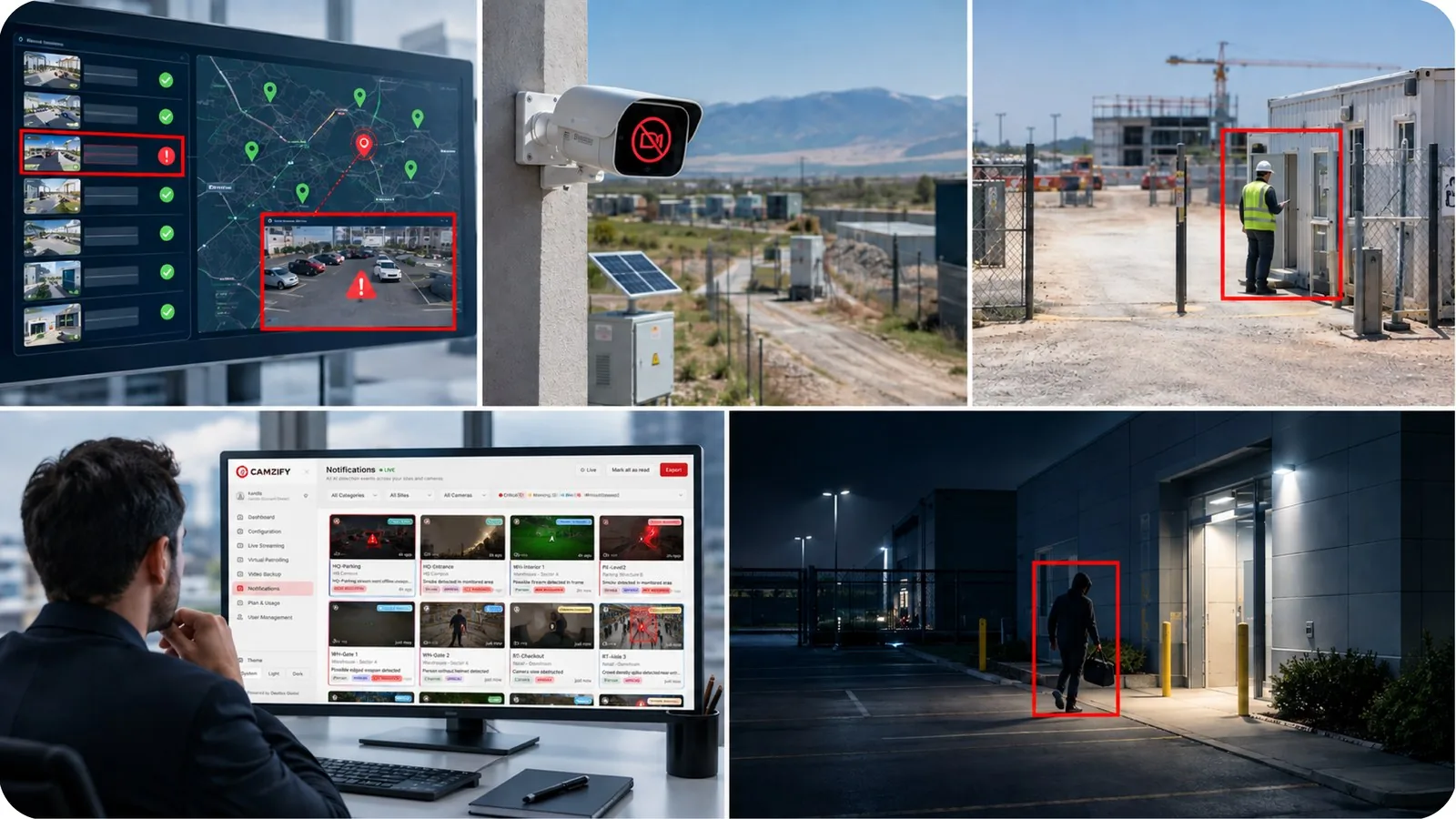
- • One location's patrol reports showing repeated failures compared to the rest of the portfolio
- • A camera going offline at a remote site with no local staff to notice
- • A new site added mid-quarter needing zones configured before go-live
- • A regional manager needing a single report covering every site for a board review
- • After-hours activity flagged at a site outside normal business hours
Deployment notes
Multi-site operations benefit most from Camzify's centralized dashboard, consistent patrol scheduling, and cross-site reporting. One security team can oversee all locations with site-specific configurations.
What a first deployment looks like
- Step 01
Standardize one sequence first
A single site is configured and tuned into an approved template — camera order, checklist wording and escalation contacts — before anything is rolled out more widely.
- Step 02
Replicate and delegate
The template is applied across the estate, with permission groups giving each local contact access to their own site while regional managers retain the combined view.
- Step 03
Compare compliance across locations
Because every site runs an identical checklist, round-completion and compliance percentages become directly comparable, which is what surfaces the underperforming location.
See how the numbers work for your multiple sites facility with the ROI calculator, or review pricing to understand the per-camera licensing model.
AI Features used here
Related use cases
Related industries
Frequently asked questions
Ready to patrol your site 24/7?
Book a 15-minute demo and see a live patrol run on your own cameras.