

AI security for remote sites
Remote sites face security challenges that cameras alone cannot solve and manned guards cannot cover consistently. Camzify's virtual patrolling system runs automated AI patrol rounds on your existing cameras — checking every point, flagging failures, and notifying the right person.
- Unmanned substations, pump stations, or towers sitting…
- Perimeter fence lines with no continuous coverage far from…
- Equipment and material theft going undetected until the next…
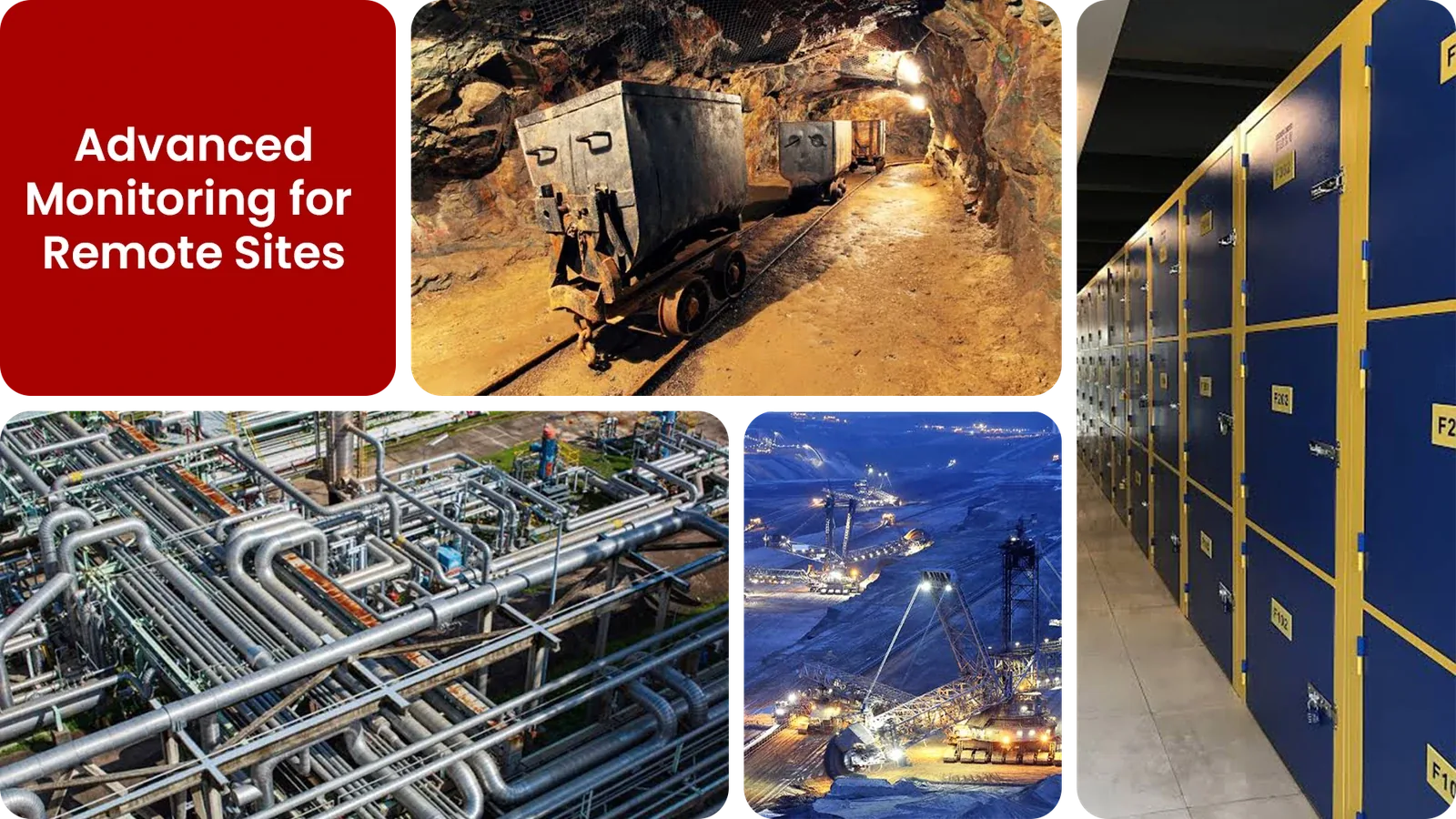
Common remote site security gaps Camzify closes:
- • Unmanned substations, pump stations, or towers sitting unchecked between maintenance visits
- • Perimeter fence lines with no continuous coverage far from any staffed location
- • Equipment and material theft going undetected until the next scheduled visit
- • Limited or unreliable connectivity making constant live monitoring impractical
- • Camera outages at isolated sites going unnoticed for days
- • No audit trail proving a site was actually checked between visits
Why remote sites need continuous AI monitoring
Remote sites, substations, cell towers, pipeline stations, construction laydown yards, solar and wind installations, are, by definition, far from anywhere a guard can be stationed cost-effectively. A maintenance crew or roaming patrol might visit once a day, once a week, or less; everything that happens between visits goes unwitnessed.
Manned guarding doesn't scale to this kind of geography, driving a guard to a remote substation for a nightly check costs far more than the asset being protected is worth in most cases, and even then, one drive-by a night still leaves the rest of the day uncovered.
Virtual patrolling replaces the physical drive with scheduled AI rounds that run on whatever connectivity the site has, cellular, satellite, or a site-to-site link, checking the fence line, the equipment yard, and the access gate on a fixed schedule and flagging anything that doesn't match, without anyone needing to be there.
Three questions remote sites security teams ask
"Is anyone at the unmanned substation?"
Camzify answers this with Zone Intrusion Detection and automated patrol verification.
"Has the perimeter been breached since the last maintenance visit?"
Camzify answers this with Camera Tampering Detection and automated patrol verification.
"Are all cameras online and unobstructed?"
Camzify answers this with Line Intrusion Detection and automated patrol verification.
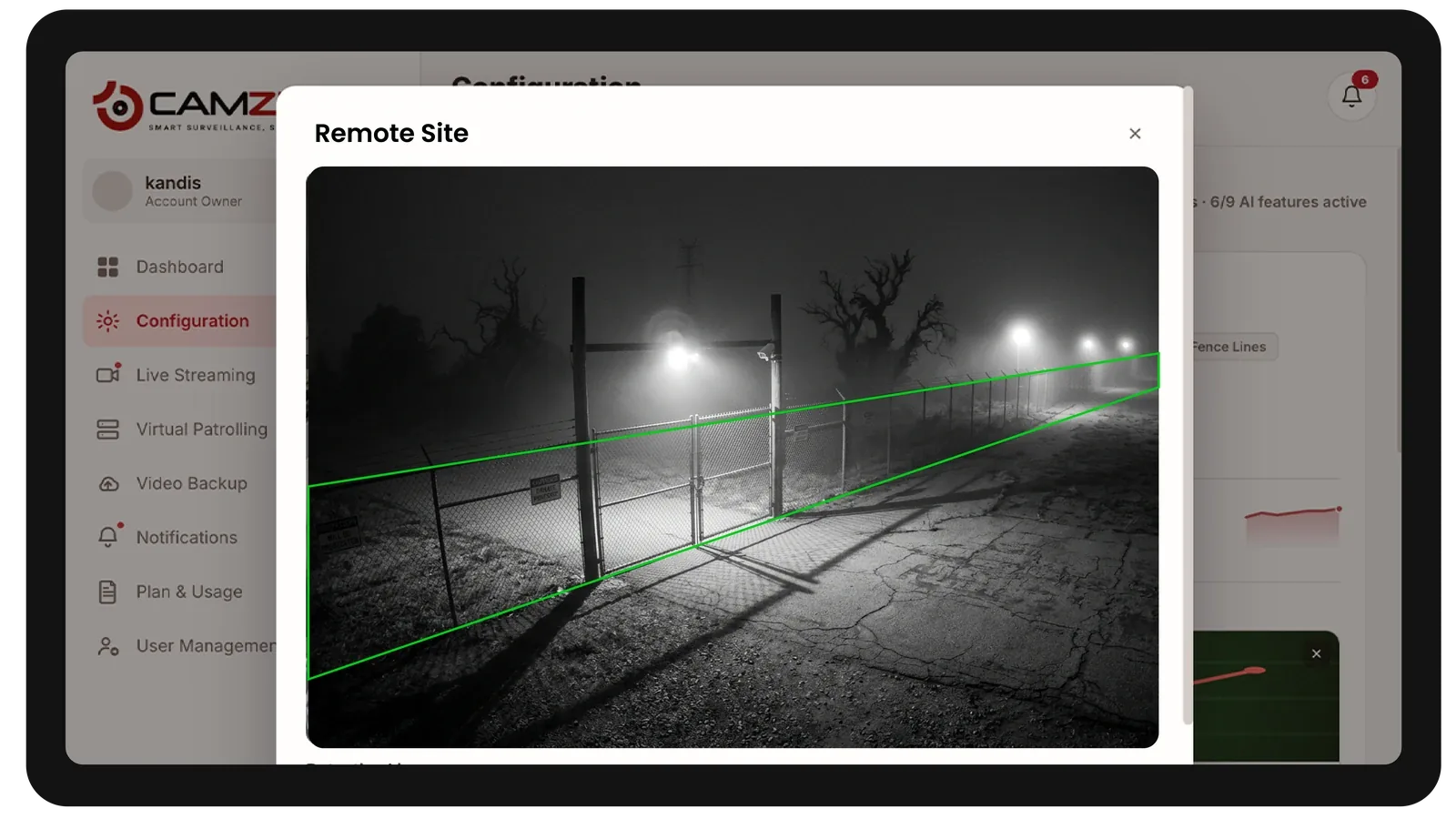
How Camzify works for remote sites
Building the patrol route
A patrol sequence is set up once per site, ordering every camera stop, perimeter fence, equipment yard, access gate, into a route that runs on a schedule suited to the site's connectivity and risk profile.
Checking each stop
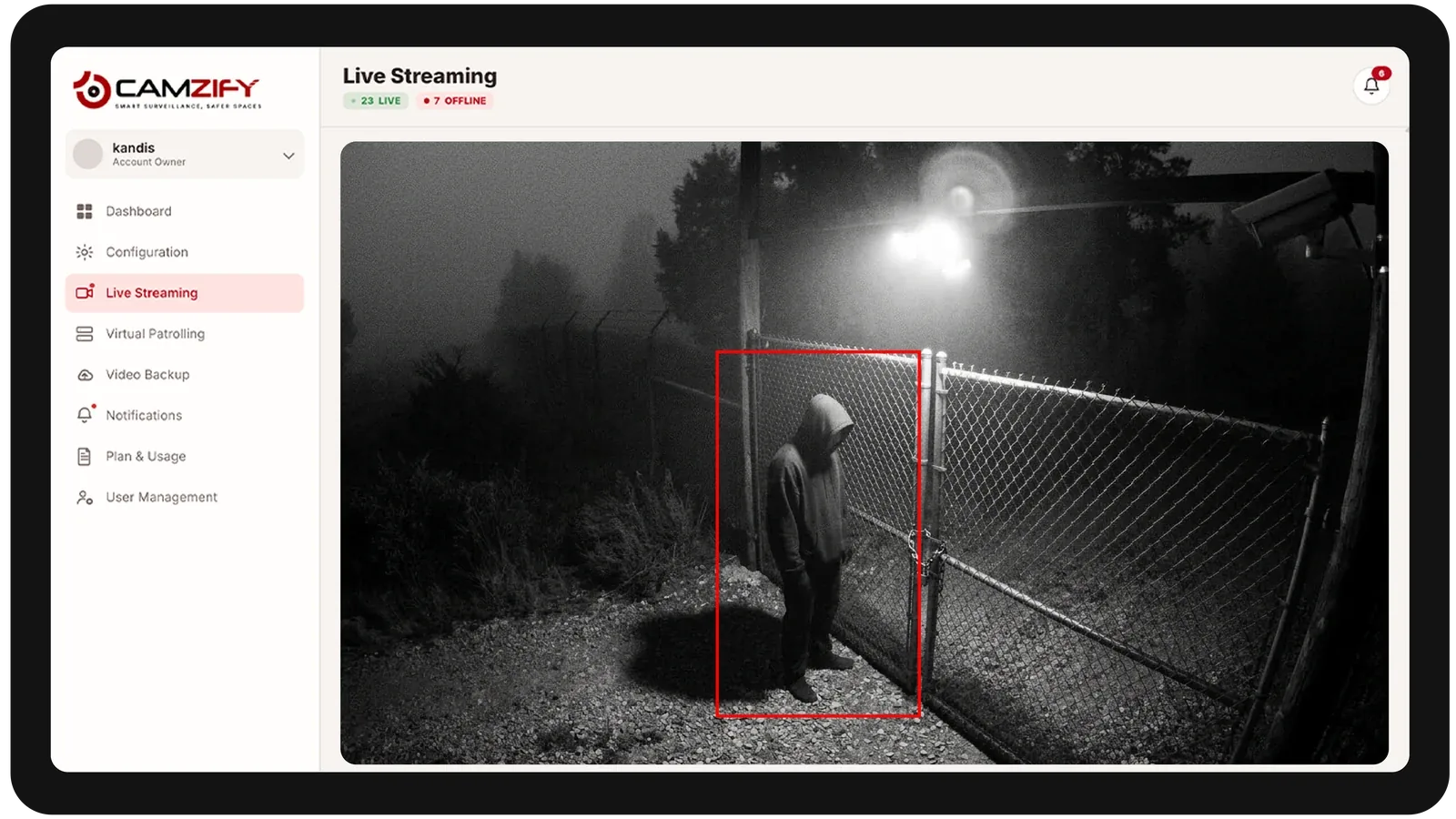
At each stop, the AI checks the defined conditions using zone intrusion and line intrusion detection — is the fence line intact, has anyone crossed the boundary, is the camera still online and unobstructed.
Routing the alert
A failed check creates an actionable alert with a snapshot and timestamp, routed to the assigned field team or dispatcher, and logged in that site's patrol report even if no one visits in person for days.
What to configure for a remote site
Most remote site deployments start with:
- • Perimeter line rules covering fence lines and vehicle gates
- • Bandwidth-aware patrol schedules tuned to available cellular or satellite connectivity
- • Restricted zones over equipment yards and high-value material storage
- • Extended patrol intervals between site visits, from hourly to once per shift
- • Escalation routing to the on-call field team or regional dispatcher
Common scenarios
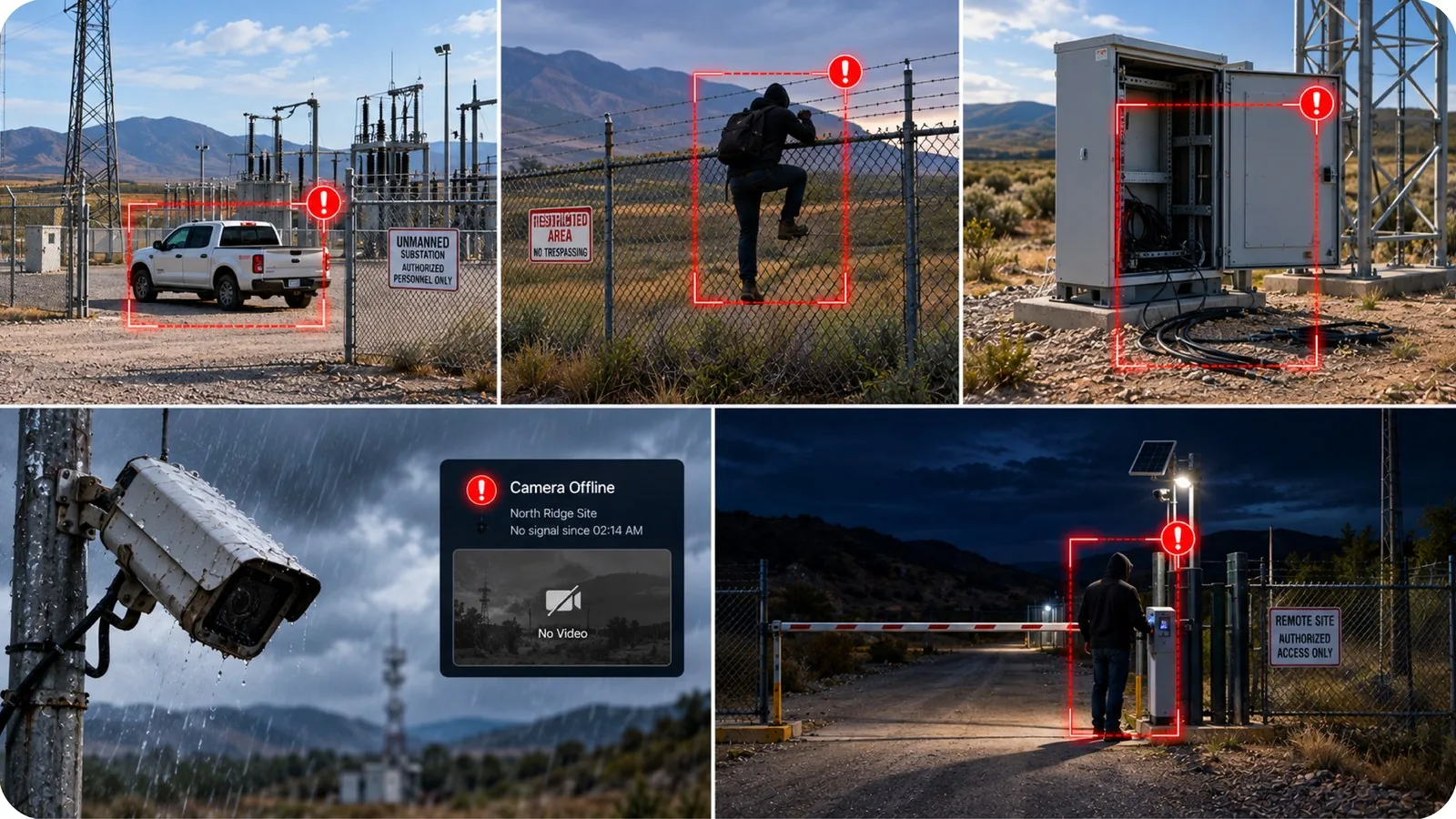
- • A vehicle parked at an unmanned substation outside a scheduled maintenance window
- • Perimeter fence crossings at a site with no on-site staff to respond
- • Equipment or cabling going missing between infrequent site visits
- • A camera losing connectivity or being knocked out of position by weather
- • Unauthorized presence at a remote access gate overnight
Deployment notes
Remote sites require cameras with cellular connectivity or satellite backhaul. Camzify connects via RTSP over VPN or the Camzify Connector, providing centralized monitoring for sites that would otherwise be unmonitored between visits.
What a first deployment looks like
- Step 01
Connect the sites with no one on them
Locations with no permanent staff are onboarded first. The Connector relays local cameras to the cloud without port forwarding, so no site visit is needed to open network access.
- Step 02
Set the round frequency by response time
Where the nearest responder is an hour away, rounds run more often — the value is early detection, since travel time dominates the response.
- Step 03
Consolidate into one view
Every remote site reports into a single dashboard with per-site health and compliance, replacing the periodic drive-by that previously served as the only check.
See how the numbers work for your remote sites facility with the ROI calculator, or review pricing to understand the per-camera licensing model.
AI Features used here
Related use cases
Related industries
Frequently asked questions
Ready to patrol your site 24/7?
Book a 15-minute demo and see a live patrol run on your own cameras.