

Warehouse security cameras, patrolled by AI
Warehouses face security challenges that cameras alone cannot solve and manned guards cannot cover consistently. Camzify's virtual patrolling system runs automated AI patrol rounds on your existing cameras — checking every point, flagging failures, and notifying the right person.
- Dock doors left unmonitored between scheduled deliveries
- Perimeter fence lines with no continuous overnight coverage
- High-value storage areas relying on a single nightly guard pass
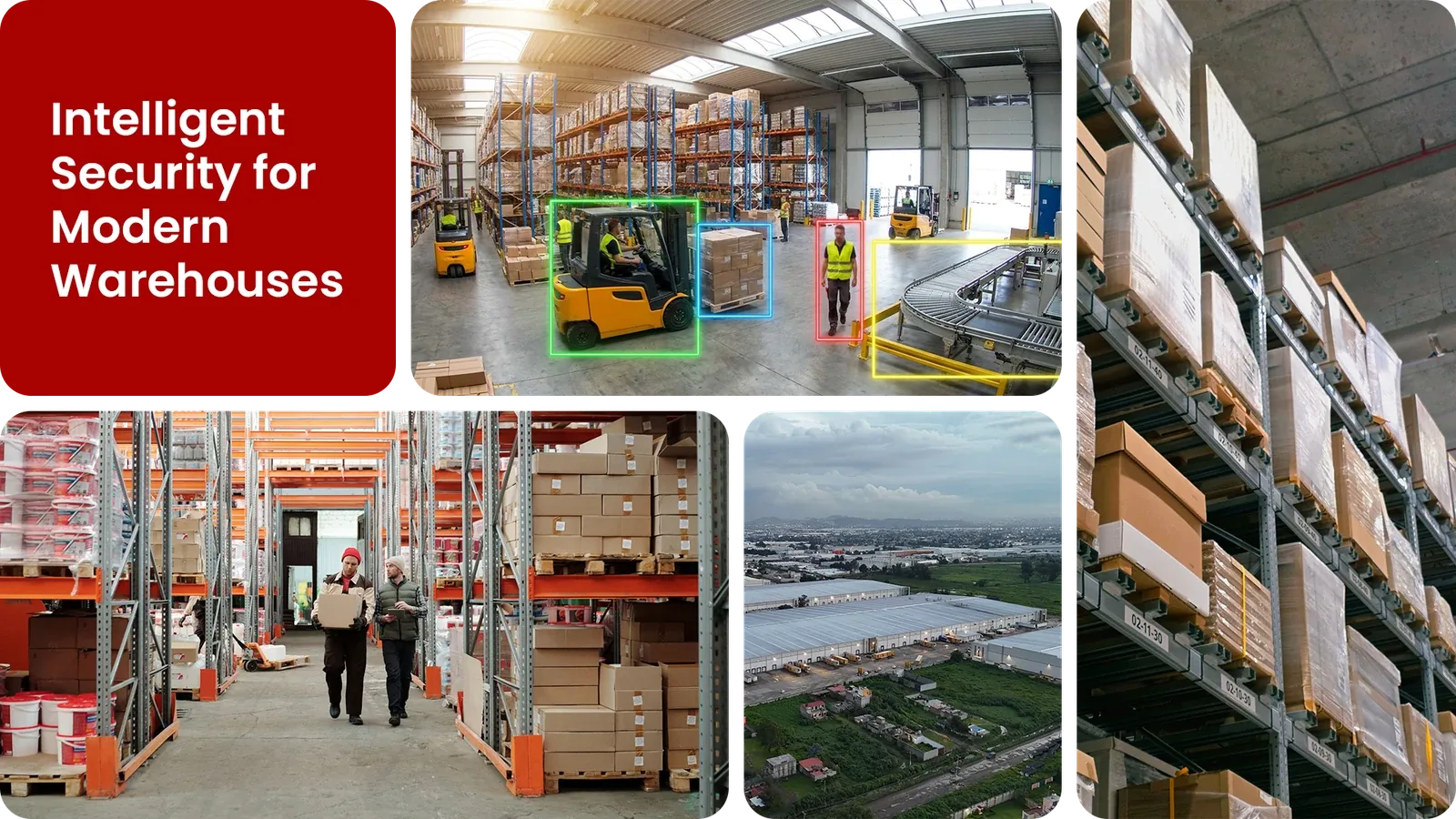
Common warehouse security gaps Camzify closes:
- • Dock doors left unmonitored between scheduled deliveries
- • Perimeter fence lines with no continuous overnight coverage
- • High-value storage areas relying on a single nightly guard pass
- • Camera outages or tampering going unnoticed for hours
- • No audit trail proving a patrol actually happened
Why warehouses need continuous AI monitoring
A typical warehouse runs far longer than its staffed hours, trucks arrive before dawn, shifts end well after dark, and the building itself sits empty or lightly staffed for large stretches of every 24-hour cycle. A single guard walking a round covers the whole site for a few minutes an hour at best; the rest of the time, dock doors, fence lines, and storage areas are effectively unwatched.
Traditional CCTV records everything and reviews nothing until an incident is already reported. By the time someone pulls the footage after a theft or a damaged shipment, the window to actually respond has closed.
Virtual patrolling replaces that gap with scheduled AI rounds that check every camera stop on a defined route, log the result, and notify the right person the moment something fails, producing the same audit trail a physical guard tour would, without needing a guard walking it.
Three questions warehouse security teams ask
"Was the gate actually closed at 2am?"
Camzify answers this with Line Intrusion Detection and automated patrol verification.
"Did anyone cross the dock line after shift?"
Camzify answers this with Zone Intrusion Detection and automated patrol verification.
"Who checked the perimeter last night, and can you prove it?"
Camzify answers this with Camera Tampering Detection and automated patrol verification.
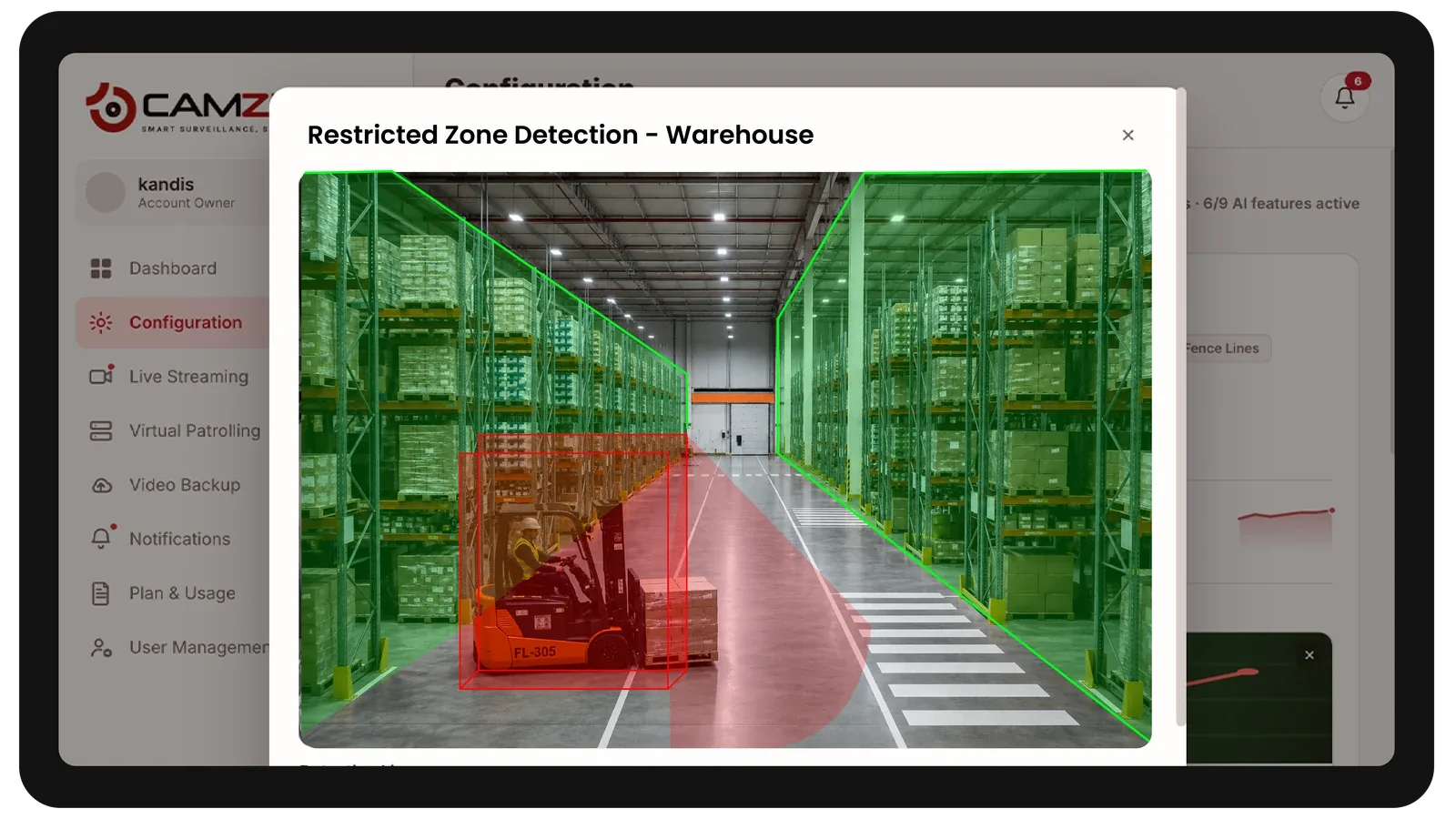
How Camzify works for warehouses
Building the patrol route
A patrol sequence is set up once, ordering every camera stop, dock doors, perimeter fence lines, high-value storage, main aisles, into a single route that runs on a configurable schedule.
Checking each stop
At each stop, the AI checks the defined conditions for that camera using line and zone intrusion detection — is the area clear, is the boundary intact, is the camera unobstructed.
Routing the alert
A failed check creates an actionable alert with a snapshot and timestamp, routed to the assigned security contact, and logged alongside every other result in that round's patrol report.
What to configure for a warehouse site
Most warehouse deployments start with:
- • Dock-door zones with a notification window set around deliveries
- • Perimeter line rules covering fence lines and vehicle gates
- • Restricted zones over high-value storage and hazardous material areas
- • After-hours patrol frequency, typically every 30-60 minutes overnight
- • Escalation routing to the on-call security contact for critical alerts
Common scenarios
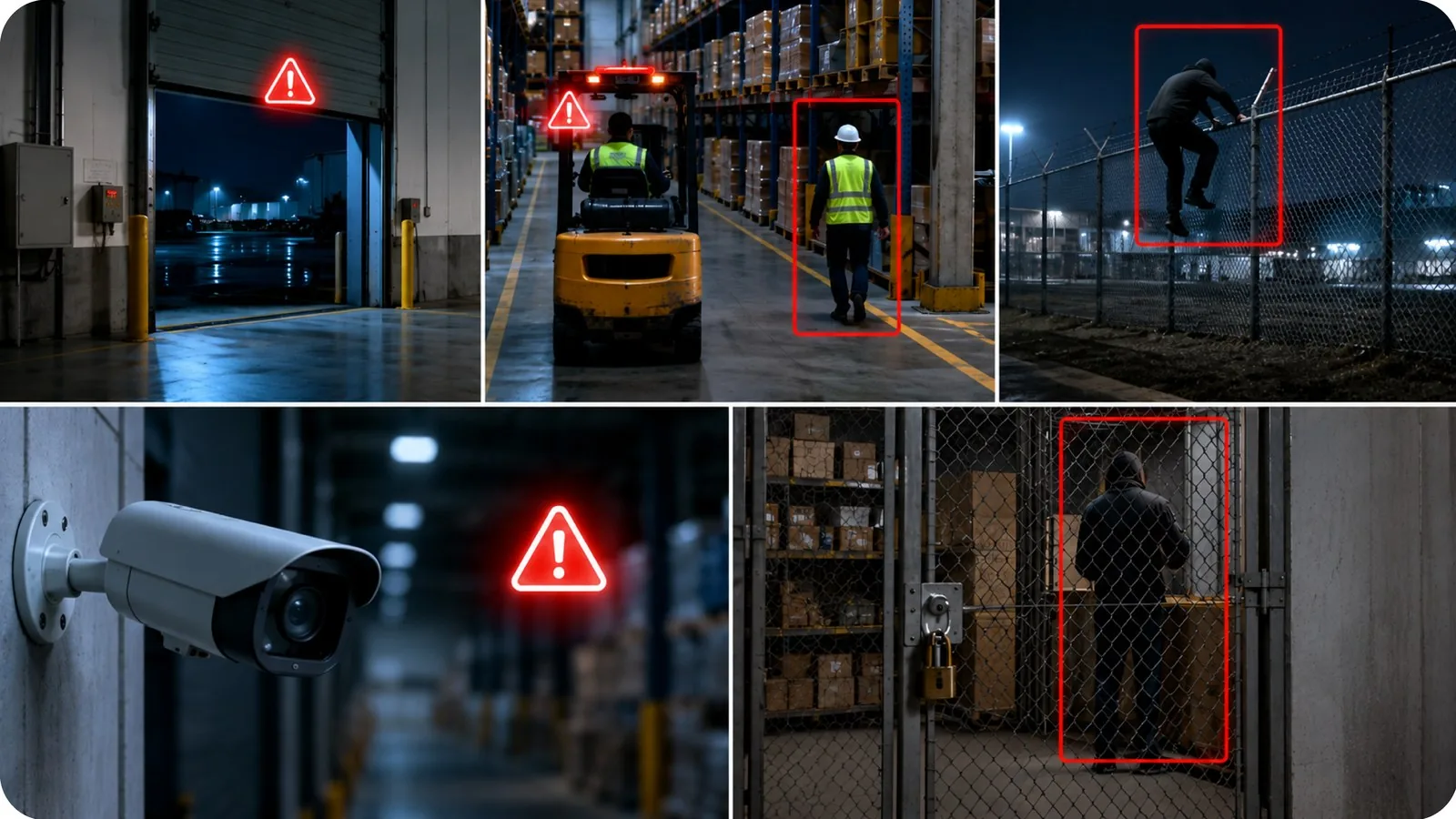
- • A dock door left open outside a scheduled delivery window
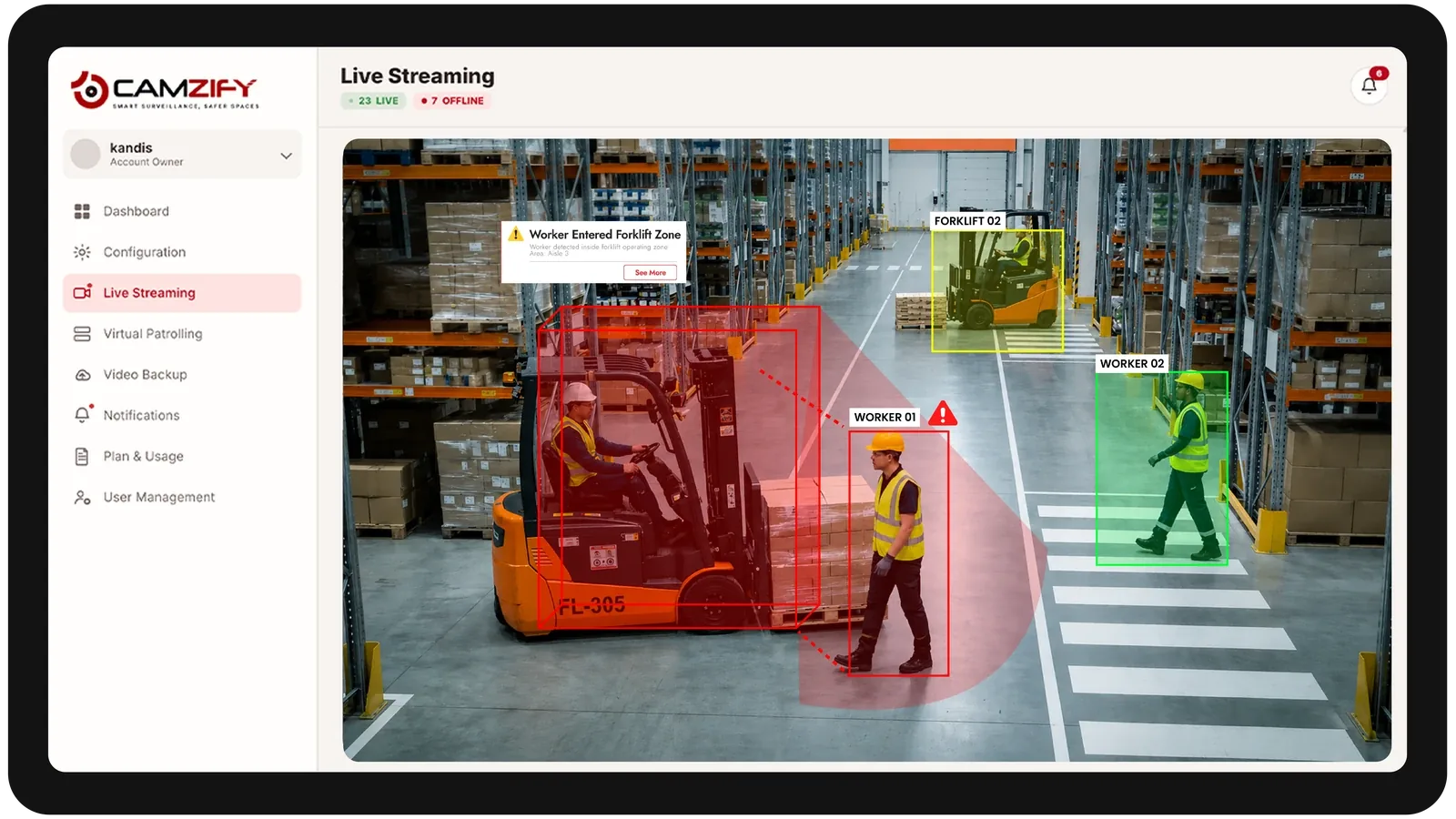
- • A forklift or vehicle entering a pedestrian-only aisle
- • Perimeter fence crossings during overnight hours
- • A camera going dark or losing focus mid-shift
- • Unauthorized presence in a high-value storage cage after closing
Deployment notes
Warehouse environments present wide open spaces, high ceilings, and variable lighting. Cameras are typically mounted at dock doors, perimeter fence lines, and aisle intersections. RTSP connectivity via the Camzify Connector is the most common setup.
What a first deployment looks like
- Step 01
Map the dock line and perimeter
Cameras already covering dock doors, the fence line, and main aisle intersections are added first. Most warehouses start with 8–30 feeds; nothing new needs mounting to run the first round.
- Step 02
Build the overnight sequence
A route is ordered dock-by-dock, then perimeter, then high-value cages. Each stop gets its own checklist — door closed, bay clear, fence unbreached — and runs on the hours the building is empty.
- Step 03
Read the first week of reports
The PDF for every round shows which stops passed, which failed, and who was notified. The first week usually surfaces the same two or three recurring gaps, which is where the schedule gets tightened.
See how the numbers work for your warehouse facility with the ROI calculator, or review pricing to understand the per-camera licensing model.
AI Features used here
Related use cases
Related industries
Frequently asked questions
Ready to patrol your site 24/7?
Book a 15-minute demo and see a live patrol run on your own cameras.