Skip to content
Camzify
Step by step

How virtual patrolling works

Virtual patrolling runs scheduled AI patrol rounds across your existing cameras. Here is exactly how a round moves from camera connection to compliance report, in the six steps the product actually follows — and what each one produces.

  • Six steps
  • No new hardware
  • Live from the first round
  1. 01

    Connect your cameras

    Any IP camera connects over one of three connection types: RTSP, RTMP or HTTPS. An internet-reachable RTSP stream connects directly; cameras on a private network relay through the Camzify Connector with no port forwarding. Stream quality is auto-detected on connect.
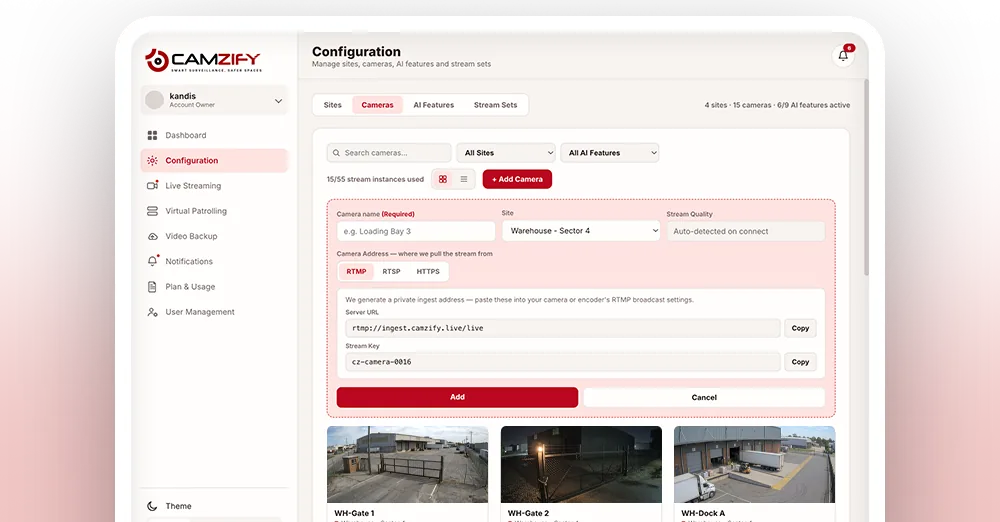
    The camera configuration screen with cameras added by RTSP, RTMP and HTTPS
  2. 02

    Build a patrol sequence

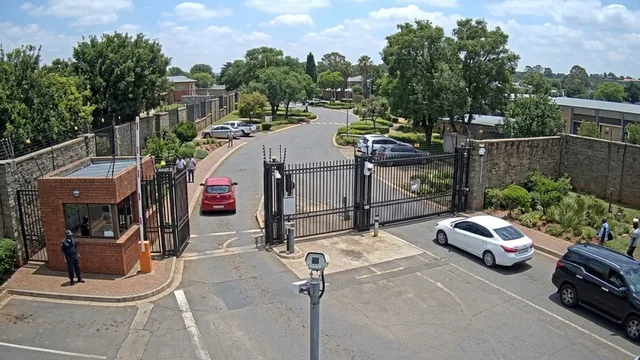
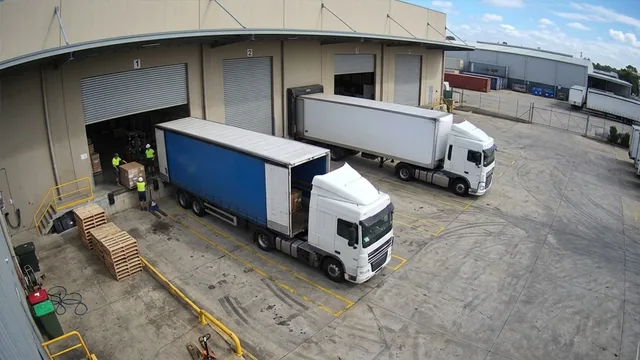
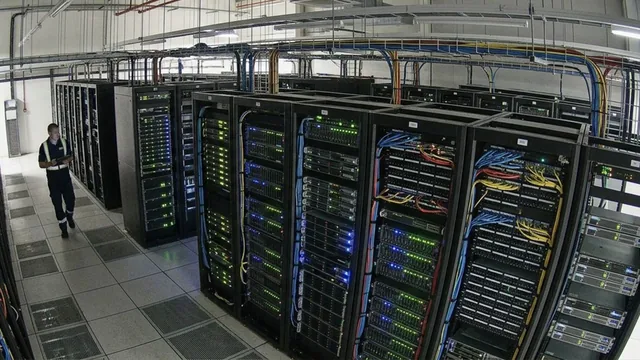
    Define an ordered list of cameras that forms the route. Each sequence is a physical path through the site, main gate, loading dock, server corridor, perimeter, and a site can run several at once.
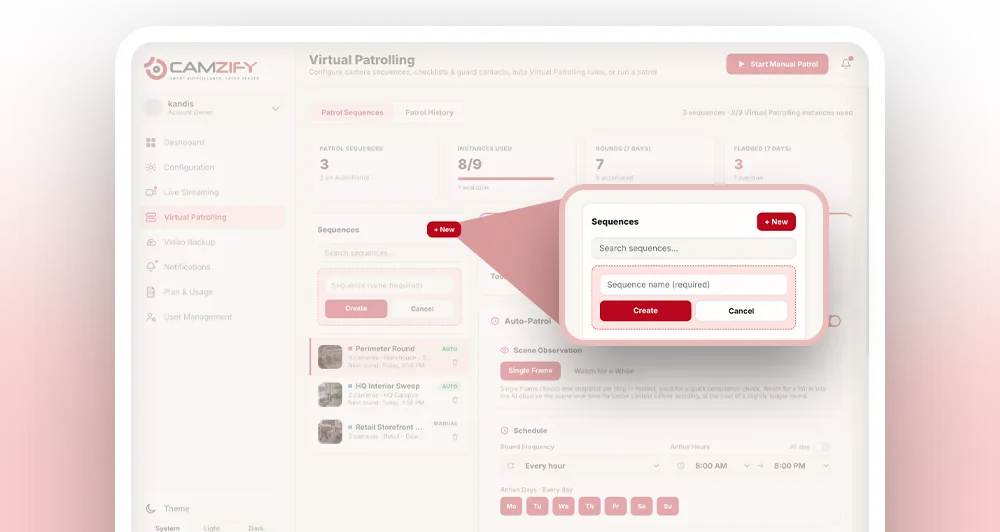
    A patrol sequence being built: cameras in order with a checklist per stop
  3. 03

    Assign checklists and guards

    For each camera in the sequence, write the checklist items it is judged against, "Gate fully closed", "No obstruction in view", and name the guard responsible, with the message they receive if an item fails.
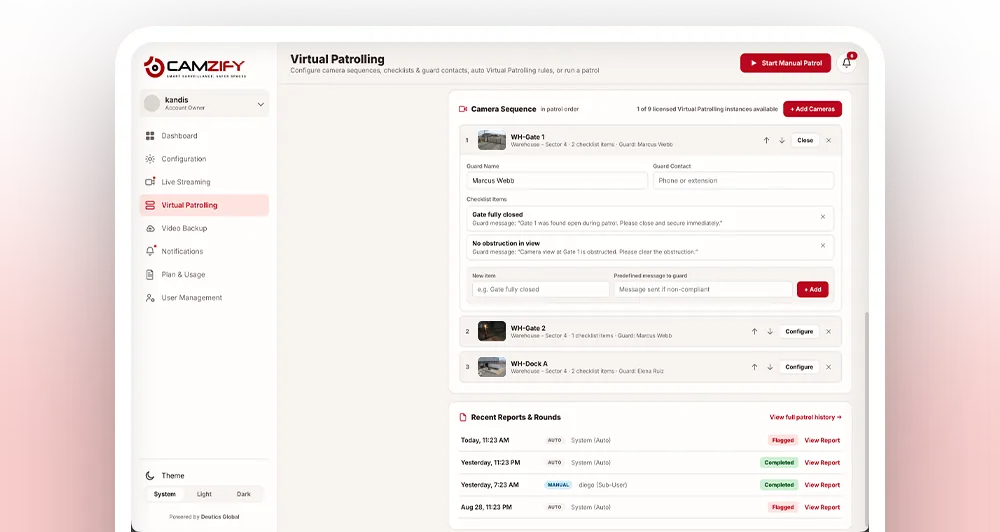
    Checklist items and the guard to notify assigned to a camera stop
  4. 04

    Schedule it, or start it by hand

    Auto-Patrol runs on a frequency, active hours and active days in the site's timezone. A manual round can be started at any time. Either way the round follows the same sequence and checks the same items.
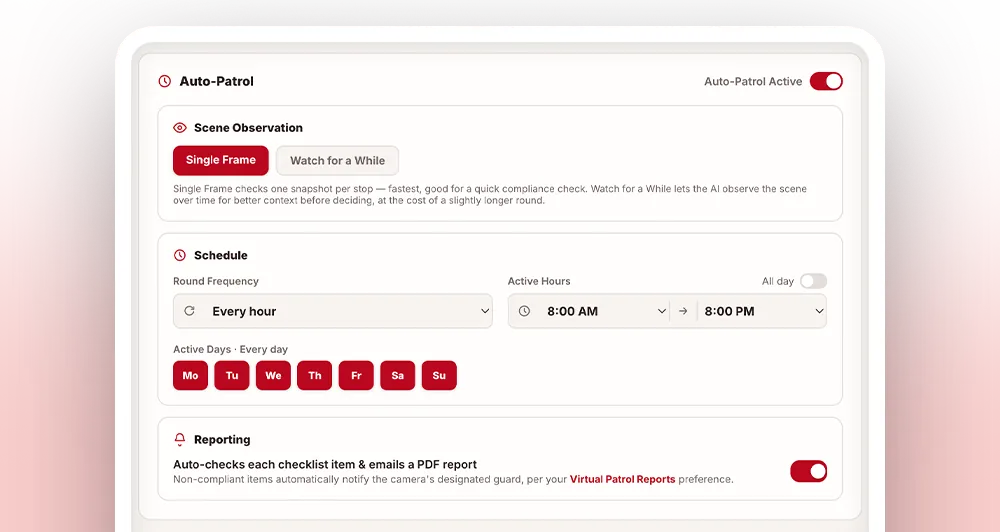
    Auto-Patrol settings: scene observation, frequency, active hours and days
  5. 05

    The AI runs the round

    The system steps through every camera, judges each item from a single frame or a short window of live video, records its reasoning, notifies the assigned guard on any failure, and flags safety or security risks it sees even where no item asked.
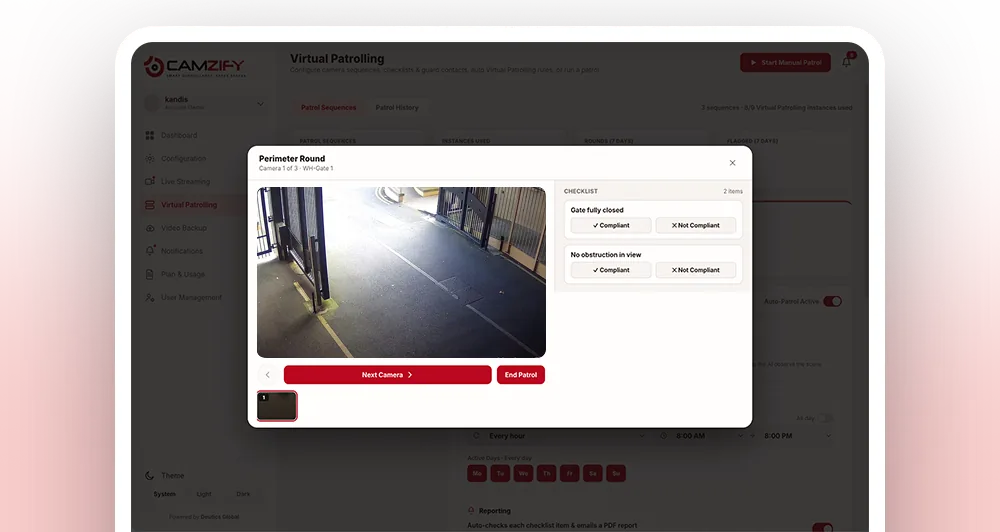
    A round in progress: the AI judging a checklist item against the live frame
  6. 06

    Report and log

    A compliance report is filed with every check, the snapshot behind each result, before and after frames on anything fixed, and an overall percentage. The round is logged as Completed, Flagged or Overdue in a history you can filter by sequence, site or status.
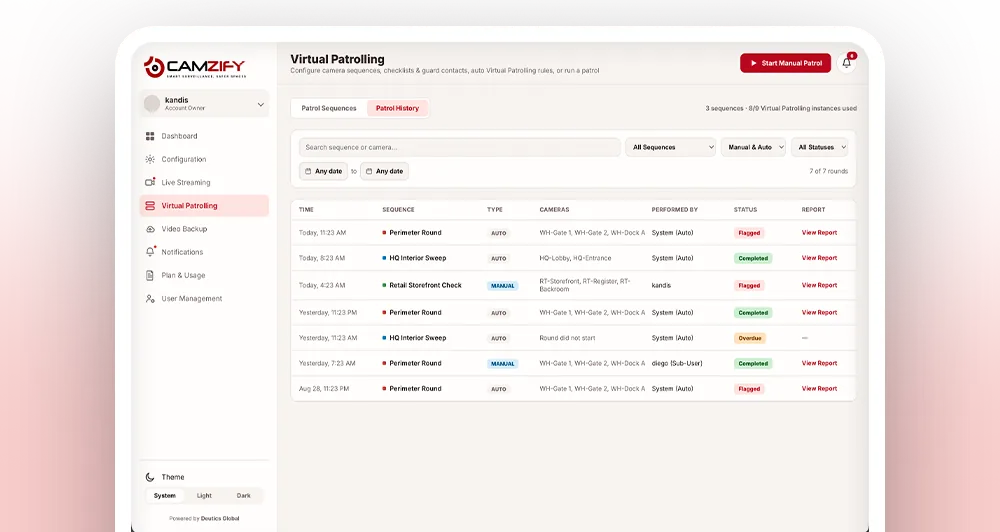
    The patrol history and the report filed for a completed round
Common questions

Setting it up, answered

It depends on how many cameras and checklist items are involved, but the six steps above are designed to be worked through in a single sitting for a typical site. Connecting cameras is usually the fastest step; writing checklists per camera tends to take the longest, because that is where you decide what actually matters at each stop.

Cameras need to be connected before they can be added to a patrol sequence, and a sequence needs to exist before checklists and guards can be assigned to it. Beyond that dependency, later steps like scheduling can be revisited and adjusted at any time.

A camera without an assigned guard can still be included in a patrol sequence and checked, but there is nobody to notify if an item comes back Not Compliant. Assign a guard to every camera before relying on a sequence for real coverage.

No. Connecting a camera is a matter of entering its stream details, and the rest, building sequences, writing checklist items, assigning guards, scheduling rounds, is done through the same configuration screens without coding or networking expertise.

Yes. Cameras, checklist items, guard assignments and the schedule can all be edited at any time. Changes take effect from the next round onward, so a live sequence never has to be torn down to be adjusted.

A manual round is walked by an operator, camera by camera, making each judgment against the live view. An automated round follows the same sequence on a schedule with the AI making the assessment, recording its reasoning, notifying guards on its own and filing the report without anyone present. Most sites use automated rounds for frequency and manual rounds when a person needs to look properly.

Ready to patrol your site 24/7?

Book a 15-minute demo and see a live patrol run on your own cameras.

This site is being updated

We are rebuilding pages as you read this, so an image, a link or a section may look unfinished for a while. The product itself is unaffected. If something important is broken, tell us at the contact page and we will fix it.