

Camera patrol sequences
A patrol sequence is an ordered list of cameras that defines the route a virtual patrol follows across a site. Each camera in the sequence carries its own checklist items, assigned guard, and predefined escalation messages. The sequence determines the exact path the AI takes during every round.
Site-level routes
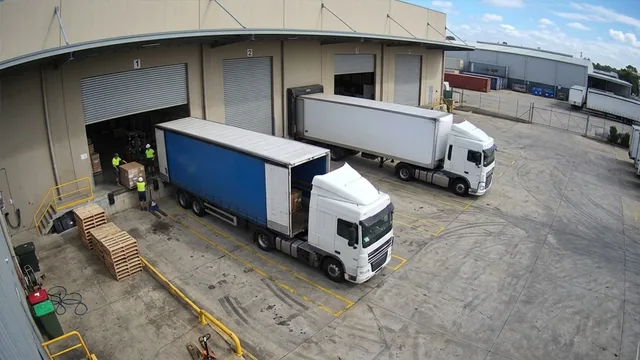
Build one or more sequences per site. A warehouse might have a perimeter sequence and a loading dock sequence. Each runs independently on its own schedule.
Camera allocation
Add cameras up to your licensed VPS camera allocation. Any camera connected to the platform can be included, over RTSP, RTMP or HTTPS.
Per-camera configuration
Each stop in the sequence gets its own checklist, guard contact, and predefined notification messages.
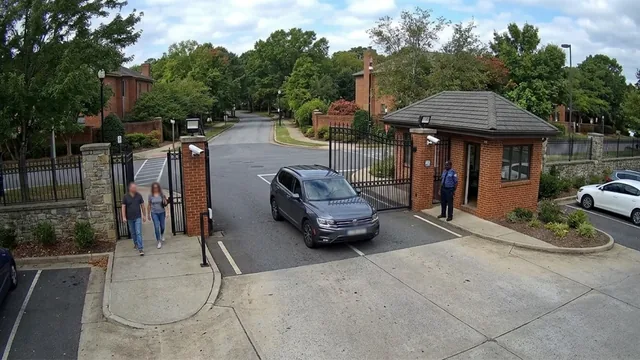
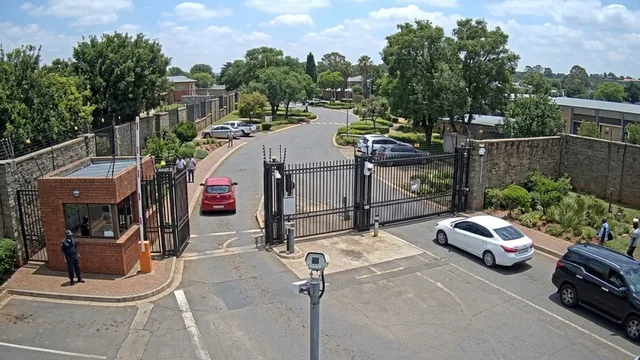
- 01CAM 01Main gate2 checks
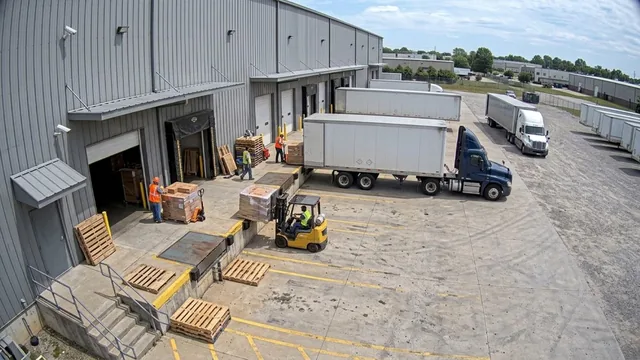
- 02CAM 04Loading dock2 checks
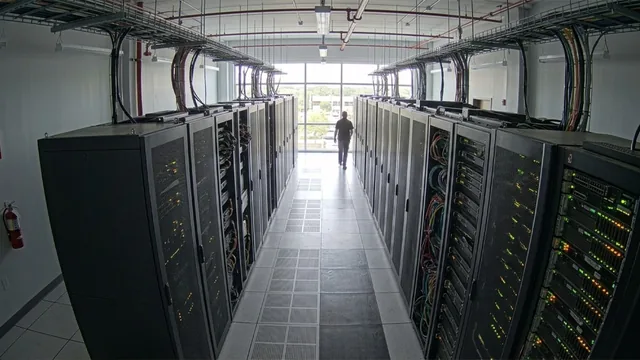
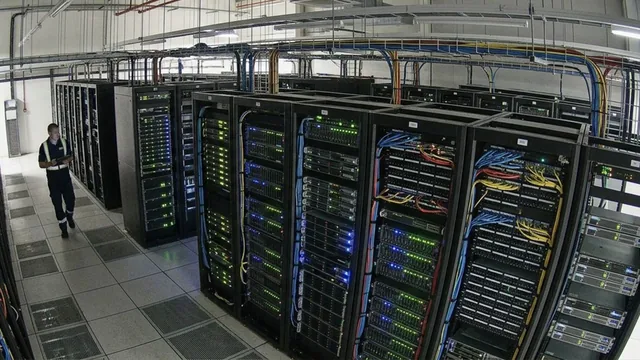
- 03CAM 09Server room2 checks
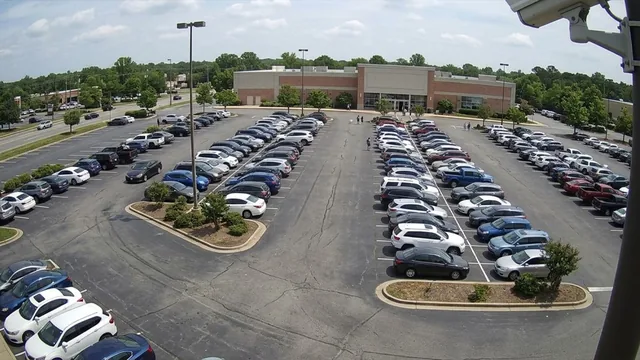
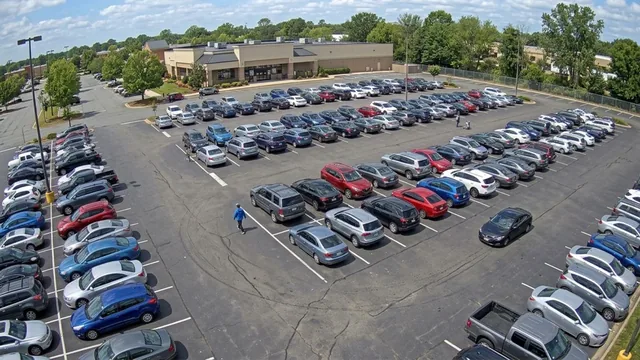
- 04CAM 02Parking lot A1 checks
Why patrol sequences matter
Without a defined route, "patrolling" a set of cameras usually means someone flipping between live feeds and deciding on the fly what to look at and in what order. That routine drifts every time it runs, the cameras checked first get attention, the ones checked last (or skipped when time runs short) don't.
A fixed order also matters for accountability. If a round has a defined start and end, and it's the same route every time, a report showing eight of ten stops complete means something concrete. Without a sequence, there's no baseline to compare a round against.
A patrol sequence turns the route into a configured object, built once, assigned a schedule, and run identically every time, rather than something that depends on whichever guard happens to be on duty and how much time they have left in their shift.
- 01Round starts at stop 1
- 02Stop evaluated, results logged
- 03Advances to the next camera
- 04Round completes at the last stop
How a patrol sequence executes
- 01The schedule (or a guard starting a manual round) begins the sequence at its first camera stop
- 02Each stop is evaluated in order, its checklist items are checked and the results logged
- 03The sequence advances automatically to the next camera once the current stop is complete
- 04Any Not Compliant item along the way triggers a guard notification for that specific stop
- 05The sequence finishes at the final camera and the round is complete
What you can configure per sequence
Sequences are built once and adjusted as a site's layout or coverage needs change.
- • Give each sequence a descriptive name tied to the zone it covers, e.g. "Perimeter. Night"
- • Build more than one sequence per site, each on its own automated schedule
- • Reorder stops at any time, the next round picks up the new order immediately
- • Reassign a camera to a different position in the sequence without rebuilding the whole route
- 01Name the sequence for its zone
- 02Add cameras in patrol order
- 03Checklist and guard per stop
- 04Attach a schedule
Frequently asked questions
Ready to patrol your site 24/7?
Book a 15-minute demo and see a live patrol run on your own cameras.