

Construction site security cameras, watched by AI
Construction sites face security challenges that cameras alone cannot solve and manned guards cannot cover consistently. Camzify's virtual patrolling system runs automated AI patrol rounds on your existing cameras — checking every point, flagging failures, and notifying the right person.
- Open perimeters where temporary fencing panels can be moved…
- Equipment and material storage areas relying on a single…
- Site trailers and tool cribs left unmonitored overnight
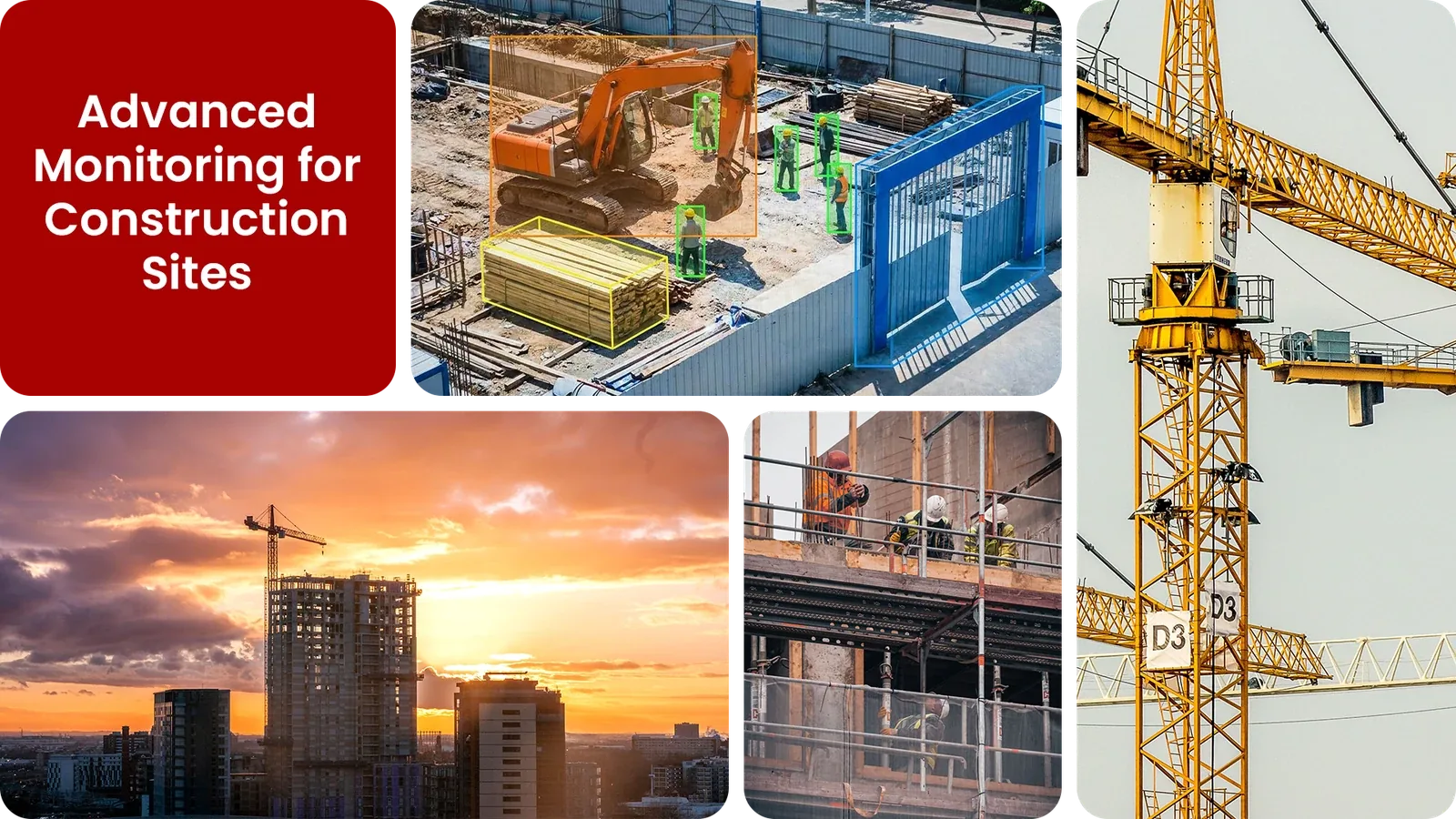
Common construction site security gaps Camzify closes:
- • Open perimeters where temporary fencing panels can be moved or breached
- • Equipment and material storage areas relying on a single closing check
- • Site trailers and tool cribs left unmonitored overnight
- • Camera positions changing week to week as the build progresses
- • No audit trail proving a night patrol actually happened
- • Scrap metal and copper wiring theft going undetected until morning
Why construction sites need continuous AI monitoring
A construction site sits unoccupied for far more hours than it is worked, evenings, weekends, and the gaps between shifts, while holding materials, machinery, and copper wiring that are attractive and easy to move for anyone who gets past the fence line. A site is rarely staffed overnight at all, and where it is, one person cannot watch a laydown yard, a trailer row, and a full perimeter at the same time.
The layout itself keeps changing too. Fencing, storage areas, and camera positions shift week to week as the build progresses, which makes a fixed guard route or a "review the footage later" approach to CCTV fall behind the site almost as soon as it is set.
Continuous AI monitoring adapts with the site, zones and patrol stops are redrawn as cameras move, and checks the full perimeter and yard on a repeating schedule, flagging a breach or a moved fence panel the moment it happens instead of the next time someone reviews the recording.
Three questions construction sites security teams ask
"Did anyone enter the site after the last worker left?"
Camzify answers this with Line Intrusion Detection and automated patrol verification.
"Is the temporary fencing still intact?"
Camzify answers this with Zone Intrusion Detection and automated patrol verification.
"Were the equipment storage areas checked overnight?"
Camzify answers this with Motion Detection and automated patrol verification.
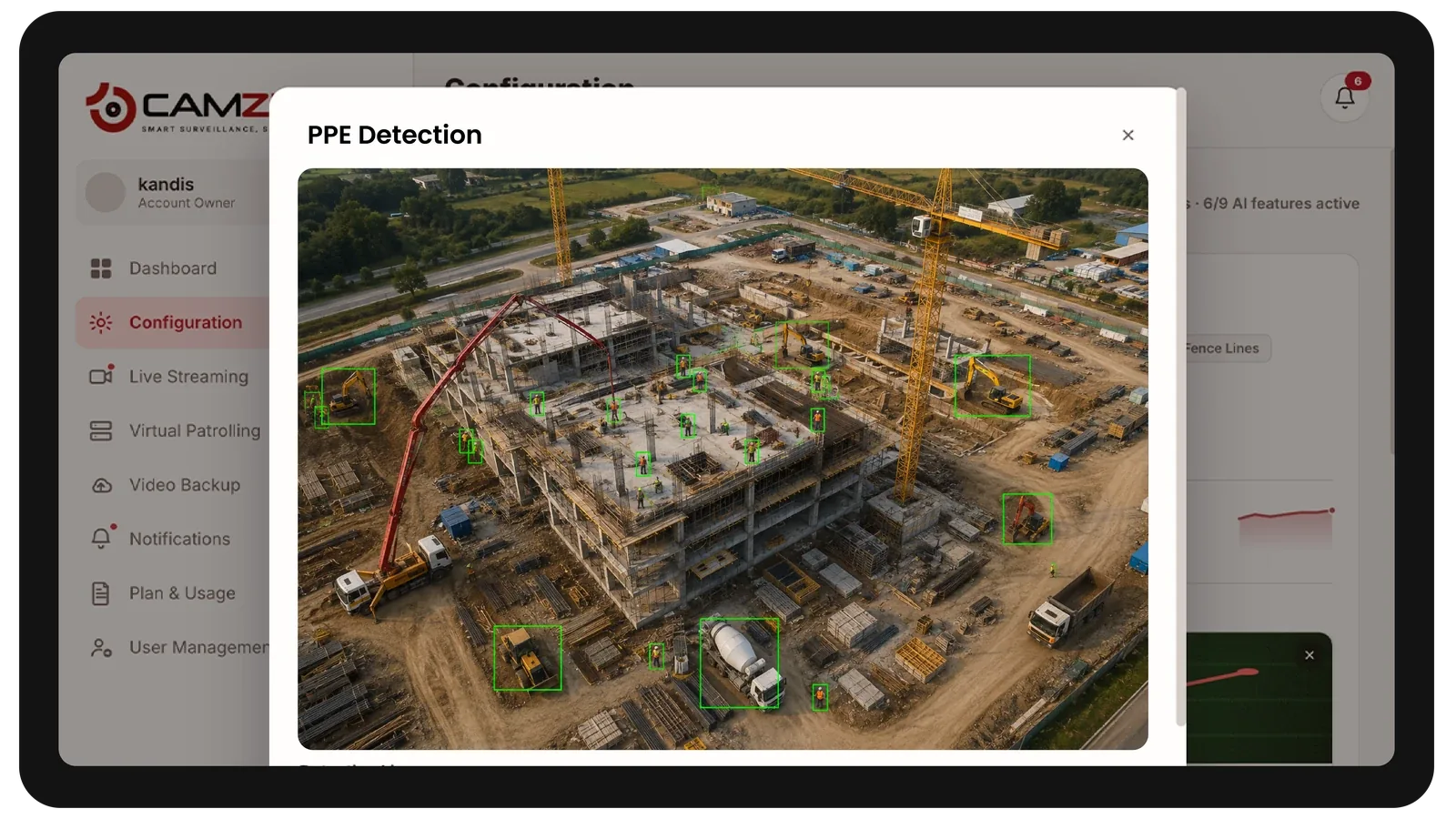
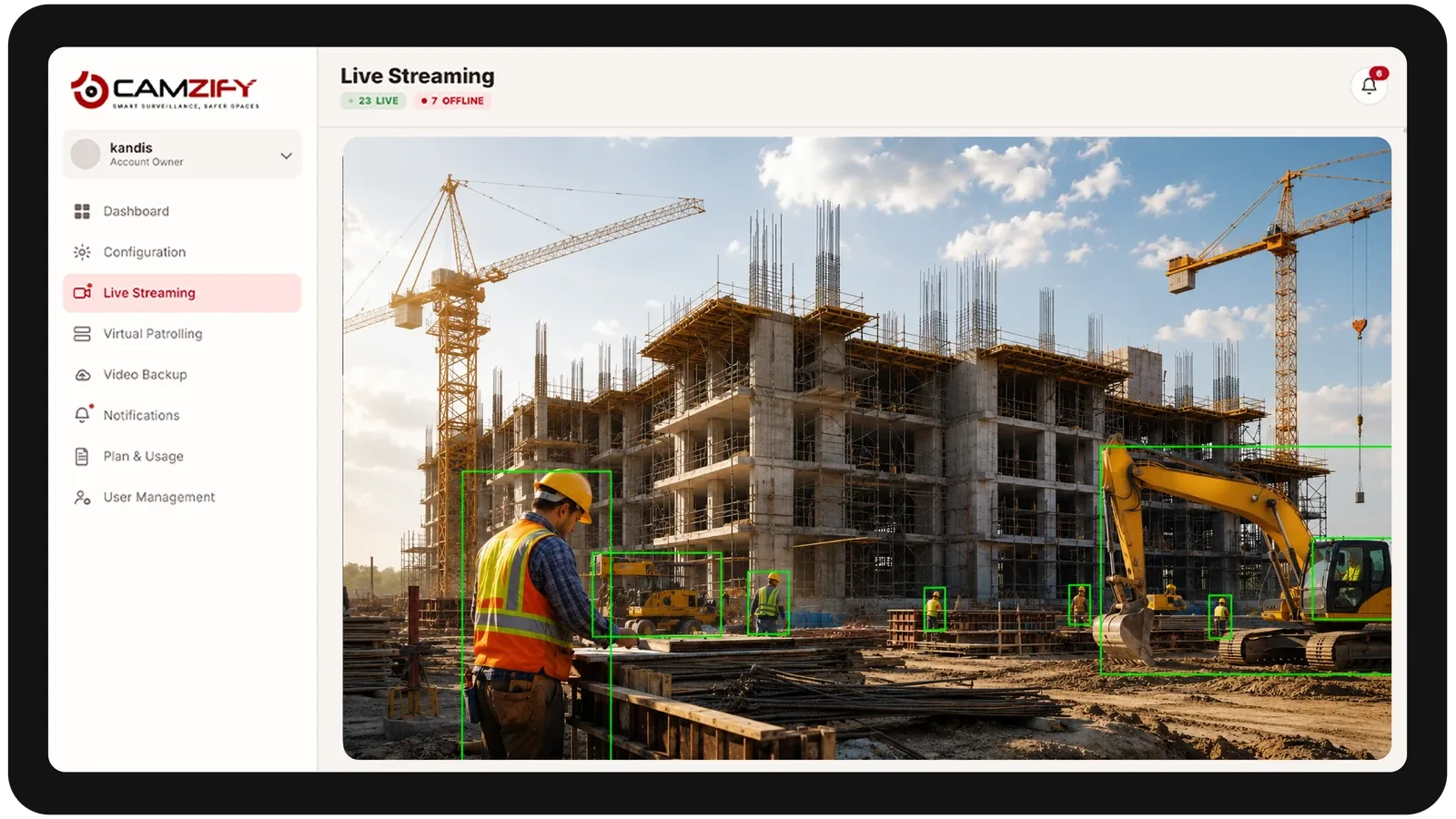
How Camzify works for construction sites
Building the patrol route
A patrol sequence is set up once, ordering every camera stop, perimeter fence lines, the equipment yard, material laydown areas, site trailers, into a single route that runs on a configurable schedule and can be re-ordered as the site layout changes.
Checking each stop
At each stop, the AI checks the defined conditions for that camera using line intrusion, zone intrusion, and motion detection — is the fence line intact, is the yard clear, is there movement where there should not be.
Routing the alert
A failed check creates an actionable alert with a snapshot and timestamp, routed to the assigned security contact, and logged alongside every other result in that round's patrol report.
What to configure for a construction site
Most construction site deployments start with:
- • Perimeter line rules along temporary fencing panels
- • Zones over the equipment yard and material laydown areas
- • Motion detection scoped to trailers and tool storage after hours
- • Patrol frequency scaled up during high-theft-risk phases, such as copper or wiring installation
- • Quick zone re-mapping workflow for when camera positions shift with site progress
Common scenarios
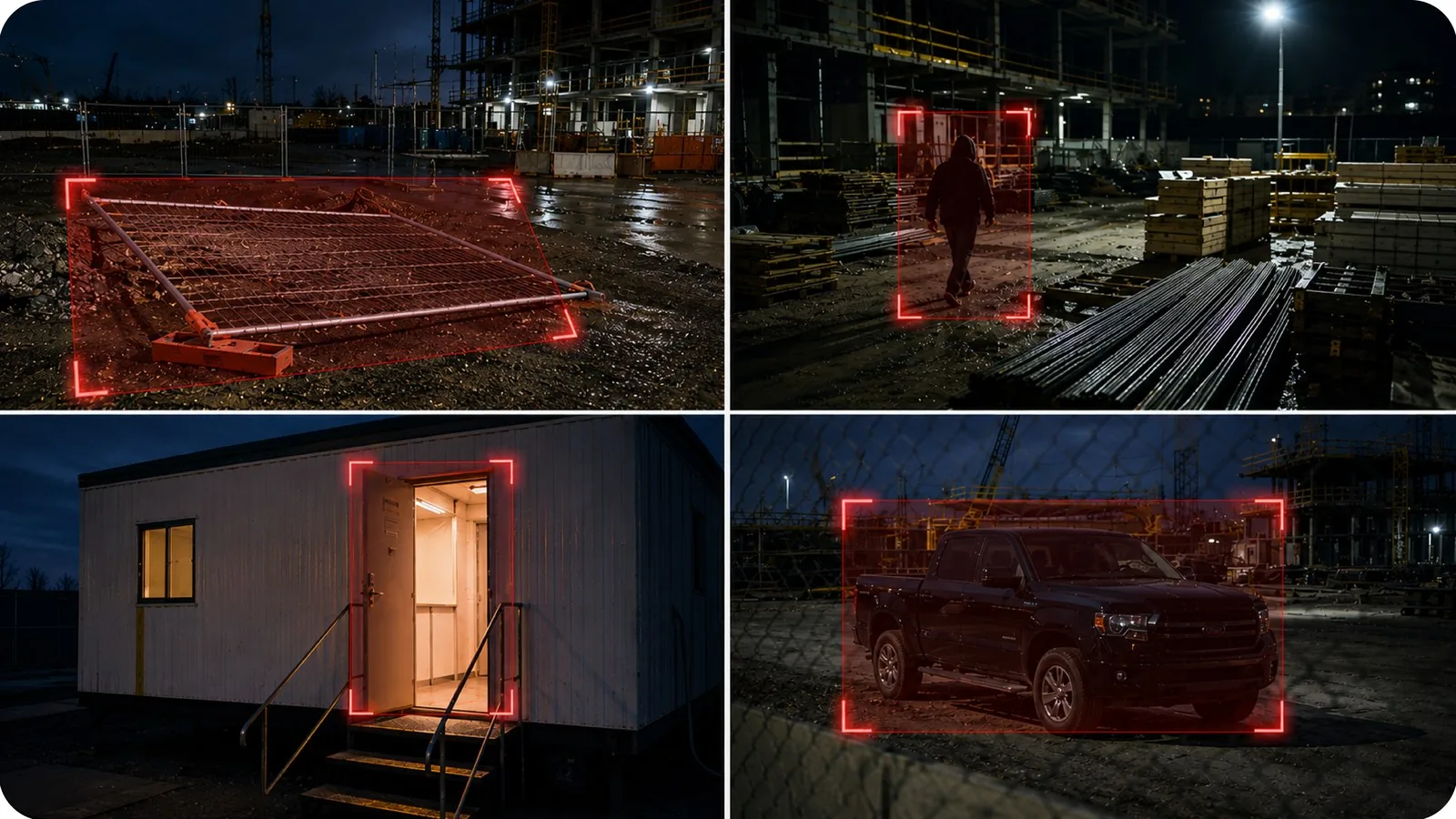
- • A section of temporary fencing found down or moved overnight
- • Movement detected near the material laydown area after the crew departs
- • A site trailer door left open following the last shift
- • An unfamiliar vehicle parked inside the site perimeter after hours
- • A camera knocked out of alignment by wind or nearby equipment
Deployment notes
Construction sites require temporary camera deployments, often solar-powered units with 4G/5G connectivity. Camzify connects via RTSP or HLS to these temporary cameras and can be reconfigured as the site evolves.
What a first deployment looks like
- Step 01
Fence the site virtually before week one
Temporary and trailer-mounted cameras covering the hoarding line, gate and materials compound are onboarded first. Sites with no fixed network run through the Connector over a cellular link.
- Step 02
Patrol the hours the site is empty
Rounds are scheduled overnight, on weekends and across shutdown periods — the windows when plant theft and metal theft actually happen — rather than during working hours.
- Step 03
Move the coverage as the build moves
Sequences are re-ordered as the site progresses and compounds relocate. Cameras are added and retired per phase, and licensing follows the camera count rather than a fixed contract.
See how the numbers work for your construction sites facility with the ROI calculator, or review pricing to understand the per-camera licensing model.
AI Features used here
Related use cases
Related industries
Frequently asked questions
Ready to patrol your site 24/7?
Book a 15-minute demo and see a live patrol run on your own cameras.