

AI security for retail
Retail environments face security challenges that cameras alone cannot solve and manned guards cannot cover consistently. Camzify's virtual patrolling system runs automated AI patrol rounds on your existing cameras — checking every point, flagging failures, and notifying the right person.
- Stockrooms and back-of-house areas left unchecked during…
- Back doors propped open for deliveries and never re-secured
- Fitting rooms and blind aisles with inconsistent camera coverage
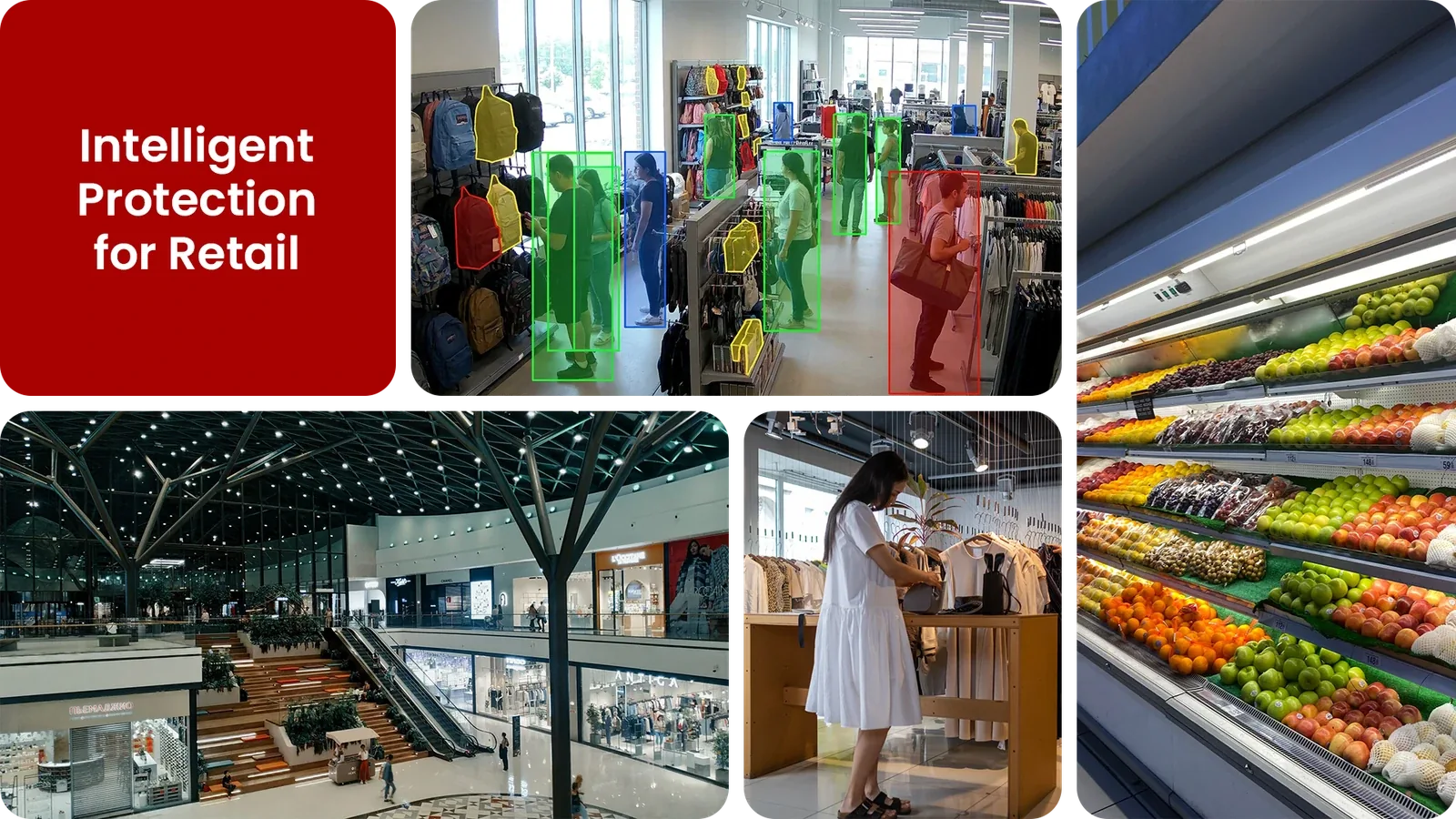
Common retail security gaps Camzify closes:
- • Stockrooms and back-of-house areas left unchecked during busy floor hours
- • Back doors propped open for deliveries and never re-secured
- • Fitting rooms and blind aisles with inconsistent camera coverage
- • After-hours entry with no one on site to verify who's inside
- • Multi-location chains with no centralized view of every store's status
- • Loss prevention relying on manual video review after the fact
Why retail needs continuous AI monitoring
A store's exposure isn't limited to trading hours. Deliveries arrive before opening, staff cycle in and out of the stockroom all day, and the building sits empty overnight with a back door, fire exit, and loading area that no one is watching. A manager doing a closing walkthrough checks the sales floor, not every blind corner.
Standard CCTV records all of it, but nobody is reviewing hours of footage in real time, the recording only becomes useful after a loss has already happened, when it's too late to intervene. And a single loss prevention staffer, even a good one, can't be in the stockroom, at the back door, and on the sales floor at the same moment.
Virtual patrolling closes that gap by running scheduled AI checks across every camera zone continuously, sales floor, stockroom, back door, and loading area, flagging deviations the instant they happen and logging every check, so gaps in coverage stop being invisible.
Three questions retail security teams ask
"Is someone in the stockroom who shouldn't be?"
Camzify answers this with Zone Intrusion Detection and automated patrol verification.
"Is the back door propped open again?"
Camzify answers this with Motion Detection and automated patrol verification.
"Who was in the store after closing?"
Camzify answers this with Multi-Object Tracking and automated patrol verification.
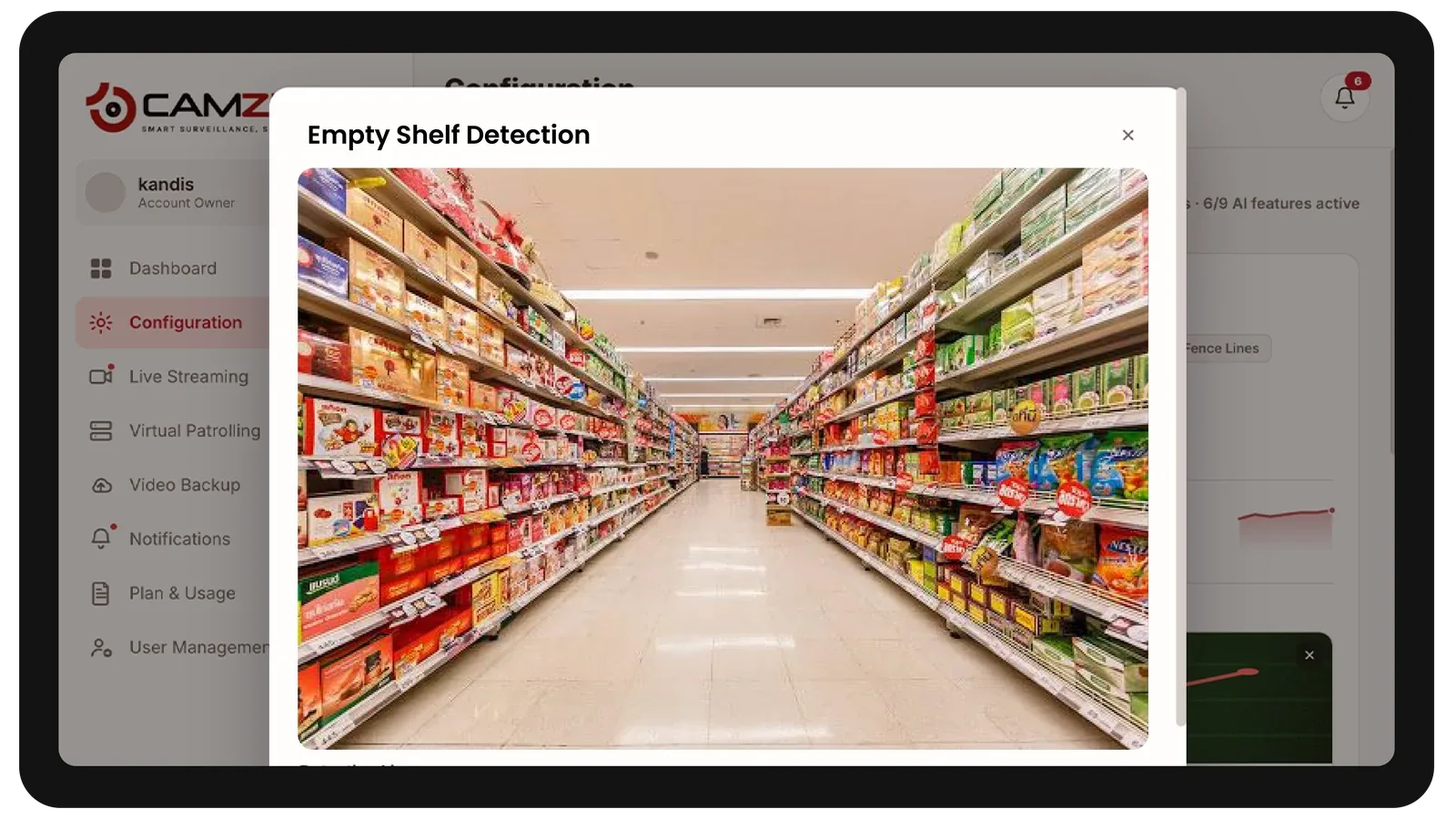
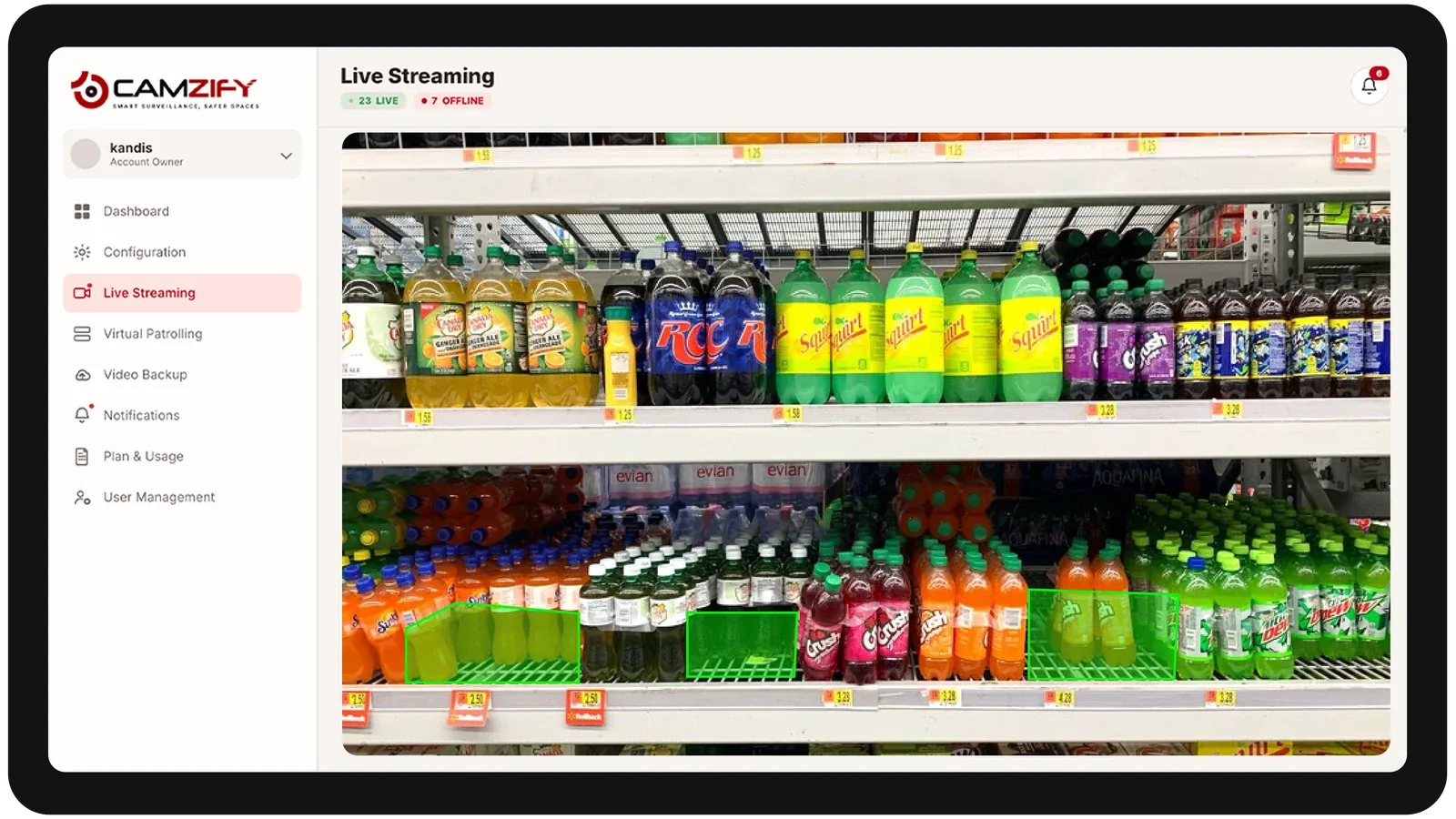
How Camzify works for retail
Building the patrol route
A patrol sequence is set up once, ordering every camera stop, stockroom, back door, fitting room corridor, sales floor, into a single route that runs on a configurable schedule.
Checking each stop
At each stop, the AI checks the defined conditions for that camera using zone intrusion detection, motion detection, and multi-object tracking — is the stockroom clear, is the back door secure, is anyone present after closing.
Routing the alert
A failed check creates an actionable alert with a snapshot and timestamp, routed to the assigned store or regional contact, and logged alongside every other result in that round's patrol report.
What to configure for a retail site
Most retail deployments start with:
- • Restricted zones over the stockroom, back office, and cash handling areas
- • Back-door and loading-area rules tied to scheduled delivery windows
- • After-hours presence detection across the full sales floor
- • Multi-site rollout with shared zone templates across store formats
- • Escalation routing to store management or a regional loss prevention contact
Common scenarios
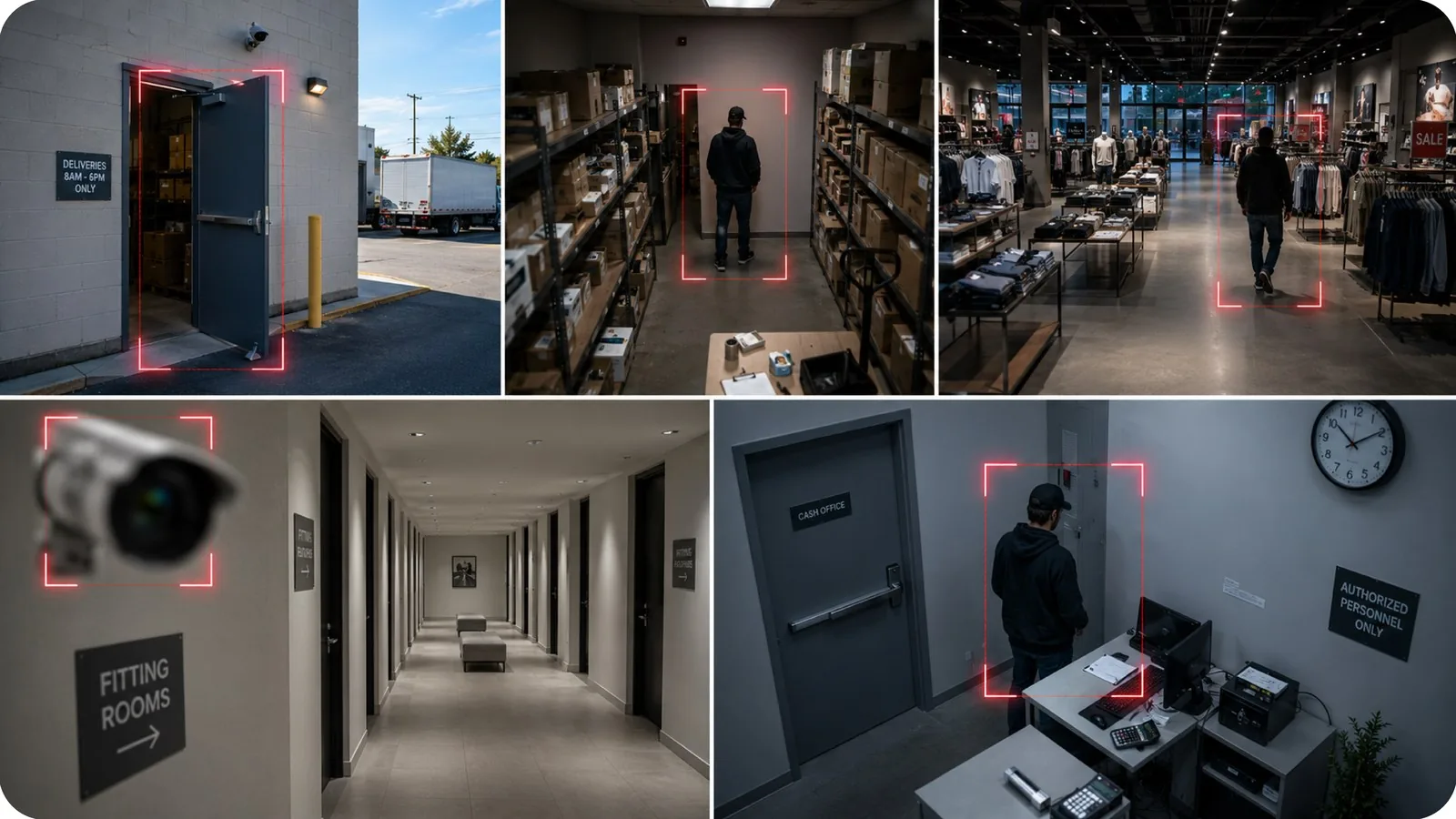
- • A back door left propped open outside a scheduled delivery window
- • Someone entering the stockroom during a period when staff aren't scheduled
- • A person remaining on the sales floor after closing
- • A fitting room corridor camera losing focus or coverage mid-shift
- • Repeated presence near the cash office outside normal handling hours
Deployment notes
Retail locations typically have existing camera infrastructure. Camzify connects to these cameras via RTSP or the Camzify Connector without additional hardware. Multi-site retail chains benefit from centralized management.
What a first deployment looks like
- Step 01
Start with the back-of-house doors
Stockroom entrances, delivery bays and the safe area are added before the sales floor. These are the points where shrinkage originates and where existing cameras are already pointed.
- Step 02
Split trading and closed-hours rules
One patrol sequence runs after close — everything locked, floor clear, no presence in the stockroom. A separate daytime schedule watches only the restricted zones, so trading-hours footfall never generates alerts.
- Step 03
Roll the same template across stores
Once one location is tuned, the sequence and checklist are copied to the rest of the estate through multi-site management, so every branch is checked to an identical standard.
See how the numbers work for your retail facility with the ROI calculator, or review pricing to understand the per-camera licensing model.
AI Features used here
Related use cases
Related industries
Frequently asked questions
Ready to patrol your site 24/7?
Book a 15-minute demo and see a live patrol run on your own cameras.