

Security system user management
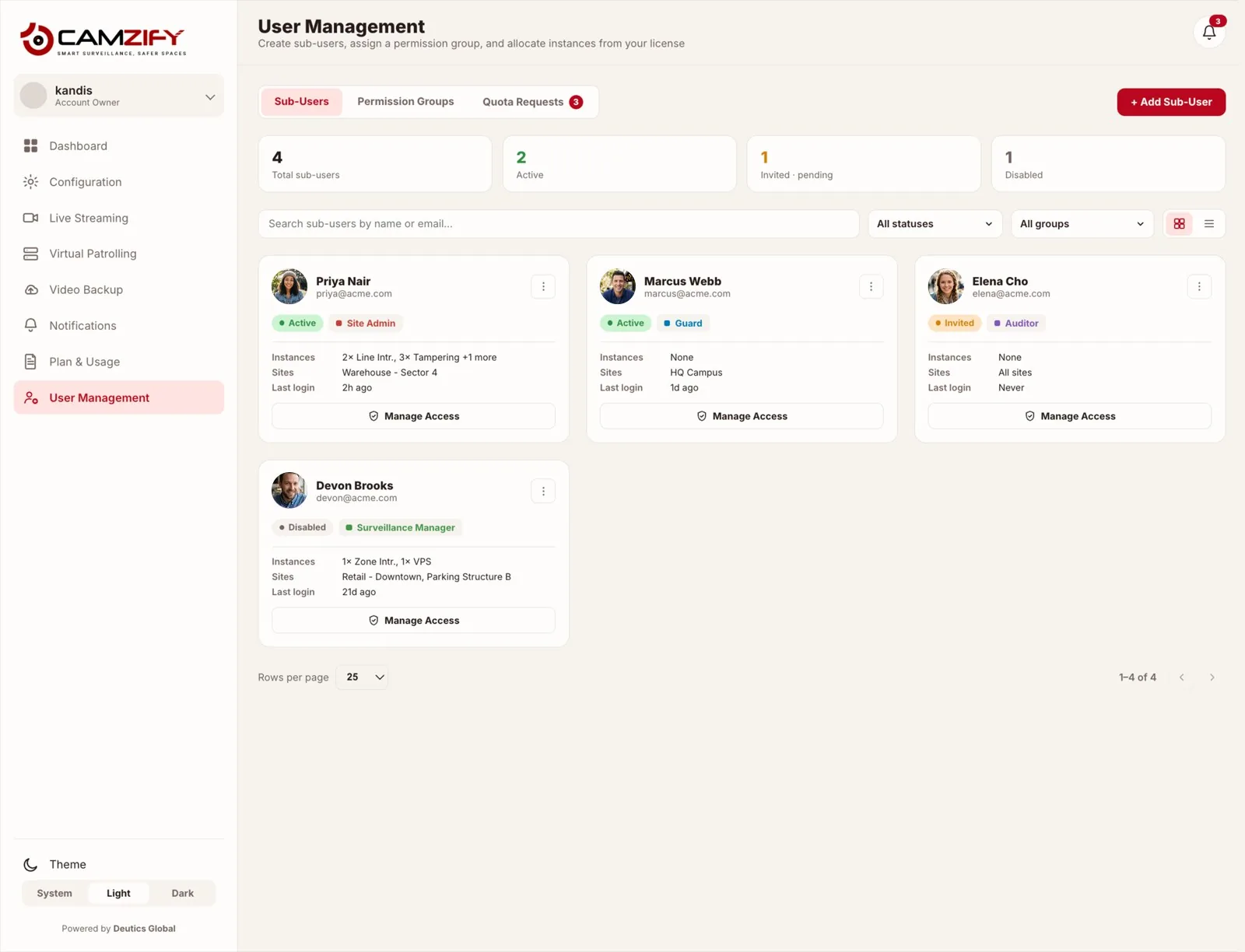
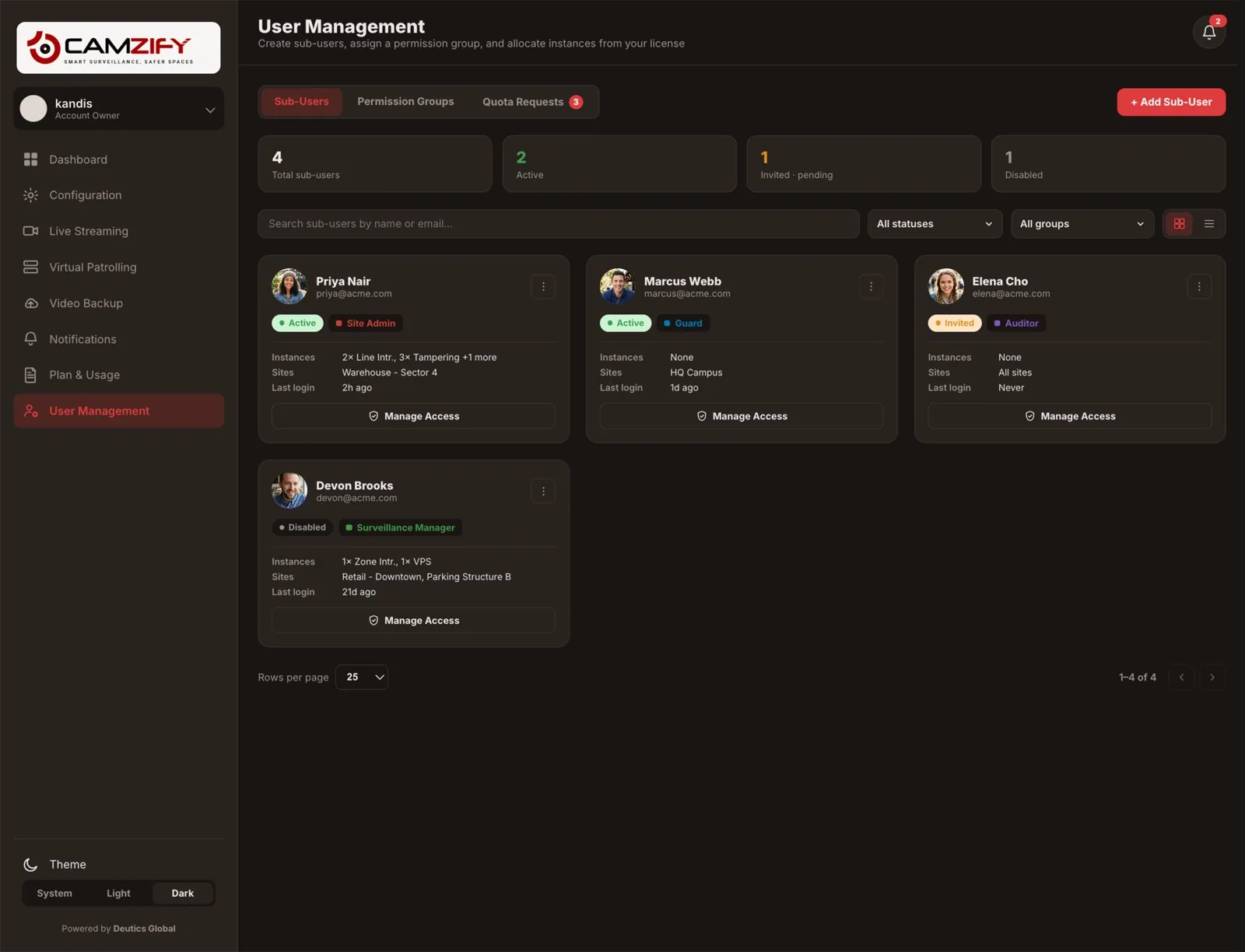
User management in Camzify supports sub-users with permission groups — a per-module View, Edit, Delete matrix. Site-level access control limits which locations a user can see. AI feature instance grants let a parent account allocate detection capacity to child accounts.
How access is delegated
Role-based permission groups
Site Admin, Guard, Auditor, Surveillance Manager, or a custom group, each defines exactly what a sub-user can view, edit, or delete.
Per-user instance allocation
AI feature instances (Line Intrusion, Tampering, VPS, and more) can be granted to a sub-user straight from the parent account's license.
Multi-site scoping
Each sub-user is scoped to one site, several, or all sites, visibility never has to be all-or-nothing.
Invite / disable lifecycle
Sub-users move cleanly through Invited, Active, and Disabled states without losing their configured role or site scope.
One account, many roles
This module integrates with virtual patrolling to provide a complete operations picture. Patrol results, detection alerts, and platform status all feed into the same console.
The detailed permission matrix, the exact View, Edit, and Delete grants each of the four built-in groups carries per module, lives on its own page. See Permission Groups for the full breakdown, or License & Instance Management for how AI detection capacity is licensed and allocated in the first place.
Frequently asked questions
Ready to patrol your site 24/7?
Book a 15-minute demo and see a live patrol run on your own cameras.