

AI security for education facilities
Education facilities face security challenges that cameras alone cannot solve and manned guards cannot cover consistently. Camzify's virtual patrolling system runs automated AI patrol rounds on your existing cameras — checking every point, flagging failures, and notifying the right person.
- Multiple entrances across a campus with no single point of…
- After-hours access to labs, gyms, and equipment rooms going…
- Campus grounds and parking areas relying on a single evening…
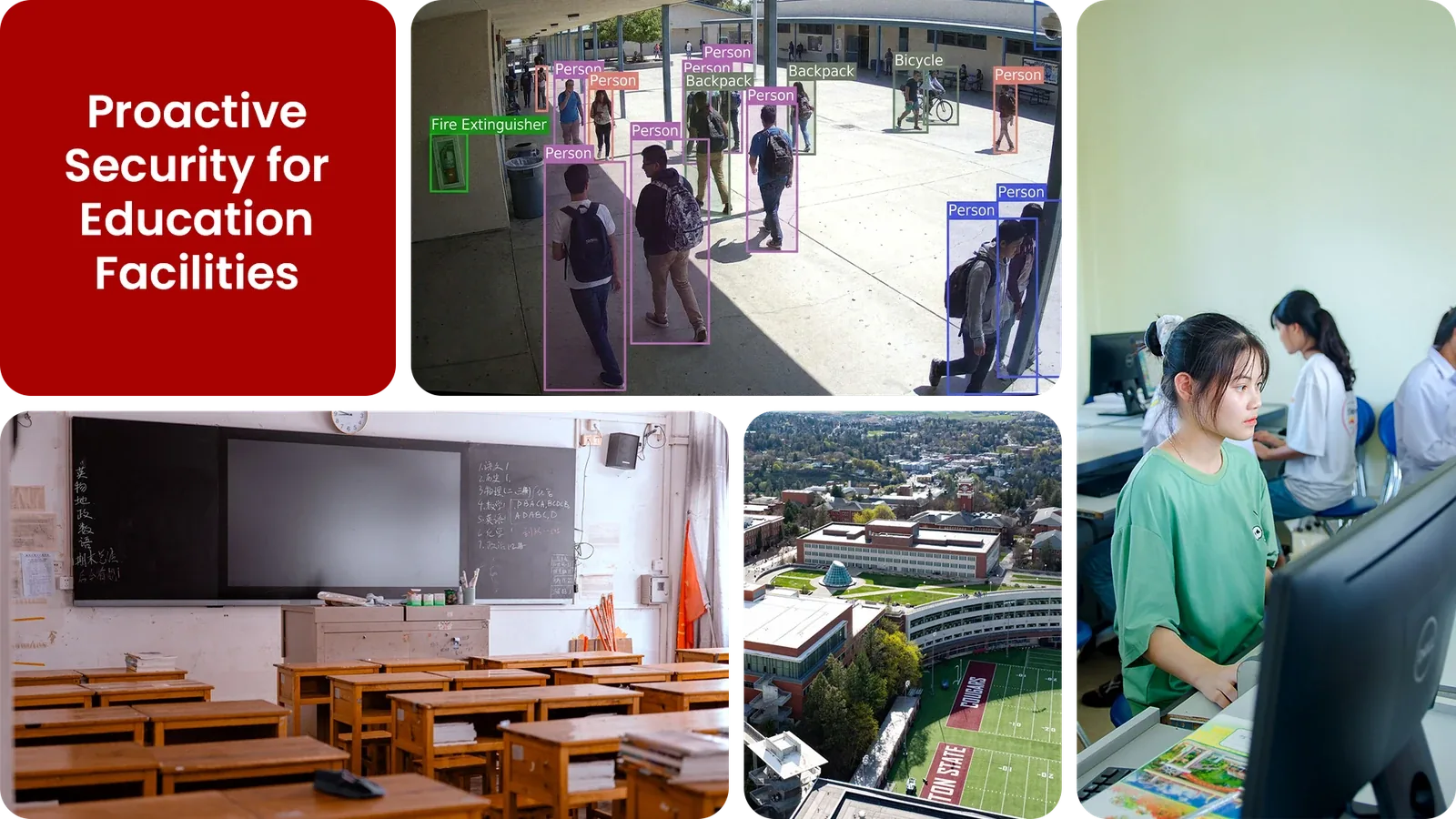
Common education facility security gaps Camzify closes:
- • Multiple entrances across a campus with no single point of control
- • After-hours access to labs, gyms, and equipment rooms going unchecked
- • Campus grounds and parking areas relying on a single evening walkthrough
- • Vandalism and loitering around unoccupied buildings during breaks
- • No consistent record proving each building was checked every night
- • Cameras across multiple buildings not centrally monitored in real time
Why education facilities need continuous AI monitoring
A campus is only lightly occupied for a fraction of the calendar year, evenings, weekends, and long holiday breaks leave labs, gyms, and equipment rooms across several buildings sitting empty at once. A single security officer walking a round can reach one building at a time; the rest of the campus goes unchecked until the next pass.
Plain CCTV records every building continuously but only gets reviewed after a break-in or an act of vandalism is already reported, and academic calendars add another layer of complexity: the same building can need a completely different patrol pattern during exam period versus a summer holiday.
Continuous AI monitoring runs a scheduled check across every building on the same campus, adjusts automatically to term-time and holiday schedules, and flags a propped door or an out-of-hours presence the moment it happens, giving one security team real coverage of a multi-building site without needing to physically walk it.
Three questions education facilities security teams ask
"Was the campus perimeter checked after the last class?"
Camzify answers this with Zone Intrusion Detection and automated patrol verification.
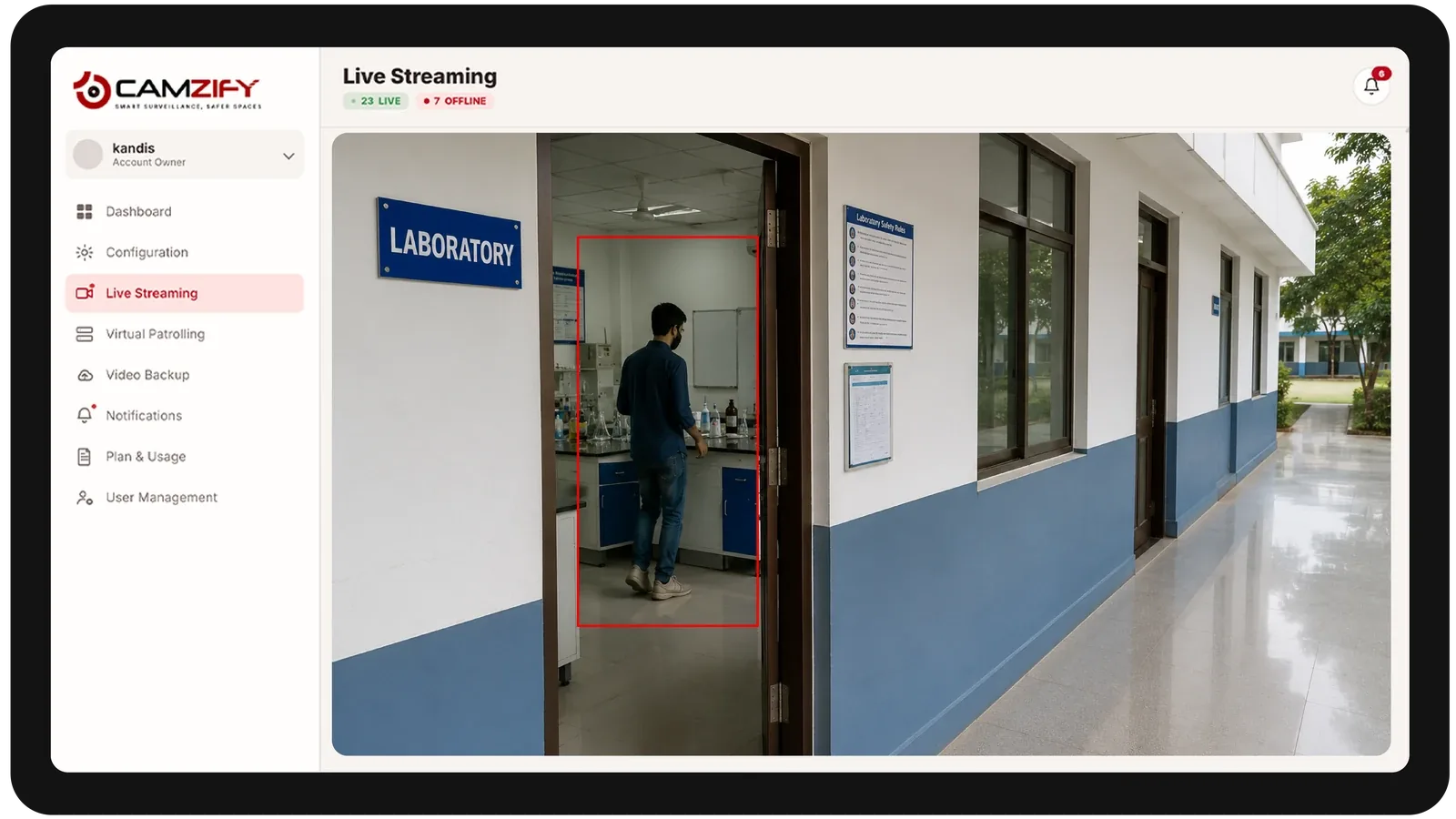
"Is anyone in the laboratory building at midnight?"
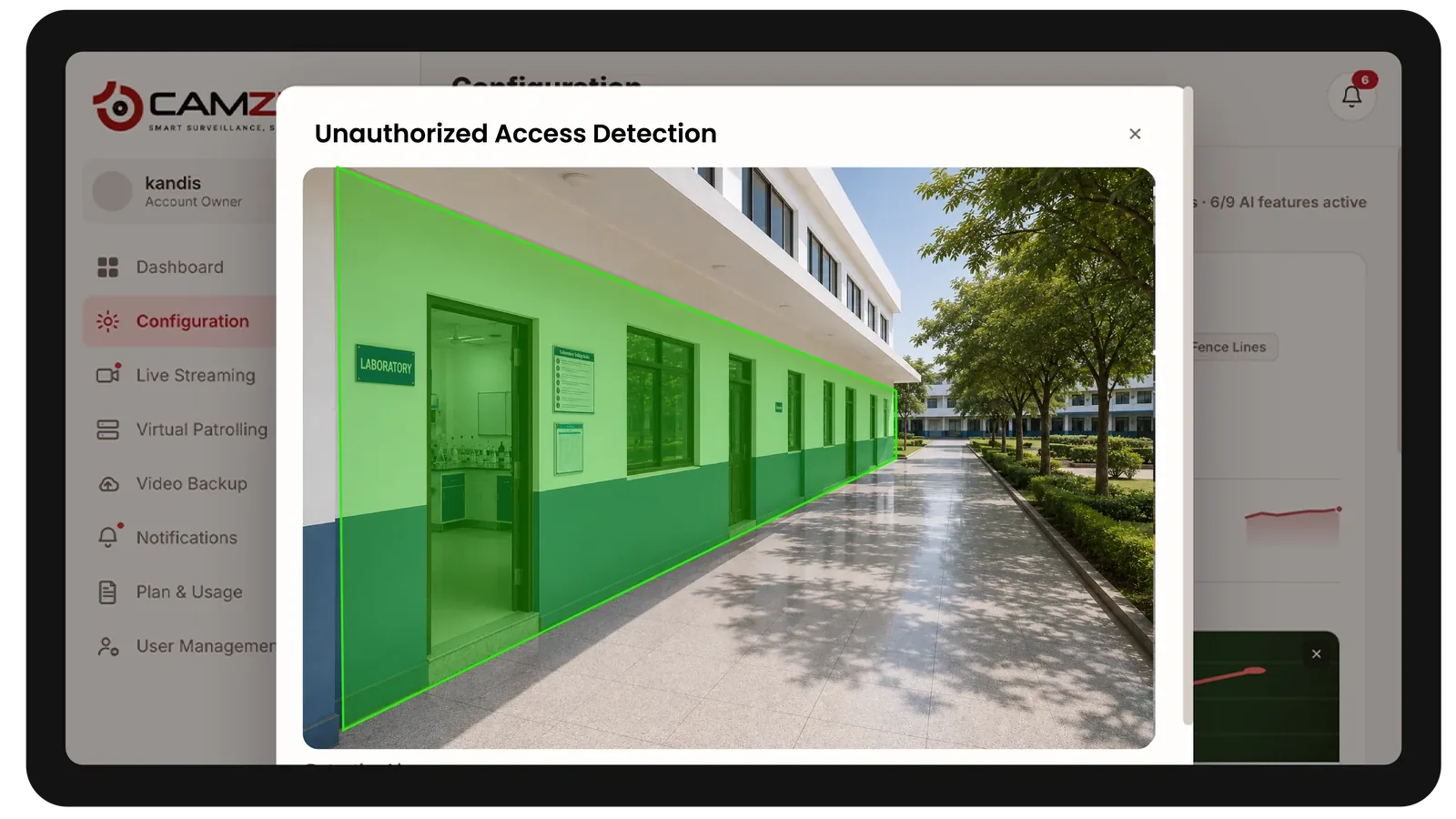
Camzify answers this with Line Intrusion Detection and automated patrol verification.
"Are all main entrances secure right now?"
Camzify answers this with Motion Detection and automated patrol verification.
How Camzify works for education facilities
Building the patrol route
A patrol sequence is set up once per building, ordering every camera stop, main entrances, laboratory and equipment rooms, grounds and parking areas, into a route that runs on a schedule aligned to the academic calendar.
Checking each stop
At each stop, the AI checks the defined conditions for that camera using zone intrusion, line intrusion, and motion detection — is the building secure, is the perimeter intact, is there presence where there should not be.
Routing the alert
A failed check creates an actionable alert with a snapshot and timestamp, routed to the assigned security contact for that building, and logged alongside every other result in that round's patrol report.
What to configure for an education facility
Most education facility deployments start with:
- • Building-specific zones for labs, gyms, and equipment rooms
- • Perimeter line rules across campus grounds and parking areas
- • Schedule profiles for term time, holidays, and exam periods
- • After-hours event overrides for evening classes or sports fixtures
- • Escalation routing to campus security or facilities on-call staff
Common scenarios
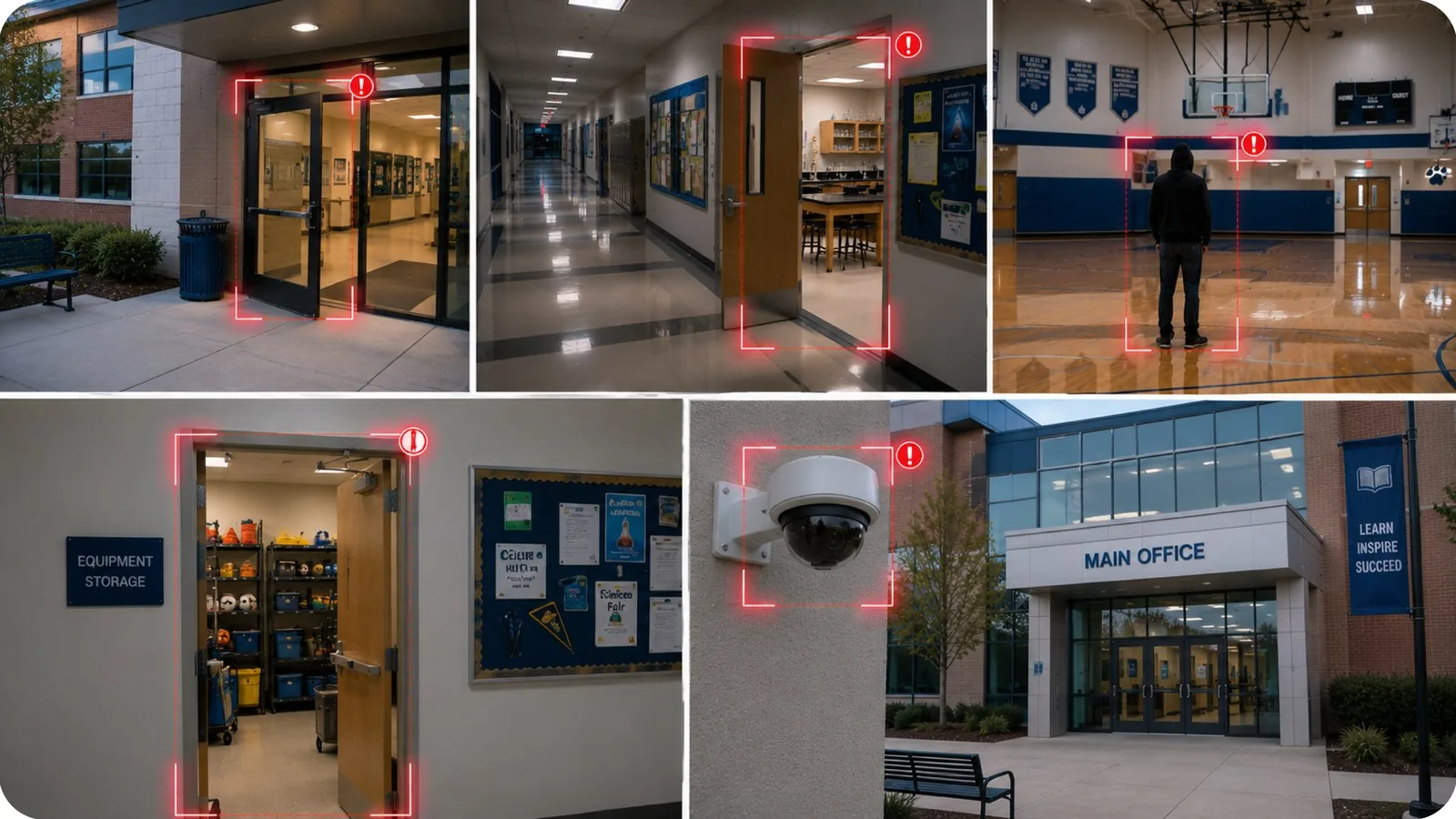
- • A side entrance propped open after the last class of the day
- • Movement detected in a laboratory building outside scheduled hours
- • Loitering near a gym or sports facility after evening activities end
- • An unlocked equipment room discovered during a holiday period
- • A camera covering a building entrance going offline mid-shift
Deployment notes
Education campuses span multiple buildings with existing camera networks. Camzify connects to these cameras centrally and runs patrol sequences building by building, with schedules aligned to academic calendars and class timetables.
What a first deployment looks like
- Step 01
Cover the boundary and the entrances
Perimeter fence lines, gates, car parks and main building entrances are onboarded first — the points that matter most outside teaching hours.
- Step 02
Schedule around the timetable
Patrols run overnight, at weekends and through holiday closures. Term-time daytime hours are left unpatrolled so normal campus movement never generates alerts.
- Step 03
Extend to outbuildings and sports areas
Sports halls, storage sheds and remote blocks are added in a second phase, typically the areas furthest from any staffed reception and least likely to get a physical check.
See how the numbers work for your education facilities facility with the ROI calculator, or review pricing to understand the per-camera licensing model.
AI Features used here
Related use cases
Related industries
Frequently asked questions
Ready to patrol your site 24/7?
Book a 15-minute demo and see a live patrol run on your own cameras.