

Every camera watched.Every site checked.
Camzify is an AI-powered cloud video management system for the cameras you already own. Scheduled patrol rounds check every site on a checklist, message the guard when something fails, and file a report with the frame behind every result.
Calculate your ROISecurity agency, monitoring company or installer? See how partners sell it
- Built byCamzify Global Pte LtdSingapore · registered entity
- CompliancePDPA · GDPR · SOC 2 · ISO 27001Alignment in progress — none yet held
- EncryptionTLS 1.2+ · AES-256In transit and at rest
- Camera supportONVIF · RTSP · RTMP · HLS · WebRTCNo proprietary hardware
- DeploymentCloud · On premises · HybridOn-site installs set up by Camzify
Sites and operations teams running Camzify










Customer names and logos are trademarks of their respective owners and are shown with permission.
Coverage to sell, not a cost to cut
A guarding company can only sell the hours it can staff. Virtual patrolling is coverage that is not capped by headcount, sold alongside the guards you already provide, on the cameras your clients already own.
Cameras everywhere. Nobody watching.
A guard covers one place at a time.
Your sites run around the clock across multiple zones. One person walking a route reaches any given point for a few minutes an hour, and attention measurably degrades after the first.
1 of 12 cameras watched at once
Cameras record. They do not check.
Conventional CCTV captures everything and reviews nothing. Footage is consulted only once an incident has been reported, by which point it is evidence rather than prevention.
After the fact, every time
Alerts arrive with nobody attached.
Pixel-based motion floods an inbox with events carrying no context, no owner and no record that anyone acted. Teams stop reading them, or turn sensitivity down until real events are missed too.
No owner no acknowledgment trail
One system, from the camera to the record
Video management, AI detection and virtual patrolling are one product on one login, not three integrations. Eight layers, in the order the platform runs them.
- 01
Connect
Any ONVIF or RTSP camera, plus RTMP and HTTPS streams. Local networks relay through the Connector with no port forwarding.
Explore - 02
Live streaming
A multi-camera wall grouped by site, saved camera sets, explicit offline states, and PTZ control where the camera supports it.
Explore - 03
Cloud backup & retention
Continuous or scheduled recording, retention per camera by days or storage cap, playback, and clip export for a chosen window.
Explore - 04
AI detection
23 shipping models on confirmed object tracks, intrusion, tampering, weapons, fire, PPE, behavior described in plain language.
Explore - 05
Virtual patrolling
Scheduled rounds with a checklist per camera, before-and-after evidence on anything fixed, and a compliance report every time.
Explore - 06
Risk detection
Safety and security risks assessed at every patrol stop, and flagged even where no checklist item asked about them.
Explore - 07
Investigation
Describe a person in plain language and retrieve every appearance across cameras. Journey maps and attribute extraction, no photo needed.
Explore - 08
Notify & manage
One alert queue with acknowledgment over email, SMS, WhatsApp and push. Sub-users, permission groups, audit trail, many sites.
Explore
What is virtual patrolling?
Virtual patrolling is a scheduled, AI-driven patrol round run across the cameras a site already has. The system follows a defined camera route, checks a per-camera list of conditions at each stop, scores the round, and notifies the guard responsible when a check fails.
It produces the same artifact a physical guard tour produces, a timestamped, per-checkpoint compliance record, without a person walking the route. The difference is that it runs identically at 03:00 as it does at 15:00, and every round is auditable afterwards.
Run a patrol round in 20 seconds
The card on the right is a working demo: click it. Step through three cameras and mark each checklist item. Fail one and you will be asked whether to message the guard, and then the round will not let you move on until the item is either fixed and re-checked or held as pending with a reason.
- 01Every camera on the route gets its own checklist
- 02A failed item offers a message to the guard responsible for that camera
- 03No item can be left failing — it is fixed and re-checked, or marked pending with a reason
- 04A fixed item is filed with both frames: as found, and after the fix
- 05The round is scored and archived as a web report and a PDF
Every item needs an answer before the round can move on. A failed item is either fixed and re-checked, or held as pending with a reason.
Step through three cameras, mark each checklist item, message the guard when one fails, and see the report the round produces.
The same round, walked by AI, all night
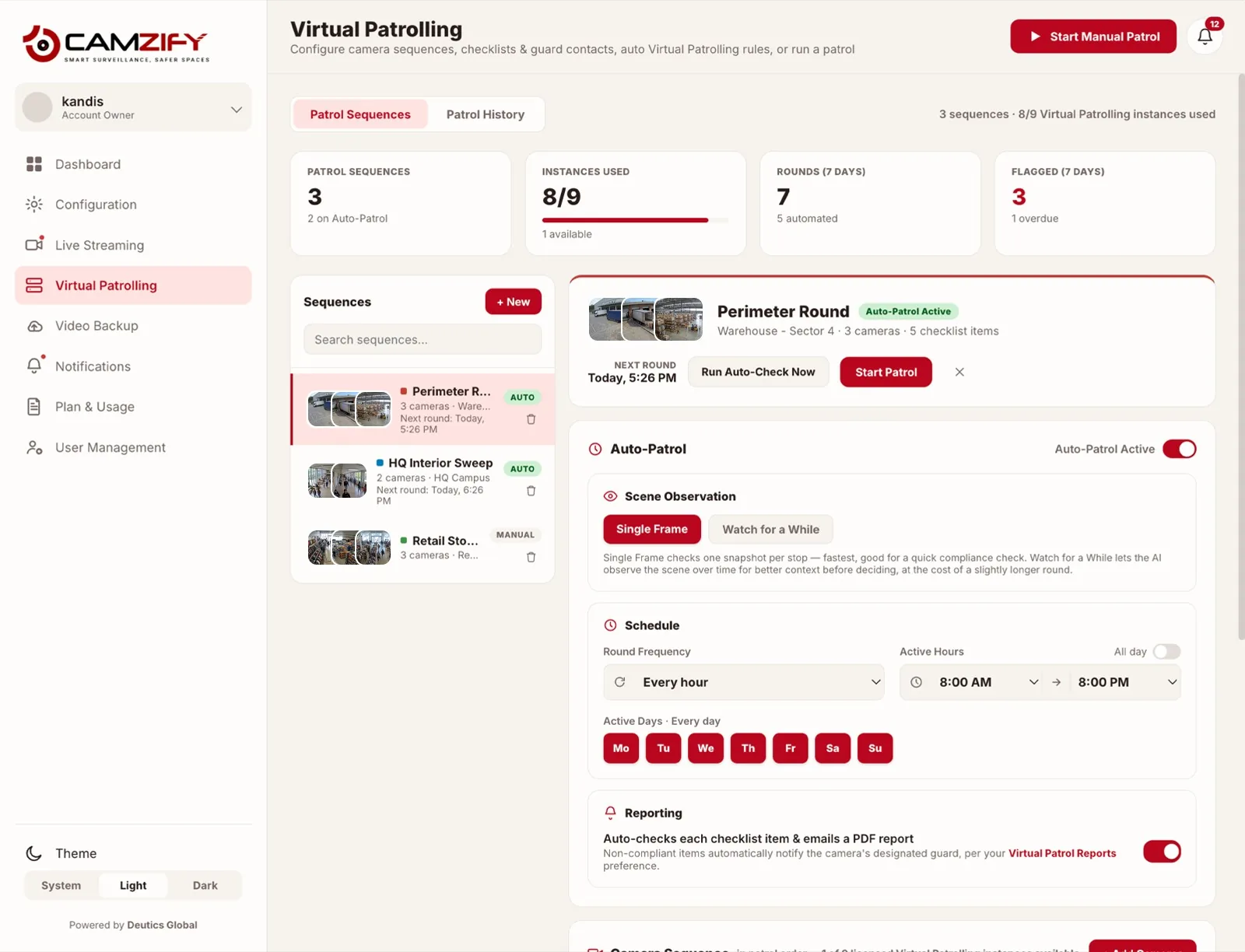
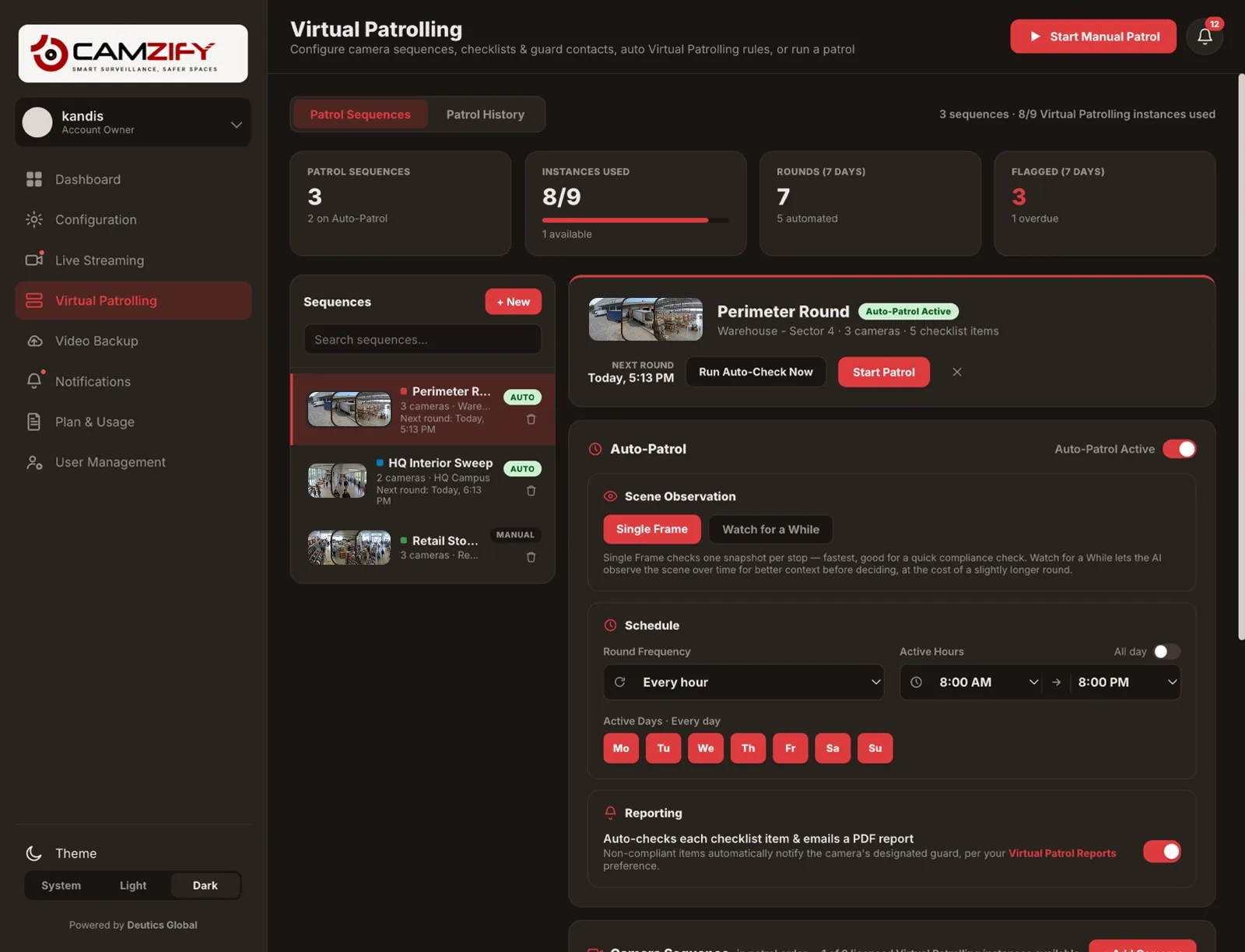
Auto-Patrol runs the sequence you built on a schedule you set — every fifteen minutes, every two hours, only after closing. It stops at each camera in order, works through that camera’s checklist, messages the guard responsible for anything that fails, and files the report before anyone opens a laptop — no operator approving each step. The 3am round happens at 3am, on the fourth night as reliably as the first.
It watches. It does not glance.
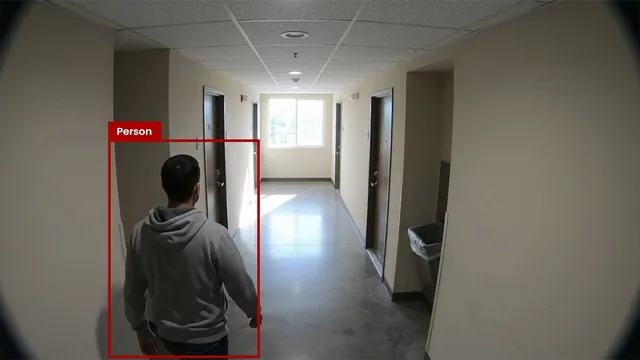
Set a stop to observe the scene for a moment and the AI assesses live video rather than one still frame — the difference between knowing somebody is in a corridor and knowing whether they stayed. That context is what makes an automated round feel like a guard walking the floor instead of a script ticking boxes.
- On a scheduleFrequency, active hours and active days, in the site’s own timezone.
- With contextJudge each stop on a single frame, or on a few seconds of live video.
- With judgmentFlags safety and security risks it sees, even where no checklist item asked.
- With its reasoning shownEach answer is recorded with why — “the metal gate appears to be closed” — not just a tick.
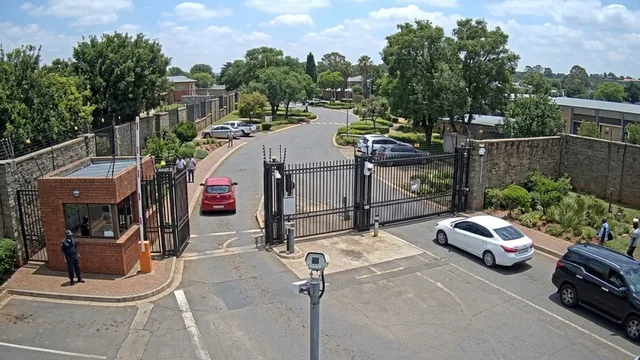
One snapshot per stop
 00:00
00:00Someone is in the corridor. Passing through, or standing there? One frame cannot tell you, so it either wakes a guard for nothing or lets a real one go.
A few seconds of live video per stop
 00:00
00:00Observing the scene before deciding…
Four steps from cameras to a compliance record
- 01
Connect the cameras you already have
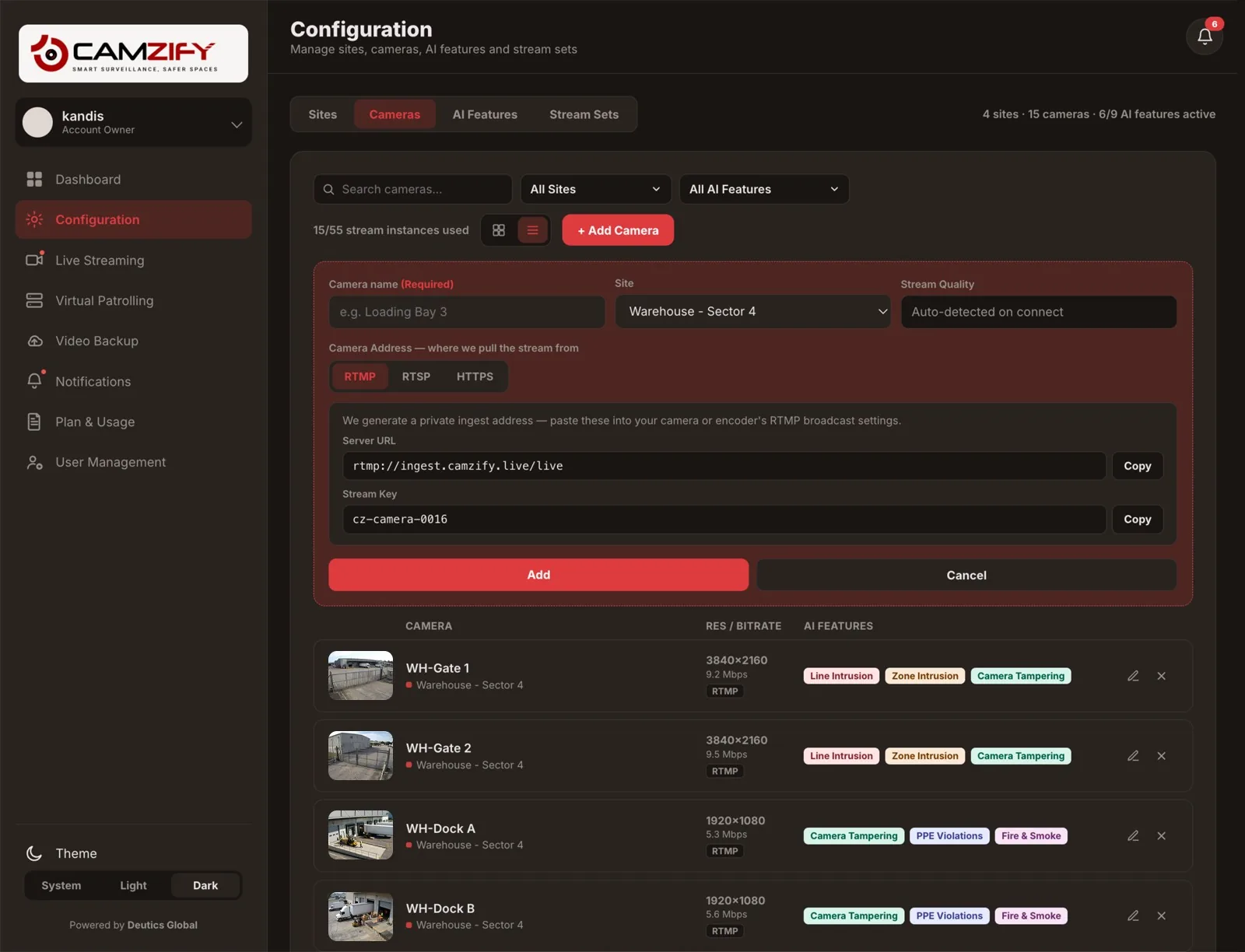
An RTSP stream that is reachable online connects directly; cameras on a private network relay through the Camzify Connector with no port forwarding. RTMP and HTTPS streams are supported too. Sites and cameras are grouped as you organize them operationally.
Configuration · Camzify console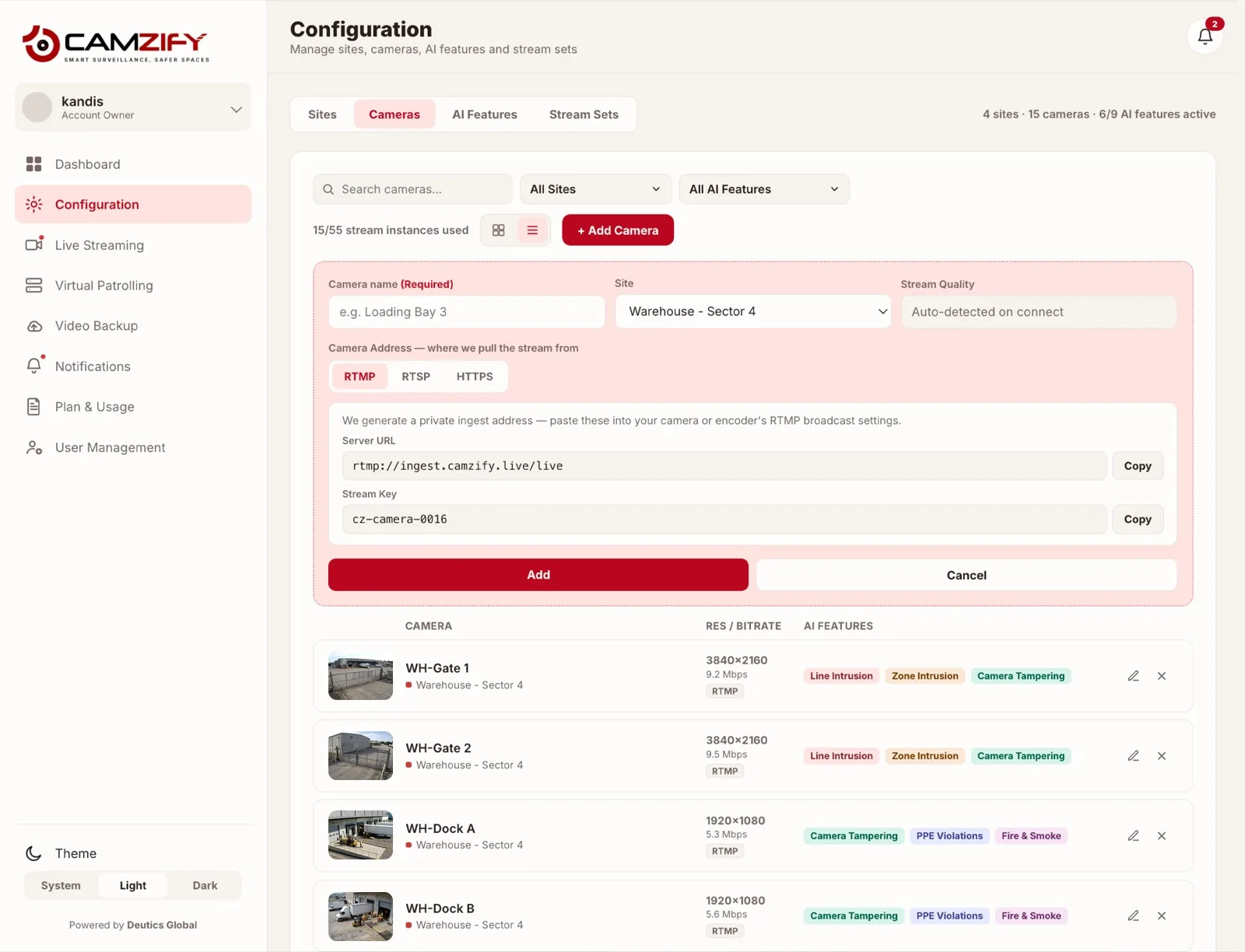
- 02
Build the patrol sequence
Set the camera order for the round, write the checklist each camera is checked against, and name the guard responsible for each stop. Then choose the frequency, the active hours and the active days.
Patrol setup · Camzify console - 03
The AI runs the round
On schedule or on demand, Camzify steps through every camera in the sequence, evaluates each checklist item against what the camera can see, and records a result per item. It does not skip stops and it does not get tired at 04:00.
Round in progress- CAM 01 · Main gateGate closedCompliant
- CAM 01 · Main gateNo tailgating observedCompliant
- CAM 02 · Loading dockBay clearCompliant
- CAM 03 · Server roomDoor securedNot compliant
- CAM 04 · Perimeter eastFence line unbreachedCompliant
Round score · 4 of 5 · 80% compliant
- 04
Failures reach the person responsible
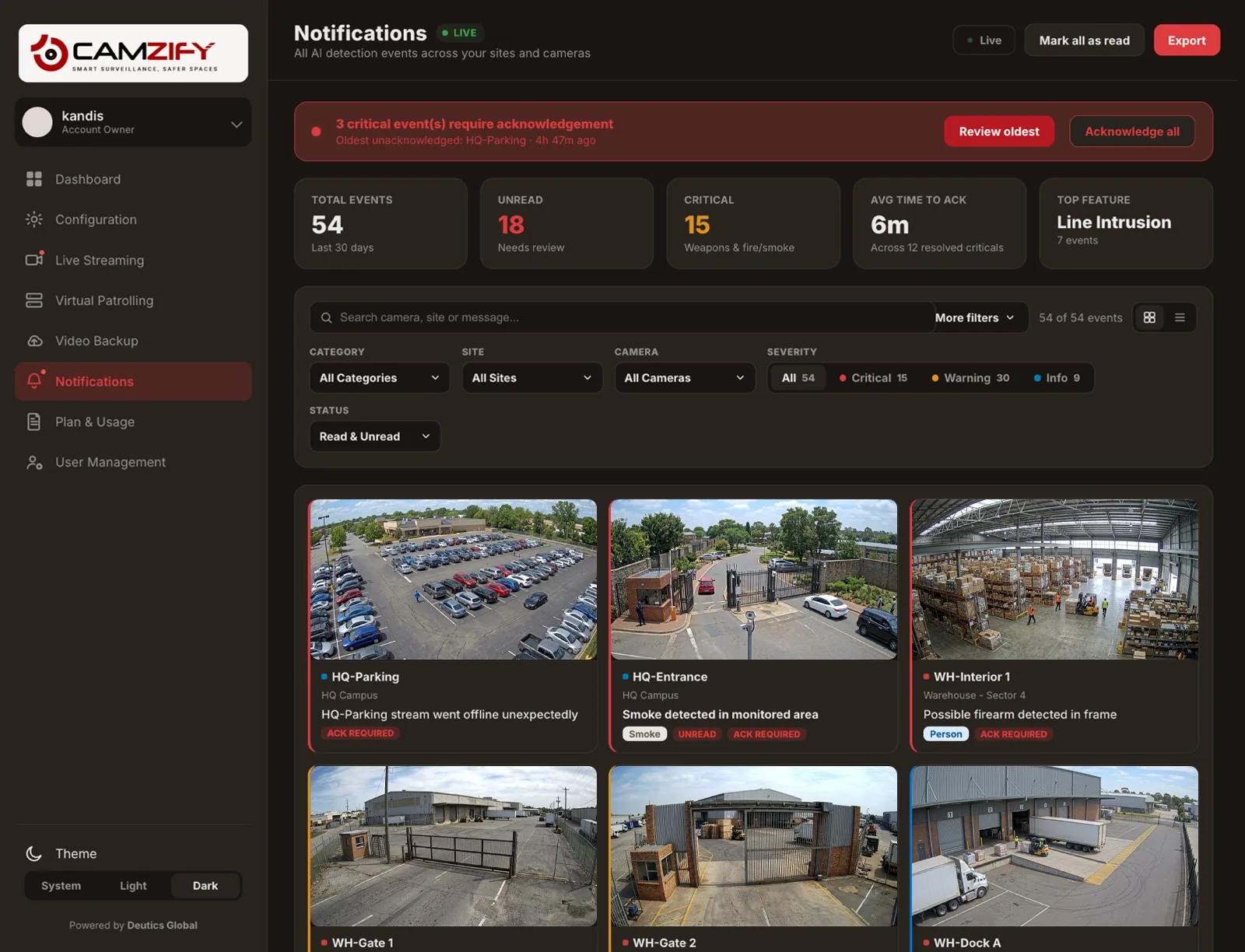
Any non-compliant item notifies the guard assigned to that camera with a message explaining what was found. The completed round is emailed as a PDF with every check, the compliance percentage, and who was notified.
Notifications · Camzify console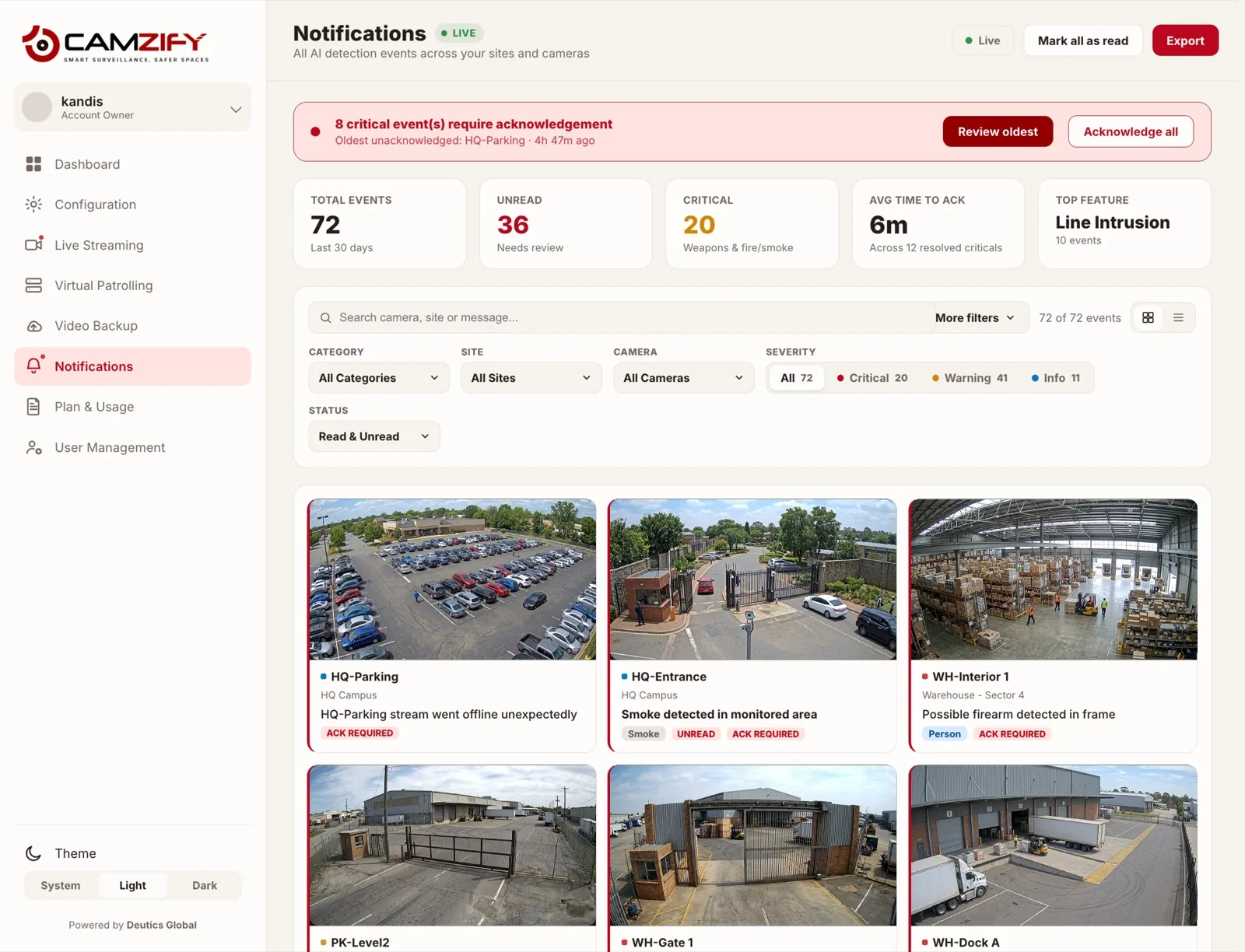
23 detection models, all shipping
Every detection fires on a confirmed object track, not a shadow, not a lighting shift, not camera noise. Each one feeds directly into your patrol rounds, so a detection between rounds is logged against the camera it belongs to.
The full detection set
Grouped the way the platform groups them. Every model listed here ships today; the roadmap lists what is coming next.
Perimeter & Access
Threat & Incident
Site Compliance
Investigation & Tracking
Analytics & Insights
Need one that is not listed? Detections are also built to order, such as license plate recognition for US and Singapore plates, eating and drinking detection and shoplifting detection.
Custom detectionsEvery detection, one queue
Detections do not land in separate tools. They arrive in a single notification queue with severity, site, camera and feature, an acknowledgment state, and the option to mark a false positive so the model's behavior on that camera is recorded.
See alert managementEverything runs from one console
Patrols, detections, streams, storage and access control are one product, not five integrations. Pick a module to see it.
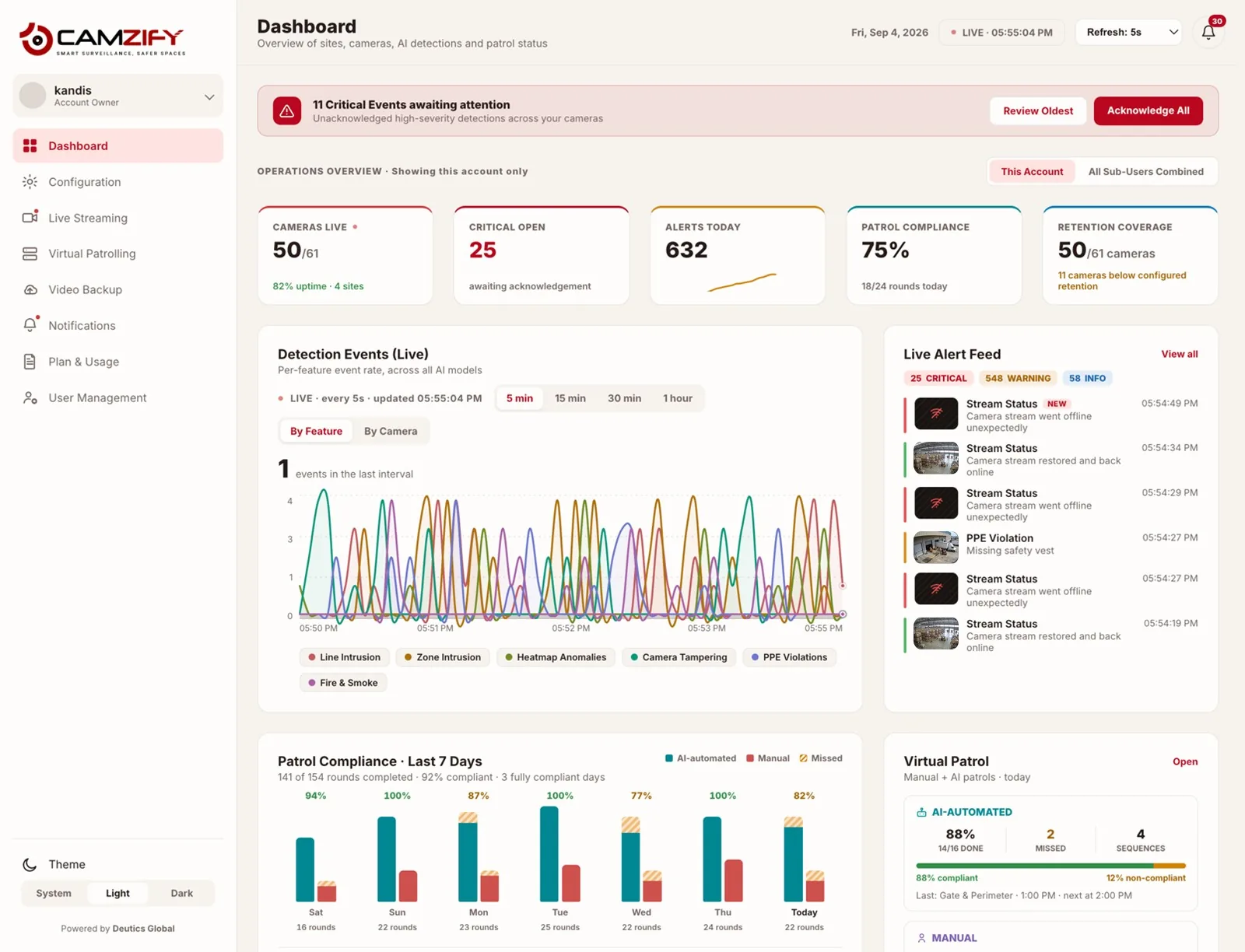
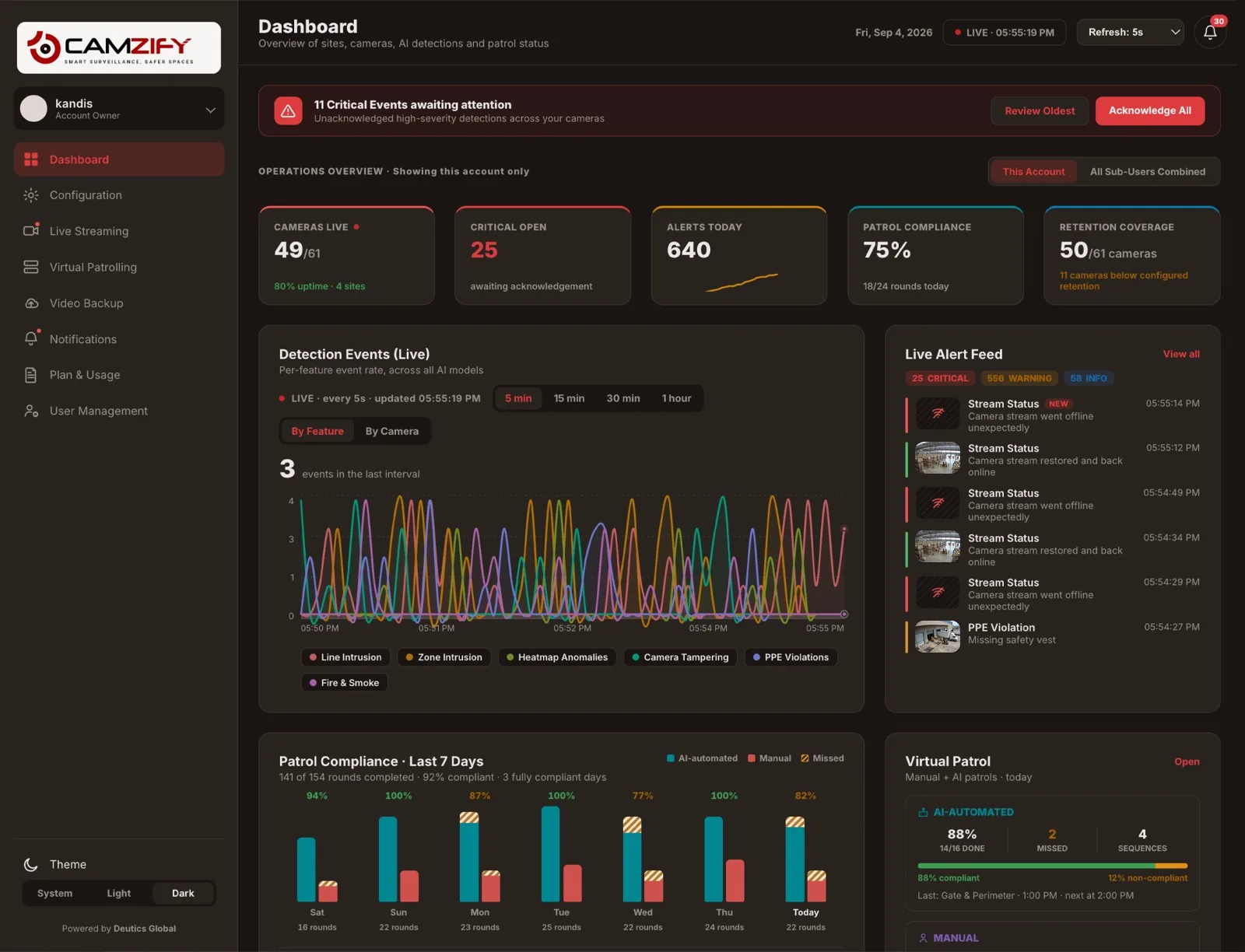
Console screens shown with sample sites and cameras. Figures are interface illustrations, not customer data.
What teams actually run it for
Three ways to connect your cameras
Any RTSP-capable IP camera works with Camzify. No proprietary hardware, no vendor lock-in. Stream quality is auto-detected on connect.
Deployed on cameras from














Brand names and logos are trademarks of their respective owners. Listing a manufacturer states that its ONVIF-conformant cameras interoperate with Camzify; it does not imply partnership or endorsement.
Stop paying guard rates for camera checks
A guard's hourly rate varies widely by market and contract, and one staffed post is not one guard. Allowing for leave, sickness and breaks, continuous cover of a single post takes several people on the roster.
Most of those paid hours go on the routine round: walking the same route, checking the same doors, confirming the same areas are clear. That is the part virtual patrolling replaces, not the response and not the judgment.
Run a security agency? For you this is coverage to sell rather than a cost to cut: overnight rounds across every client site, alongside the guards you already provide. Camzify for security agencies. Monitor on an agency's behalf? See Camzify for monitoring companies.
Weighing the options? Virtual patrolling vs security guards, vs guard tour systems and Camzify vs Eagle Eye Networks.
Annual cost of one patrolled site
Guard figures are orders of magnitude, explained in the guard cost guide, and vary widely by market and contract. Camzify is priced per instance per month and quoted per site, so the comparable figure depends on your camera count rather than headcount; the ROI calculator works it out against your own site.
Built for operations that never close
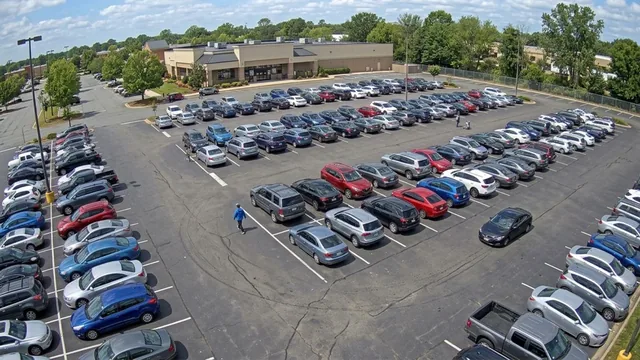
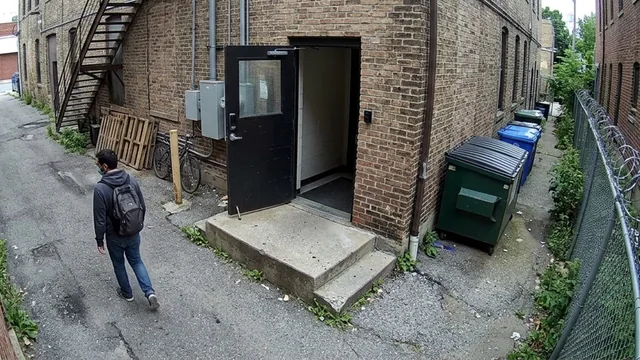
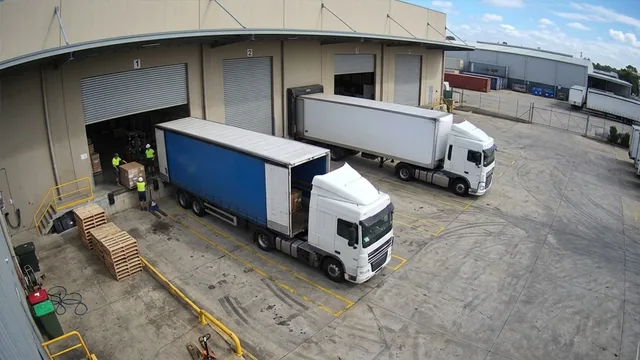
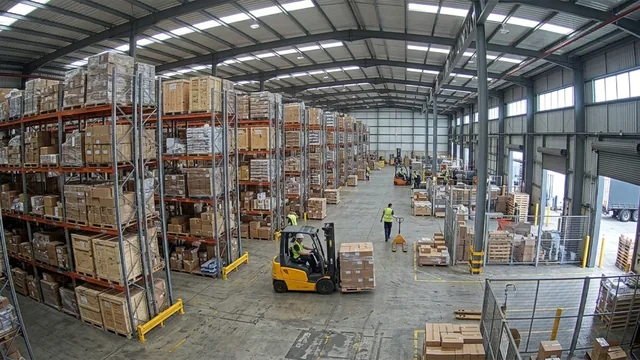
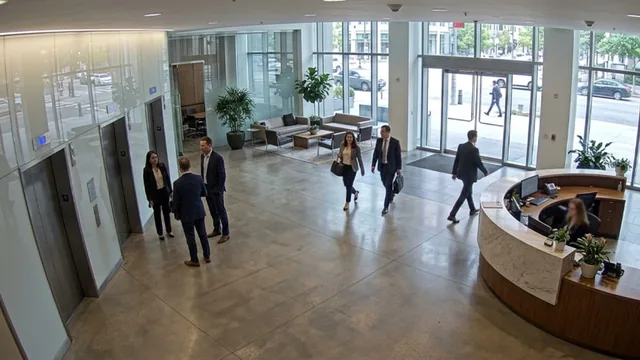
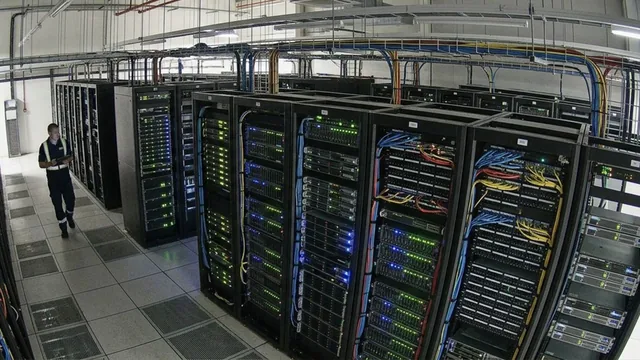
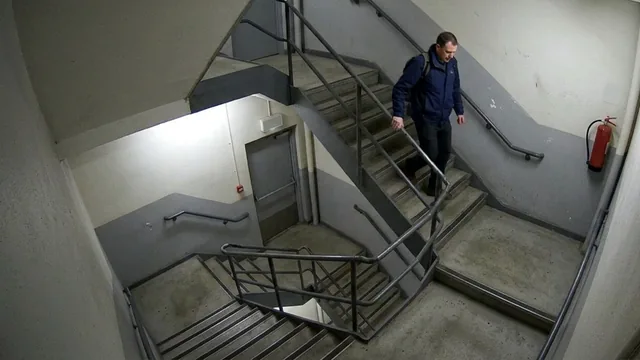
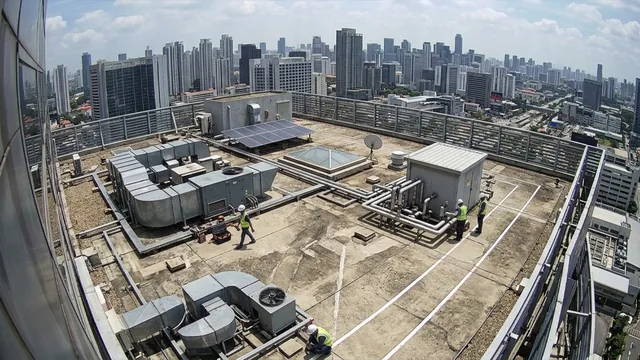
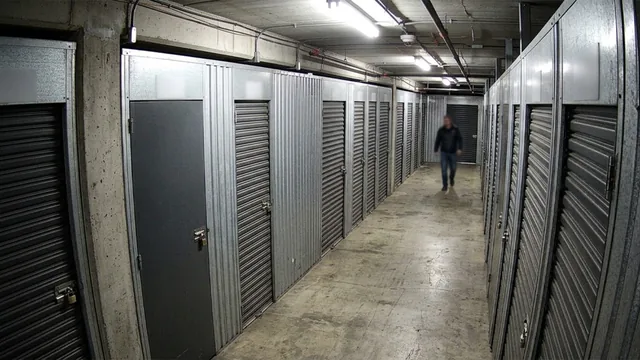
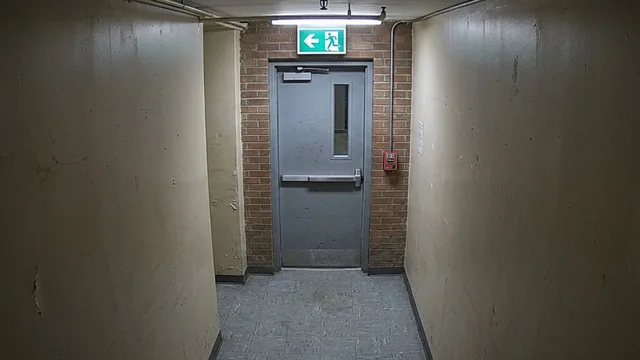
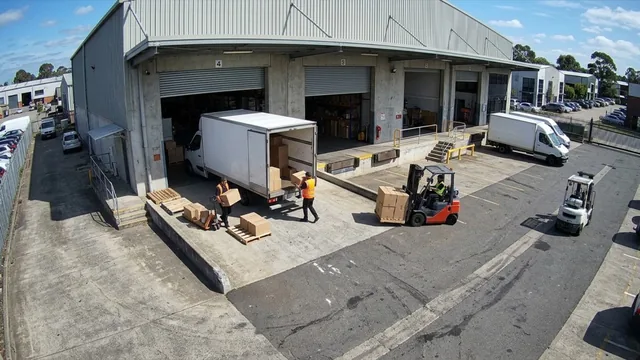
From warehouse perimeters to hospital corridors. Camzify patrols any environment where cameras are already installed.
Make an informed decision


What buyers ask before a demo
If your question is not here, the full FAQ goes further, and contact reaches a person.
Ready to patrol your site 24/7?
Book a 15-minute demo and see a live patrol run on your own cameras.