

AI security for residential
Residential communities face security challenges that cameras alone cannot solve and manned guards cannot cover consistently. Camzify's virtual patrolling system runs automated AI patrol rounds on your existing cameras — checking every point, flagging failures, and notifying the right person.
- Gated entry points left unwatched between staffed shifts
- Pool and amenity areas used after posted closing hours
- Visitor and delivery vehicles left unverified against…
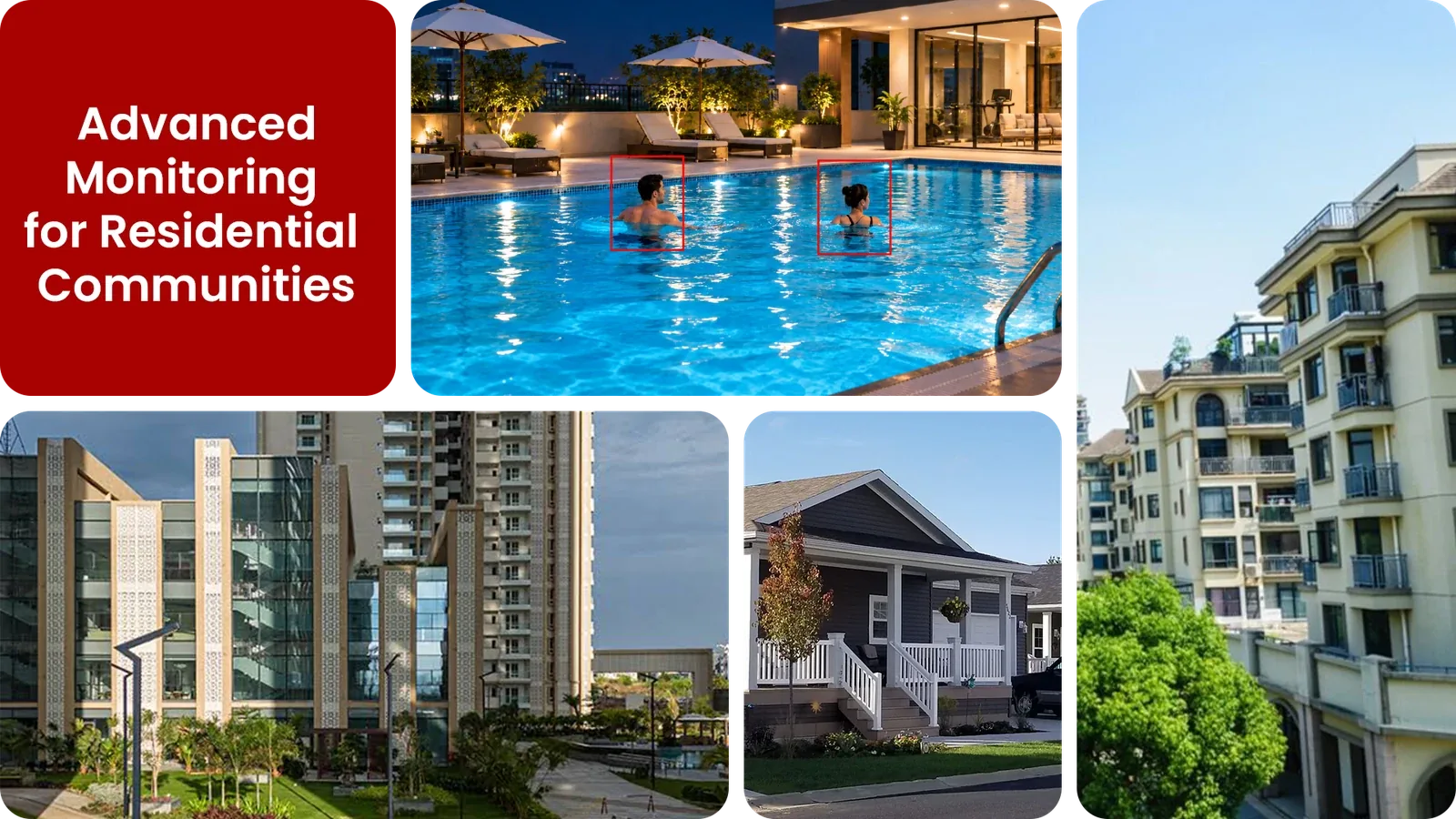
Common residential security gaps Camzify closes:
- • Gated entry points left unwatched between staffed shifts
- • Pool and amenity areas used after posted closing hours
- • Visitor and delivery vehicles left unverified against resident lists
- • A single nightly guard pass covering a large community footprint
- • Camera outages going unnoticed until a resident reports a problem
- • No record proving common areas were actually checked overnight
Why residential communities need continuous AI monitoring
Residential communities and gated developments cover a lot of ground, entry gates, perimeter walls, parking areas, pools, and clubhouses, and most rely on a single guard or a nightly patrol to check all of it. One person walking a large property can realistically reach each point once or twice a shift, leaving long stretches where nothing is actually being watched.
Standard CCTV records the footage but doesn't act on it, if something happens at the back gate at 3am, nobody knows until a resident notices or a review happens after the fact. For a community, that gap shows up directly in resident complaints and trust in the property's security.
Continuous AI monitoring closes that gap by running the same checks a guard would make, gate status, pool area clear, parking lot activity, on a fixed schedule around the clock, so every point gets checked far more often than a single patrol could manage, with a timestamped record of every round.
Three questions residential security teams ask
"Is anyone at the gate who doesn't live here?"
Camzify answers this with Zone Intrusion Detection and automated patrol verification.
"Were all community entry points checked tonight?"
Camzify answers this with Line Intrusion Detection and automated patrol verification.
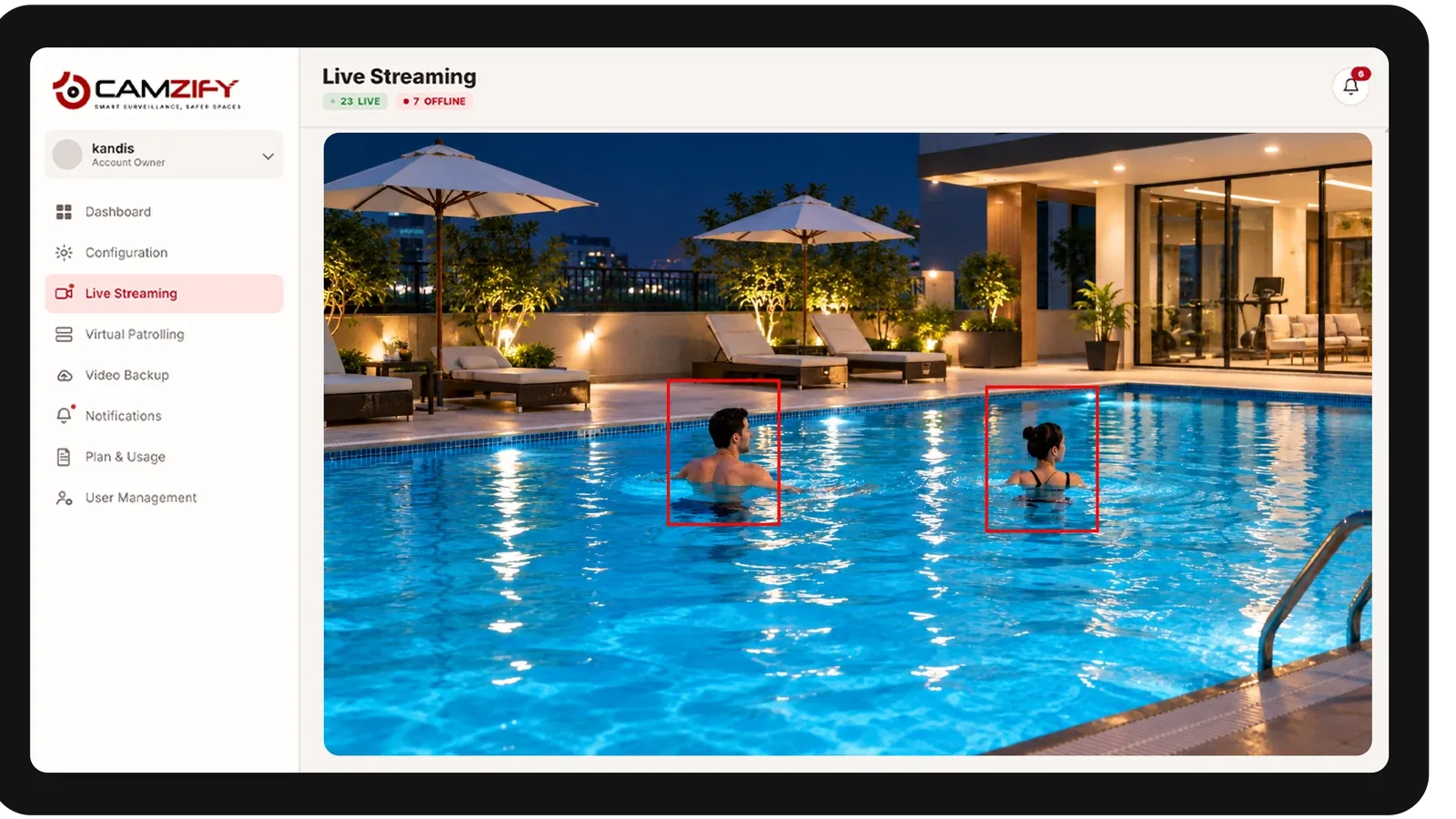
"Is the pool area clear after closing time?"
Camzify answers this with Motion Detection and automated patrol verification.
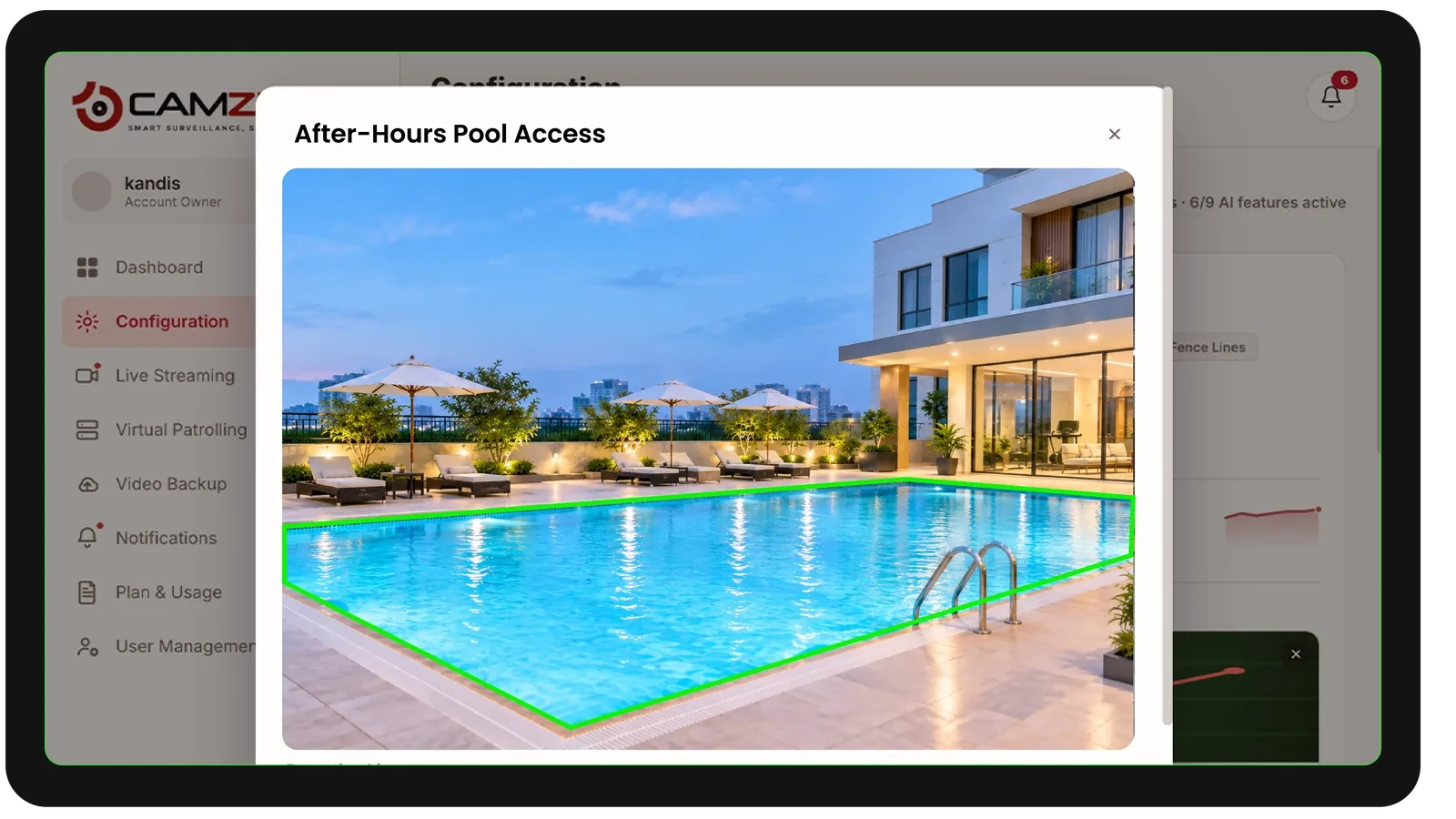
How Camzify works for residential
Building the patrol route
A patrol sequence is set up once for the community, ordering every camera stop, entry gates, perimeter walls, pool area, parking, common spaces, into a route that runs on a schedule matched to community quiet hours.
Checking each stop
At each stop, the AI checks the defined conditions using zone intrusion and motion detection — is the gate area clear, is the pool empty after closing, is anyone present where they shouldn't be.
Routing the alert
A failed check creates an actionable alert with a snapshot and timestamp, routed to the community's assigned contact, property manager, HOA board, or on-call guard, and logged in that round's patrol report.
What to configure for a residential site
Most residential deployments start with:
- • Entry gate and perimeter wall zones with continuous overnight coverage
- • Pool and amenity area zones tied to posted closing hours
- • Parking area rules for identifying vehicles present outside normal hours
- • Patrol frequency aligned to community quiet hours, typically every 30-60 minutes overnight
- • Escalation routing to the property manager, HOA board, or on-call guard
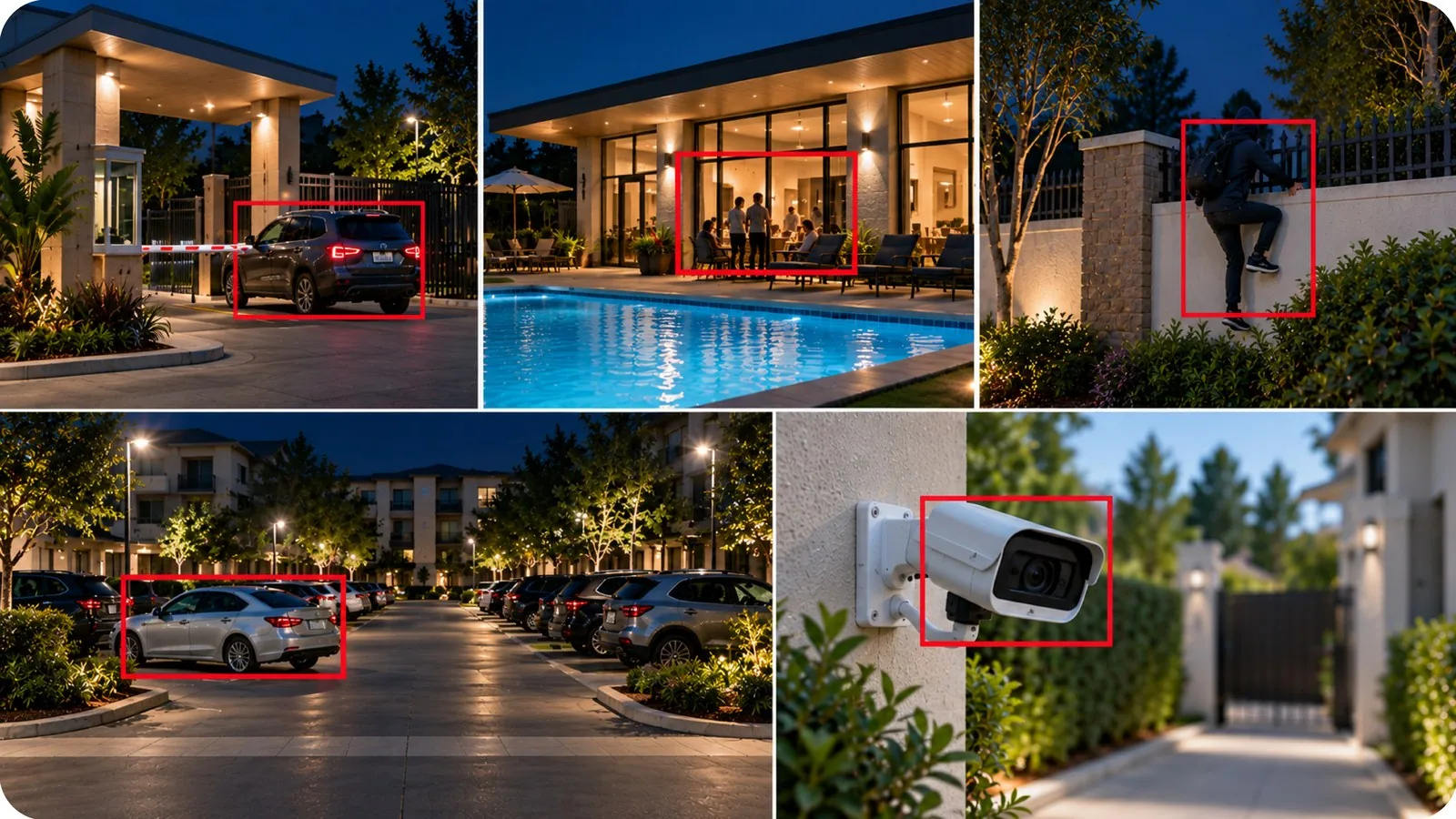
Common scenarios
- • A visitor or delivery vehicle lingering at the gate outside normal hours
- • The pool or clubhouse occupied after posted closing time
- • A perimeter wall or fence crossing overnight
- • A parking area vehicle present well past a normal visit window
- • A camera at a side entrance losing focus or going offline
Deployment notes
Residential communities and gated developments typically have perimeter cameras and common-area cameras. Camzify connects to existing infrastructure and runs automated patrols aligned to community quiet hours.
What a first deployment looks like
- Step 01
Cover the entry points
Gates, lobby doors, car park ramps and bin areas are onboarded first — the boundary between public and resident-only space.
- Step 02
Patrol the quiet hours
Rounds run overnight when the estate is least observed, checking that gates are closed, communal doors are secured and car park levels are clear.
- Step 03
Route alerts to the duty contact
Each camera is mapped to whoever is actually on call — concierge, estate manager or an external monitoring contact — so a failed check reaches a person rather than a screen.
See how the numbers work for your residential facility with the ROI calculator, or review pricing to understand the per-camera licensing model.
AI Features used here
Related use cases
Related industries
Frequently asked questions
Ready to patrol your site 24/7?
Book a 15-minute demo and see a live patrol run on your own cameras.