

AI security for healthcare
Healthcare facilities face security challenges that cameras alone cannot solve and manned guards cannot cover consistently. Camzify's virtual patrolling system runs automated AI patrol rounds on your existing cameras — checking every point, flagging failures, and notifying the right person.
- Pharmacy and medication storage rooms with no continuous…
- Ward corridors and restricted wings relying on infrequent…
- Emergency exits used or blocked without anyone noticing in…
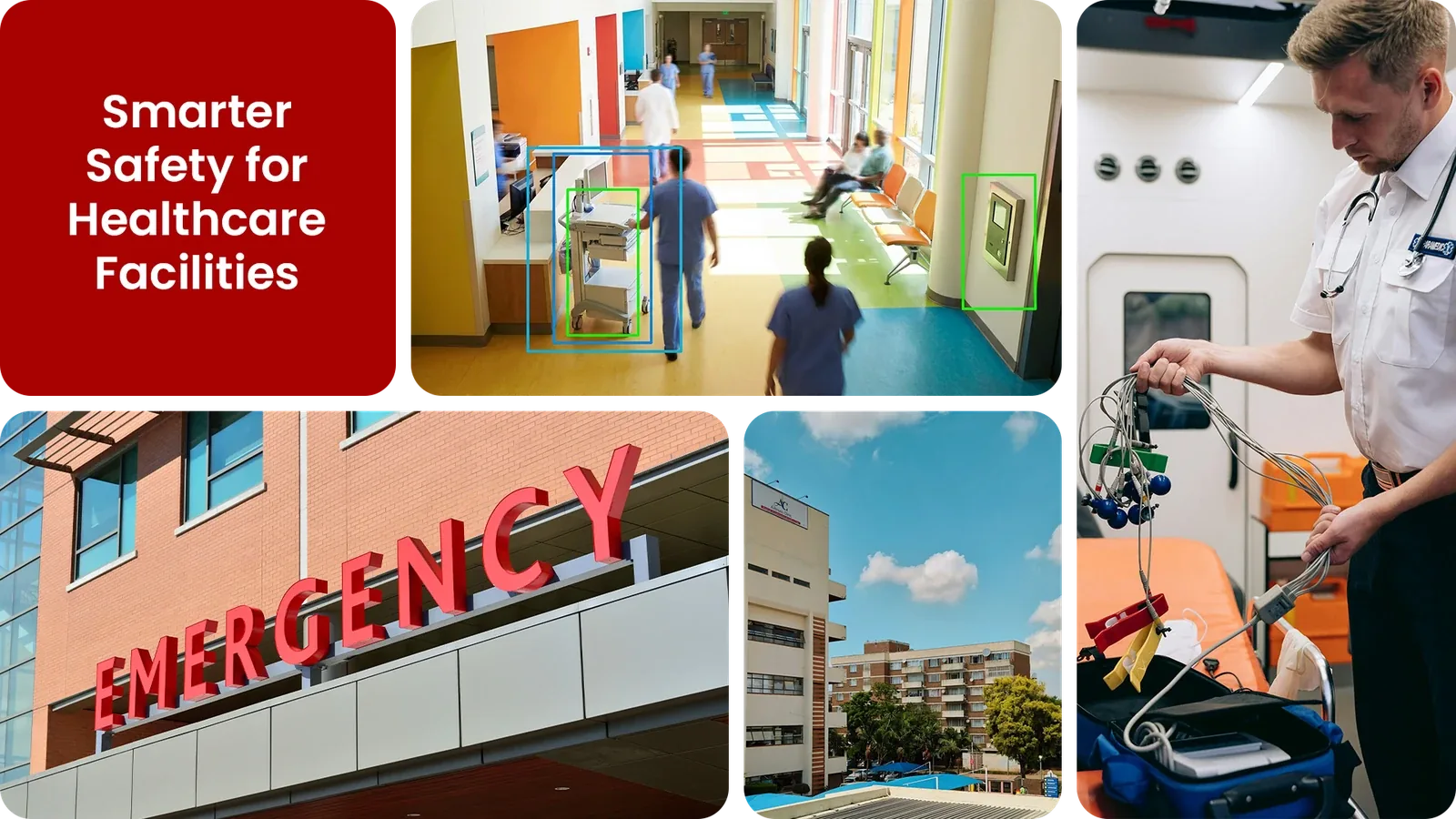
Common healthcare security gaps Camzify closes:
- • Pharmacy and medication storage rooms with no continuous after-hours check
- • Ward corridors and restricted wings relying on infrequent guard rounds
- • Emergency exits used or blocked without anyone noticing in real time
- • Equipment and supply rooms exposed to unauthorized access between shifts
- • Camera outages on security zones going unnoticed for hours
- • No timestamped record proving a security check actually happened
Why healthcare needs continuous AI monitoring
Hospitals and clinics run around the clock, but security staff and clinical staff both thin out overnight, leaving pharmacy storage, restricted wings, equipment rooms, and emergency exits with far less oversight during the hours they're most exposed. A guard covering a large campus can only be in one place at a time.
Plain CCTV records every corridor and storage room but nobody reviews the footage until after an incident is reported, and healthcare facilities also carry patient privacy considerations that make blanket monitoring the wrong approach, security coverage needs to be scoped precisely to facility zones, not clinical care areas.
Continuous AI monitoring solves both problems at once: it checks only the zones you define, on a fixed schedule, and flags a failure the moment it happens rather than after the fact, giving security teams a documented, privacy-scoped patrol record without adding headcount.
Three questions healthcare security teams ask
"Is the pharmacy storage room secure right now?"
Camzify answers this with Zone Intrusion Detection and automated patrol verification.
"Is anyone in the ward corridor who shouldn't be there at 3am?"
Camzify answers this with Motion Detection and automated patrol verification.
"Were all emergency exits checked in the last hour?"
Camzify answers this with Camera Tampering Detection and automated patrol verification.
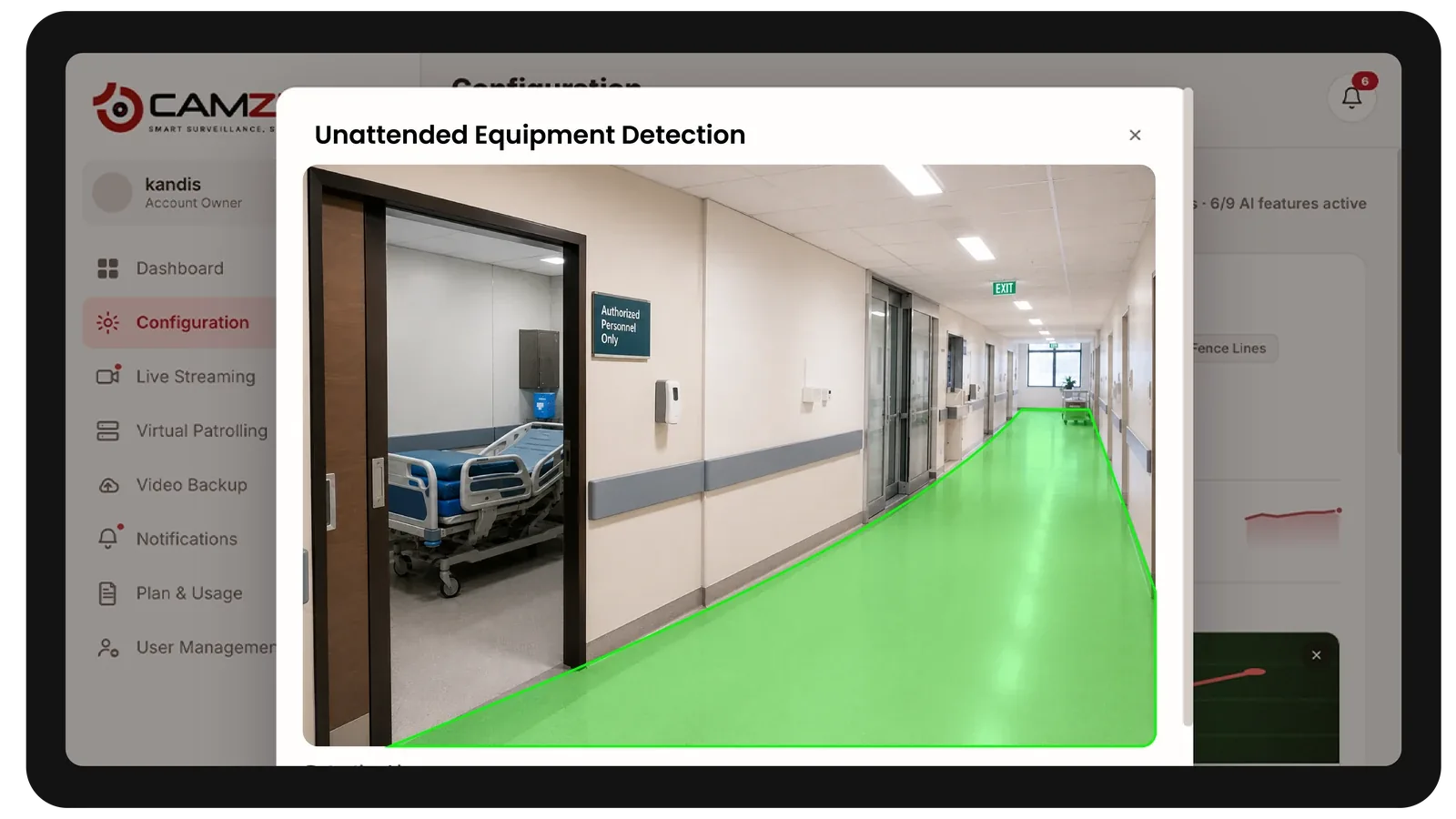
How Camzify works for healthcare
Building the patrol route
A patrol sequence is set up once, ordering every camera stop, pharmacy storage, restricted wings, equipment rooms, emergency exits, into a single route that runs on a configurable schedule.
Checking each stop
At each stop, the AI checks the defined conditions for that camera using Zone Intrusion Detection and Motion Detection — is the storage room clear, is the exit path unobstructed, is the camera unobstructed.
Routing the alert
A failed check creates an actionable alert with a snapshot and timestamp, routed to the assigned security contact, and logged alongside every other result in that round's patrol report.
What to configure for a healthcare site
Most healthcare deployments start with:
- • Restricted zones over pharmacy storage, server rooms, and restricted wards
- • Emergency exit zones with obstruction and unauthorized-use alerting
- • Camera scope reviewed to exclude patient care and bedside areas
- • After-hours patrol frequency, typically every 30-60 minutes overnight
- • Escalation routing to the on-duty security or facilities contact
Common scenarios
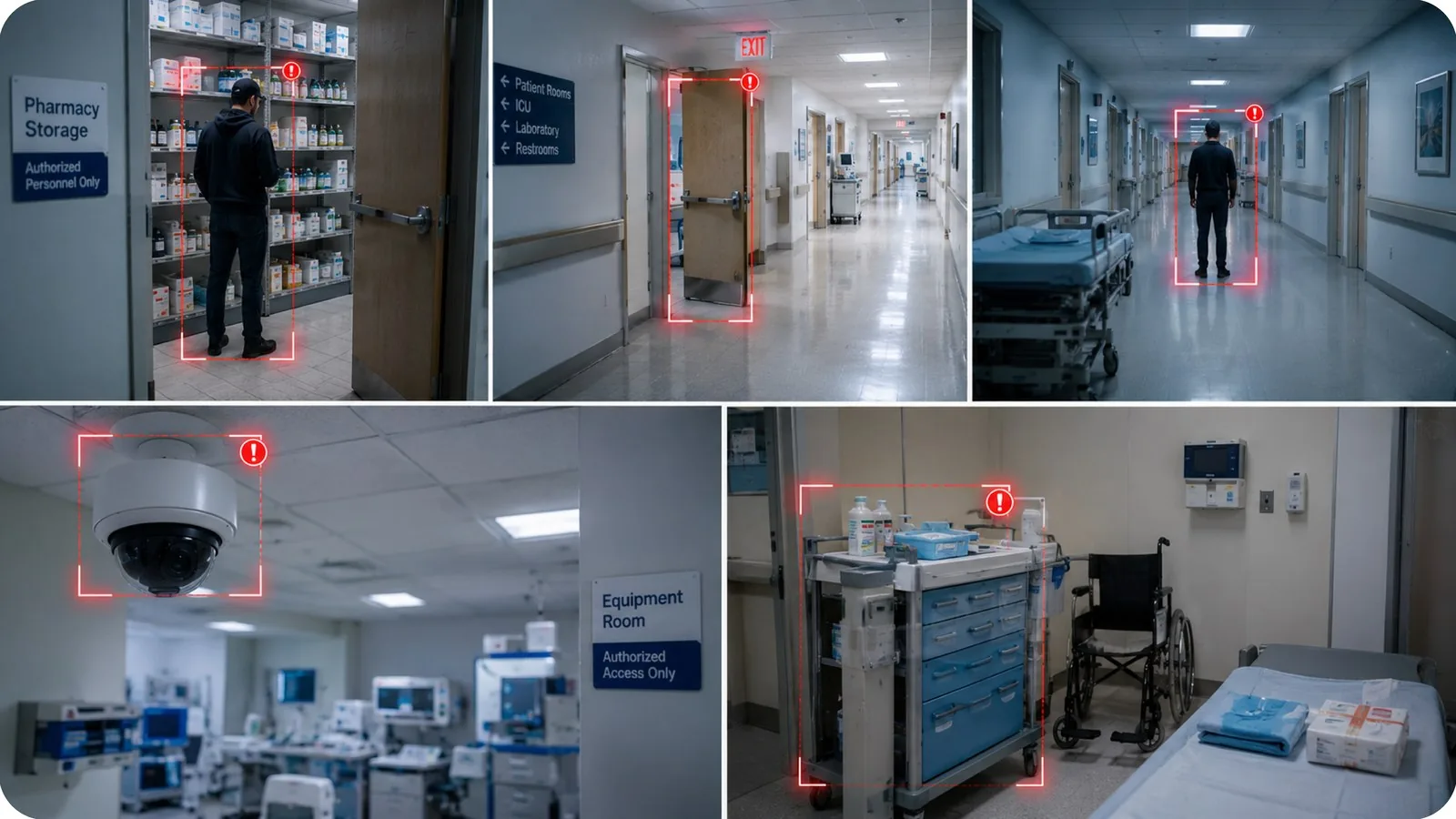
- • Someone entering pharmacy storage outside of scheduled access hours
- • An emergency exit propped open or used as a routine walkway
- • Unfamiliar presence in a restricted ward corridor overnight
- • A camera covering an equipment room going dark or losing focus
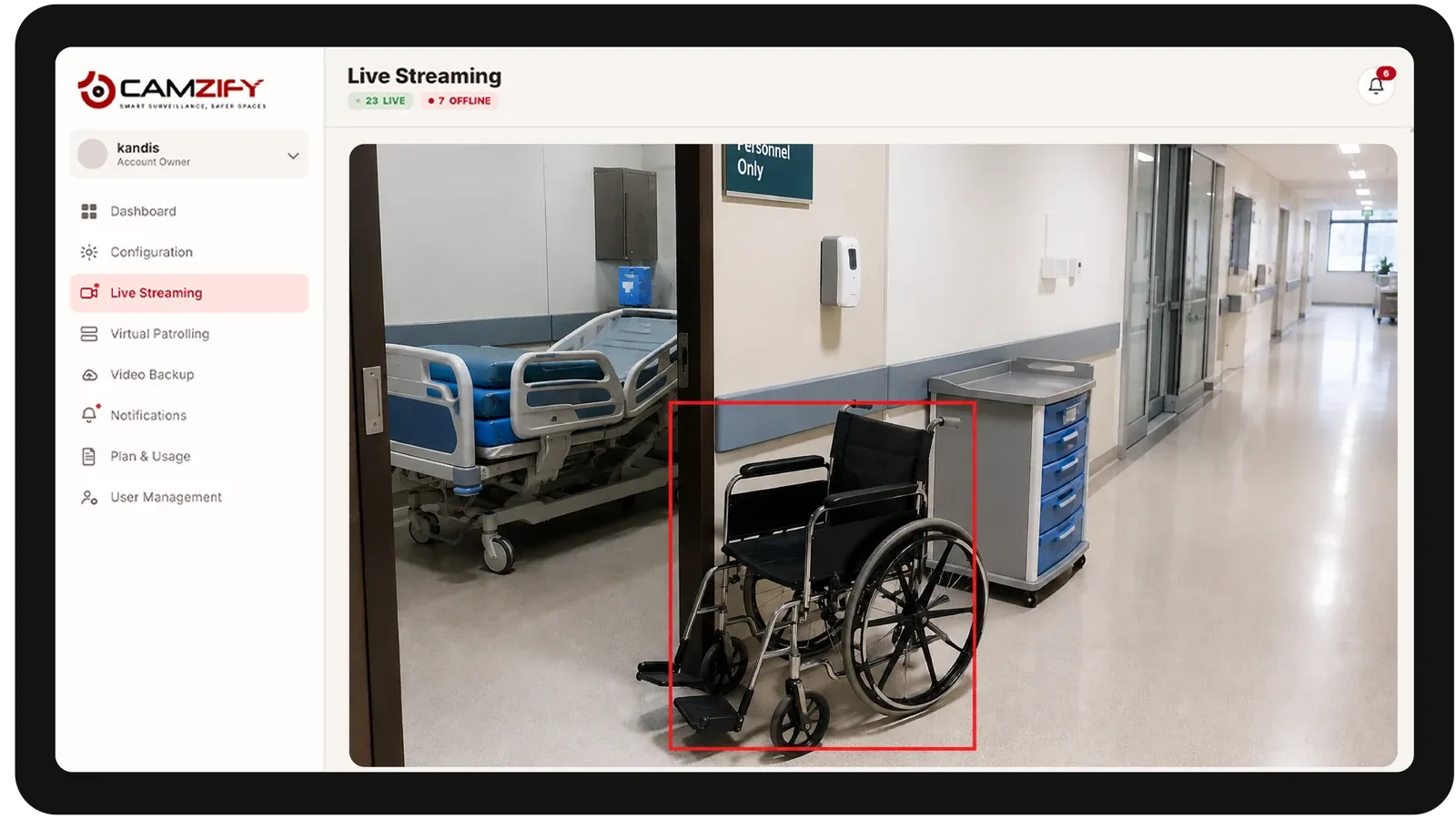
- • Unattended equipment or supplies left in a controlled-access area
Deployment notes
Healthcare facilities have extensive camera infrastructure and strict regulatory requirements. Camzify operates on the video feed without storing patient data. Zone detection is configured to monitor restricted areas, pharmacies, server rooms, restricted wards, without affecting clinical areas.
What a first deployment looks like
- Step 01
Begin at the controlled doors
Pharmacy and drug storage, records rooms, plant rooms and after-hours entrances are onboarded first. Patient-care areas are deliberately excluded from the initial scope.
- Step 02
Write the checklist around access, not people
Each stop asks whether a door is secured and a restricted area is clear — questions about the state of the building, which keeps the round useful without monitoring patients or clinical activity.
- Step 03
Hold the audit trail for review
Every round is retained as a timestamped record showing which controlled areas were verified and when, which is the evidence internal governance reviews usually ask for.
See how the numbers work for your healthcare facility with the ROI calculator, or review pricing to understand the per-camera licensing model.
AI Features used here
Related industries
Frequently asked questions
Ready to patrol your site 24/7?
Book a 15-minute demo and see a live patrol run on your own cameras.