

Skip to content
Camzify
Central Operations Screen

Video surveillance dashboard

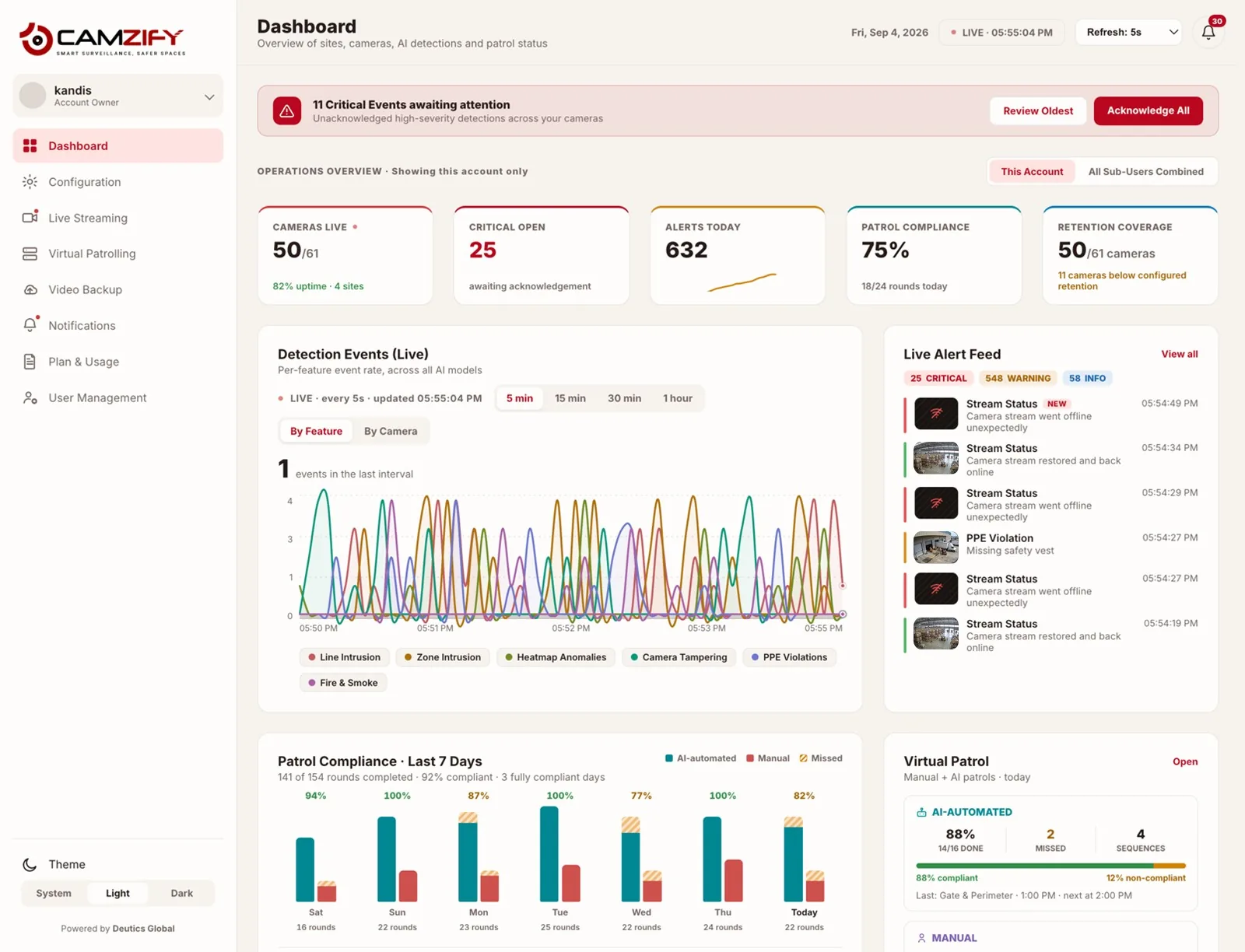
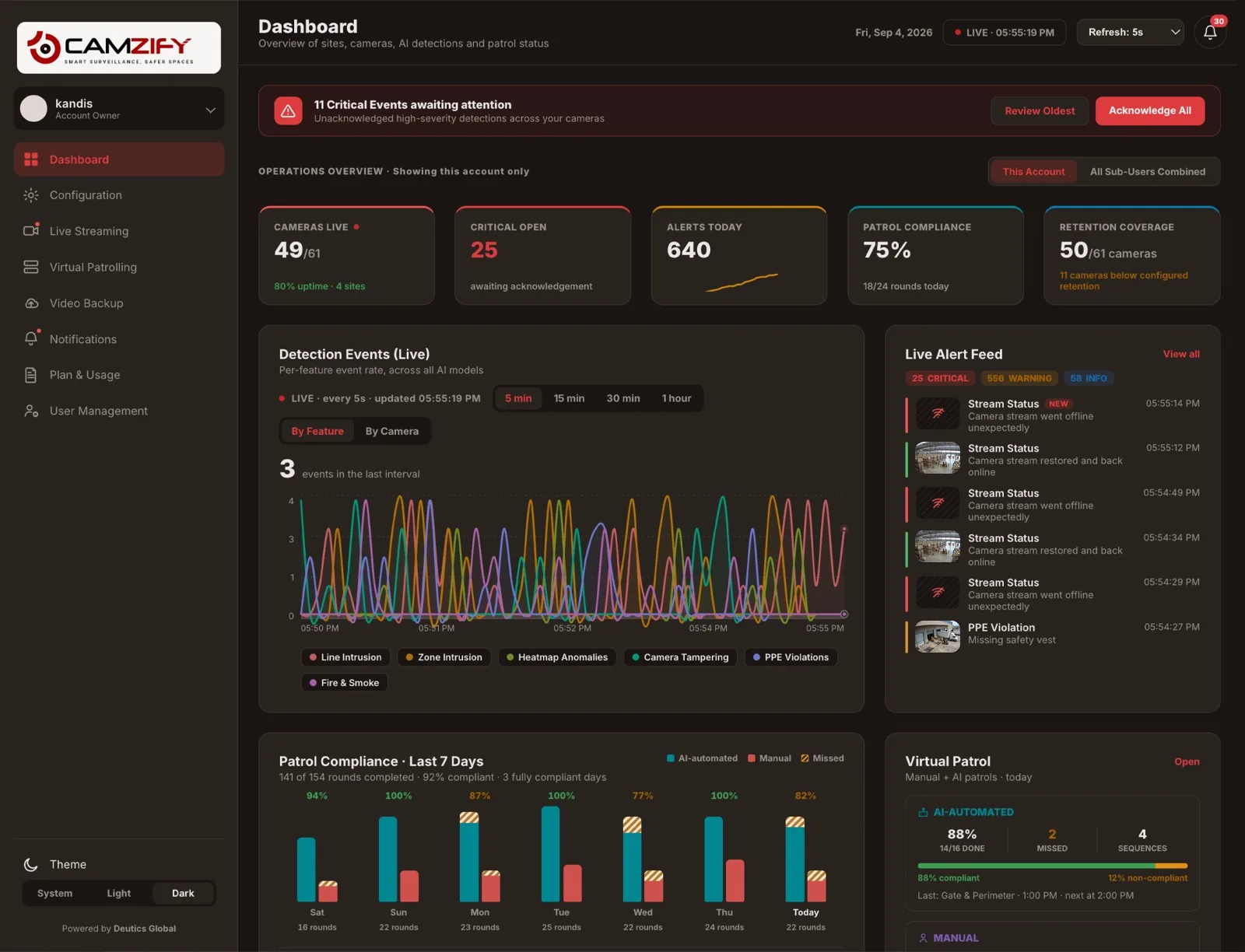
The Camzify dashboard is the first screen every operator sees: cameras online with uptime percentage, AI alerts across all detection models, patrol compliance, retention coverage, and a critical-event acknowledgment queue. It combines your own sites with sub-user sites in one combined view when you need it, and refreshes live from every 1 second to every 1 minute.
Dashboard · Camzify console
The Camzify Video Surveillance Dashboard showing live stat tiles, detection events, alert feed, site health, and sub-user summary
Camzify Dashboard · Live
Refresh: 5s
49/61
Cameras Live
80% uptime · 4 sites
19
Critical Open
awaiting acknowledgment
527
Alerts Today
across all sites
75%
Patrol Compliance
18/24 rounds today
50/61
Retention Coverage
11 cameras below target
Detection Events · 7 Days
Camera Tampering
228
Zone Intrusion
131
Line Intrusion
120
Heatmap Anomalies
99
Fire & Smoke
67
PPE Violations
47
Live Alert Feed
critical03:14 PM
Weapons Detection
Object flagged at Gate 2 camera · Warehouse - Sector 4
critical03:14 PM
Camera Stream Down
Camera dropped connection · Retail - Downtown
warning03:14 PM
Line Intrusion
Perimeter line crossed — Zone 3 · Warehouse - Sector 4
In practice

What the dashboard puts on one screen

Site Health at a glance

Cameras online, alerts today, and retention status per site. Warehouse, HQ Campus, Retail, Parking, whatever you run.

Critical queue up front

Unacknowledged high-severity detections sit at the top, oldest first, with one-click acknowledge and review.

Patrol status, live

Auto-Patrol and manual round counts side by side, with compliance percentage for each, updating as rounds complete.

Retention coverage

Cameras whose footage currently meets their configured retention target, flagged the moment one falls short.

Everything In One Place

Part of every patrol

This module integrates with virtual patrolling to provide a complete operations picture. Patrol results, detection alerts, and platform status all feed into the same console — so a supervisor checking in doesn't need to jump between screens to see whether last night's rounds ran, or which camera just flagged something.

The detection-events panel breaks activity down per AI model, so a spike in one feature, say, camera tampering across a site, is visible immediately rather than buried in a single combined alert count.

Site Health
Warehouse - Sector 4
2 cameras offline
18 of 20
HQ Campus
All cameras up
24 of 24
Retail - Downtown
2 cameras offline
7 of 9
Parking Structure B
Site down
0 of 8
FAQ

Frequently asked questions

The live views (detection events, alert feed) can be set to refresh every 1, 2, 5, 10, 15, or 30 seconds, or every 1 minute, whatever balance of freshness and readability fits how closely you're watching it at the time.

The Operations Overview toggles between "This Account" and "All Sub-Users Combined," so an account owner can view their own sites in isolation or roll every sub-user's sites into one combined picture.

It's the number of cameras whose recorded footage currently meets the retention period configured for that camera. A camera drops out of coverage if its actual stored history falls short of its target — usually from a storage cap being reached sooner than expected.

It's the share of scheduled and manual patrol rounds completed today, out of the total scheduled for today across all patrol sequences — the same figure that appears on the Virtual Patrolling page, surfaced here for a quick operational check.

Yes. Acknowledgment state is shared, acknowledging a critical event from the dashboard's queue marks it acknowledged in the Notifications feed too, and vice versa.

Ready to patrol your site 24/7?

Book a 15-minute demo and see a live patrol run on your own cameras.

This site is being updated

We are rebuilding pages as you read this, so an image, a link or a section may look unfinished for a while. The product itself is unaffected. If something important is broken, tell us at the contact page and we will fix it.