

Skip to content
Camzify
Off-Site, Even When The Hardware Isn't

Cloud video backup & retention management

Footage stays safe in the cloud, even if the on-site hardware doesn't. Camzify lets you set per-camera retention policies by days or GB cap, with bulk application per site. The system shows projected storage usage, enables playback and multi-camera comparison, and manages storage allocation across sub-accounts — so a broken or stolen NVR never means lost evidence.
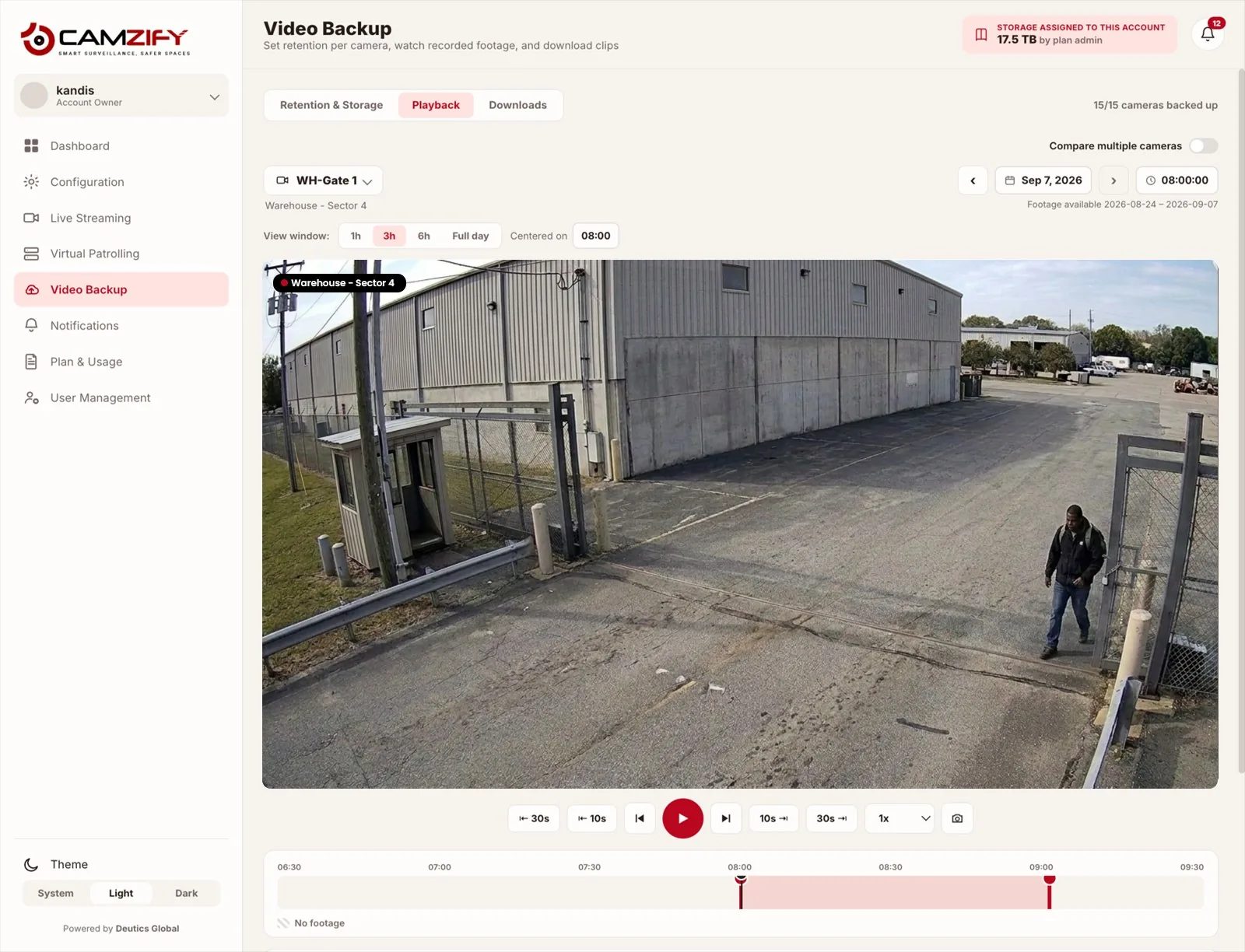
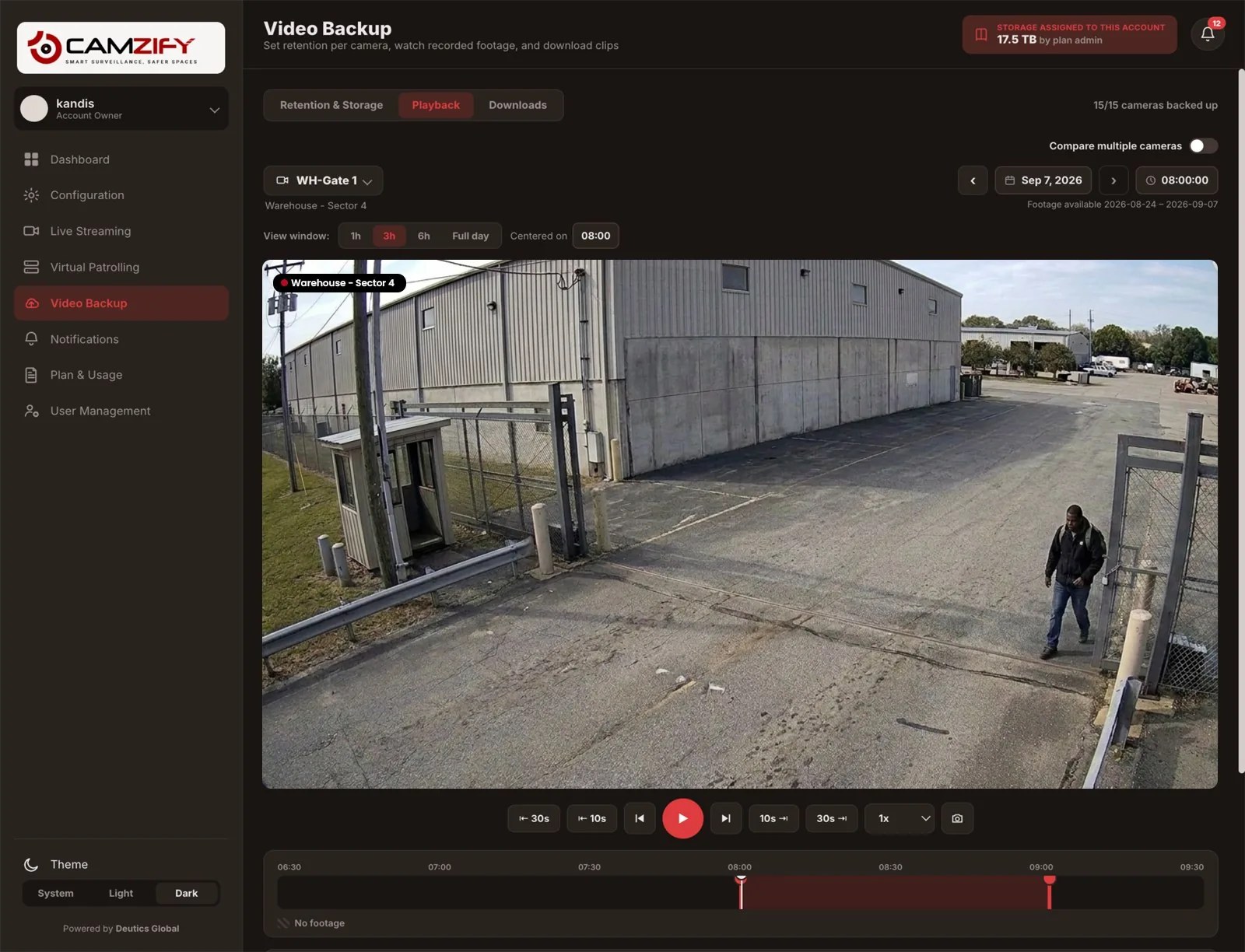
Video backup · Camzify console
A laptop showing the Camzify Video Backup screen with storage allocation, per-site storage breakdown, and per-camera retention settings
Video Backup · Storage Allocation
Provisioned by plan admin
17.5 TB
Provisioned
11.1 TB
Used on cameras
4.0 TB
Assigned to children
2.4 TB
Remaining to assign
Overall Allocation86% allocated
Storage By Site
Warehouse - Sector 45 cams · 3.7 TB · 21%
HQ Campus4 cams · 3.2 TB · 18%
Retail - Downtown3 cams · 2.1 TB · 12%
Parking Structure B3 cams · 2.1 TB · 12%
Quick-Apply Retention · All Cameras
7 days
30 days
60 days
90 days
24/7 continuous
Retention By Camera · Sample
CameraResolutionModeEst. StorageDaily Rate
WH-Gate 13840×216024/7≈1.1 TB≈80 GB/day · 14d
WH-Dock A1920×108024/7≈490 GB≈35 GB/day · 14d
HQ-Lobby3840×2160≈1.1 TB
RT-Storefront3840×2160≈1.1 TB

The Est. Storage column is a planning estimate, calculated from each camera's typical bitrate for its resolution — actual usage varies with scene activity and compression.

In practice

How recording and retention are controlled

Storage transparency

Provisioned, used, assigned to child accounts, and remaining are always broken out separately, never one blended number.

Flexible retention modes

Set each camera by days, by a GB storage cap, or to record 24/7, whichever fits how that camera is used.

Quick-apply presets

7, 30, 60, or 90-day retention can be pushed to every camera on the account in a single action, no per-camera editing required.

Honest planning estimates

Storage projections are clearly labeled as estimates based on typical bitrate, not dressed up as exact usage figures.

Why Retention Matters

Off-site, even when the hardware isn't

A smashed or stolen NVR is a common way footage disappears right when it matters most. Camzify streams and stores footage off-site in the cloud as it's captured, so the recording survives even if the physical hardware on-site doesn't.

Recording runs continuously or on a schedule, set per camera. Continuous suits anywhere an incident could happen at any hour. Scheduled records only during the hours you define, which is the bluntest and most effective control on storage cost. An interior camera watching an empty office overnight is paying to store twelve hours of nothing. A schedule can be applied to a whole site or to every camera at once rather than set one at a time.

Retention policy is where storage cost and evidence coverage trade off against each other. a high-motion entrance camera at 4K eats storage far faster than a quiet loading dock at 1080p, which is why retention is configurable per camera rather than forced to one account-wide setting. This module integrates with virtual patrolling too, so patrol results, detection alerts, and platform status all feed into the same console, backed by the same off-site retention.

Retention Modes
By DaysKeeps a fixed time window per camera, e.g. 14 or 30 days.
By StorageCaps a camera at a GB allowance; window flexes with activity.
24/7 ContinuousRecords around the clock, paired with either limit above.
FAQ

Frequently asked questions

Pick which cameras record, choose continuous or scheduled recording, set a retention window per camera, and check the storage estimate before committing. The walkthrough is at /guides/how-to-configure-cloud-video-backup.

Either. Continuous recording captures around the clock. Scheduled recording captures only during hours you define. An office that is empty from 7pm to 7am does not need to pay to store twelve hours of an unlit corridor every day. A schedule can be applied to one site or to every camera at once, so it does not have to be set camera by camera.

Scheduled, in direct proportion to the hours you drop. Storage is consumed per hour recorded, so halving the recording window roughly halves the storage for that camera. Continuous is the right default where an incident could occur at any hour, or where an insurer or regulator expects unbroken coverage. Many sites run both: continuous on perimeter and entry cameras, scheduled on interior ones.

It's a planning estimate, calculated from each camera's typical bitrate for its configured resolution and frame rate, not a live measurement of what has actually been recorded. Actual usage varies with scene activity, motion, and compression, so treat it as a sizing guide rather than an exact reading.

When a camera is set to a storage (GB) cap and reaches it, the oldest footage rolls off to make room for new recording, the same way a "By Days" camera drops footage older than its retention window. Either way the camera keeps recording. Older history is what gives way.

By Days keeps a fixed time window, say 14 days, regardless of how much footage that ends up being. By Storage instead caps a camera at a fixed GB allowance and lets the retained time window shrink or grow with scene activity. 24/7 continuous recording can be paired with either limit.

Both. Each camera can carry its own retention mode and limit, or you can use the quick-apply presets of 7, 30, 60 or 90 days to set every camera on the account to the same policy in one action.

Footage already stored under that camera remains subject to its existing retention policy until it ages out or is manually cleared. Removing a camera from active monitoring doesn't immediately delete its backed-up history.

Ready to patrol your site 24/7?

Book a 15-minute demo and see a live patrol run on your own cameras.

This site is being updated

We are rebuilding pages as you read this, so an image, a link or a section may look unfinished for a while. The product itself is unaffected. If something important is broken, tell us at the contact page and we will fix it.