

Remote video monitoring software for monitoring companies
A monitoring company watches on the agency's behalf and sends the guard when something is wrong. Camzify is built for exactly that shape of operation: one account for the company that runs the console, a scoped login for every agency it monitors for, guards notified from the round itself, and a compliance report per round that the agency can hand to its own client.
- One account, a login per agency
- Guards notified from the round
- A report per round, per client
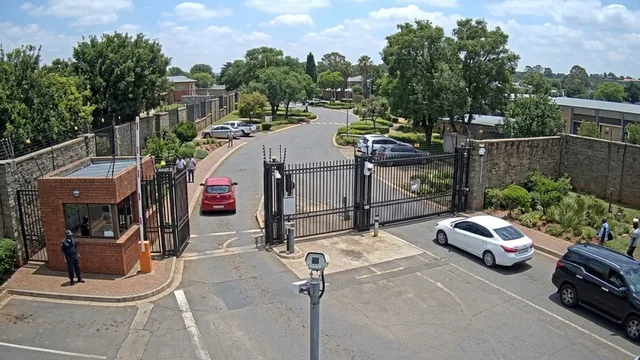

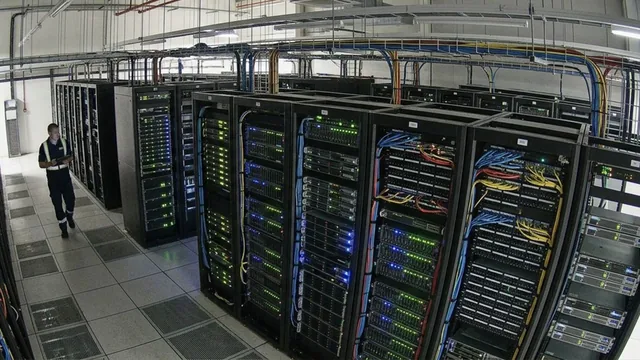
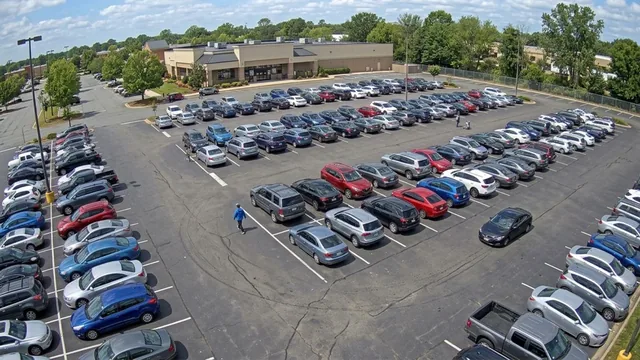
Where a monitoring company sits
The end client owns the site. The security agency holds the contract and supplies the guards. The monitoring company sits behind the agency: it provides the remote video monitoring, runs the rounds, and tells the guard on site when a person is needed. Three parties, and the one operating the console is neither the one that owns the cameras nor the one that employs the guard.
Most video software assumes the operator and the owner are the same company. Camzify does not. The account model is multi-tenant by design, the guard notification is part of the patrol round rather than a separate tool, and the report is written for the party that was not in the room.
- 01End client site
- 02Security agency
- 03Monitoring company
- 04Guard dispatched
What changes for a staffed monitoring operation
The constraint in a monitoring center is operator attention, not camera count. The routine round is what eats it: the same doors, the same yards, the same checks, every two hours, across every client. That is the part the platform takes.
Scheduled rounds run themselves
An automated round works through each camera stop and its checklist on schedule. Where a single frame is not enough, it watches the scene for a set period before deciding.
Guards messaged from the round
A check found Not Compliant captures a snapshot and messages the designated guard. In a manual round the operator chooses to send it; in an automated round it goes on its own.
Risks raised as critical
During an automated round the AI also looks for safety and security risks that are not on the checklist and raises a critical notification, so an operator sees it first.
Operators take what needs a person
Manual rounds stay for the checks you want a human to make. Either way, every result, snapshot and message lands in the same report.
- Warehouse — Sector 45/5 cameras online
- HQ Campus4/4 cameras online
- Retail — Downtown3/4 cameras online
- Distribution — North2/2 cameras online
- Each site runs its own sequences, schedule and guard roster on one account.
One account, a scoped login per agency
- The monitoring company holds the account. Sites from every agency it monitors for sit under it, and its operators see all of them on one live wall, grouped by site.
- Each agency is a sub-user scoped to its own sites and cameras, with license quota allocated from yours. Sub-users can create their own, so an agency can hand its end client a login without involving you.
- A permission group decides what each login can open and change. The ready-made Auditor group sees everything and changes nothing, which is usually the right shape for an agency checking on the service it is paying for.
What the agency receives after every round
A report per round: the site, the camera stops in order, every checklist result, the snapshot each result was judged against, the before-and-after pair for anything that failed and was fixed, timestamps, and a compliance percentage. A Pending item counts against that percentage, and a round cannot be closed with an item still Not Compliant, so the number means what it says.
The agency reads its own reports through its scoped login and can pass them on to its client under its own name. The monitoring company's service becomes something the agency can show, not just something it pays for.
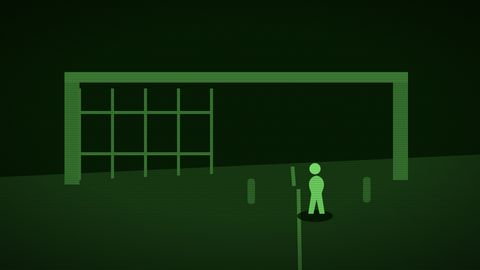
Guard message sent. Re-checked and closed with the second frame attached.
What we will not tell you
That this replaces your operators. It does not. Somebody still decides what a critical notification means and whether the guard goes now or at the end of the round. What changes is that the routine verification, the part that is expensive to staff and impossible to prove afterwards, stops depending on somebody watching a wall of screens, and your operators' attention goes to the events that need it.
We also do not publish response times, operator-to-camera ratios or event volumes, because we cannot substantiate them for your operation. Our position on claims is on the trust page, and it applies to partner conversations as much as to marketing. If you run guarding rather than monitoring, the security agencies page is written for you. If you receive alarms, the alarm verification use case and the alarm monitoring guide are the two pages to read next; if you hold accounts for customers as part of a wider IT service, see managed service providers.
Frequently asked questions
Ready to patrol your site 24/7?
Book a 15-minute demo and see a live patrol run on your own cameras.