

Mobile access
Camzify mobile access lets operations managers and guards view live streams, review alerts, and check patrol compliance from any device. The responsive web interface works on phones and tablets without a separate app download. Notifications reach guards wherever they are, and the same account data — cameras live, open critical alerts, patrol compliance — carries over exactly as it appears on desktop.
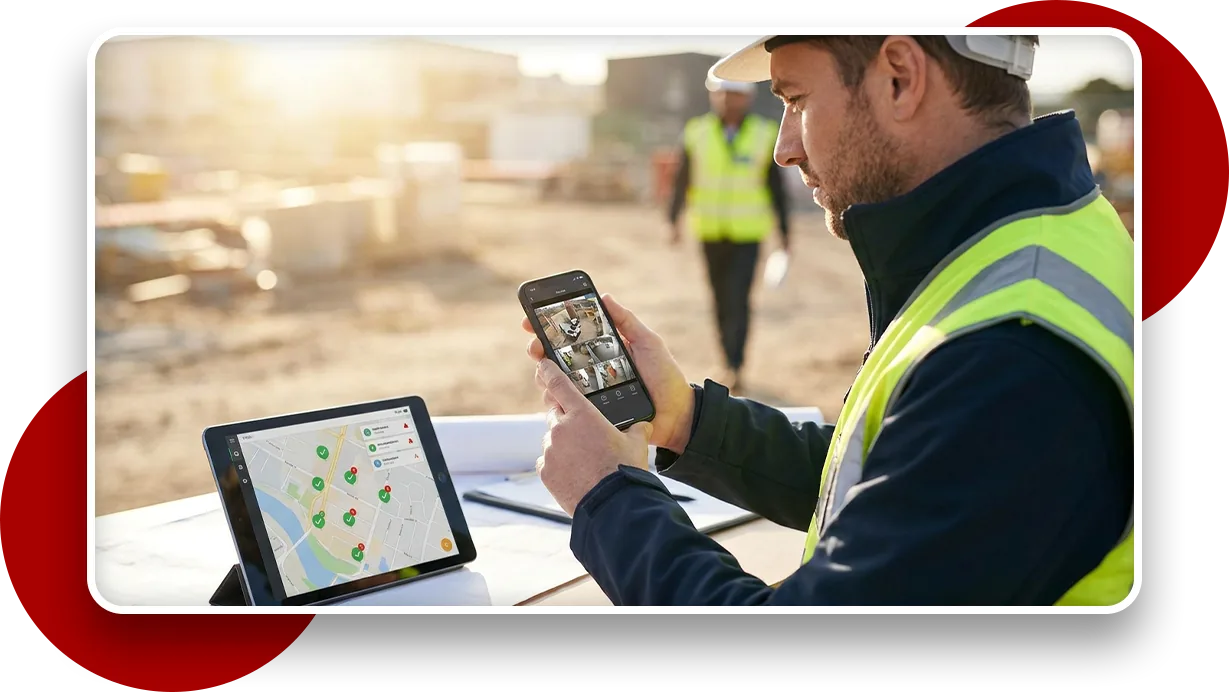
What works on a phone
No app download
Runs in any mobile browser, nothing to install, nothing to keep updated through an app store.
Reachable from anywhere
Live streams and the alert feed are one login away, whether a guard is on-site or off.
Patrol compliance on the go
Check today's round completion percentage without needing to be back at a desk.
Notifications reach guards
Alerts follow the person, not the workstation, so nothing waits for someone to be back at their screen.
Works on whatever is already in their hand
Guards and supervisors don't work from one device. A round might start on a phone in a parking lot and end at a desktop back in the office, and the responsive interface carries the same layout logic and the same data across both, so nothing has to be re-learned when the device changes.
Native Camzify apps for iOS and Android are in development. Until they ship, mobile access is the browser interface described here, which is also what makes it available to a contractor or a relief guard on their own phone, on their first shift, with nothing to install. See the roadmap for what is coming.
It also means there's no separate install to push out or keep current across a team's devices. Whoever needs access opens a browser and logs in. This module integrates with virtual patrolling, so patrol results, alerts, and platform status stay in the same console on mobile as everywhere else.
Frequently asked questions
Ready to patrol your site 24/7?
Book a 15-minute demo and see a live patrol run on your own cameras.